
Xaia
Xaia
Oh I see, so it is just Maya being Maya then :) The scene is so simple and "editing" performance is so poor. I guess I never noticed that problem...
No worries @kxl-adsk We all have the same goal here, make maya better. I think there are hundreds of instances where VP2 is slowing down entire Maya so I am...
@kxl-adsk the mesh was not selected, it looks like that imported for some reason. Here is reimported new version with basic shading. 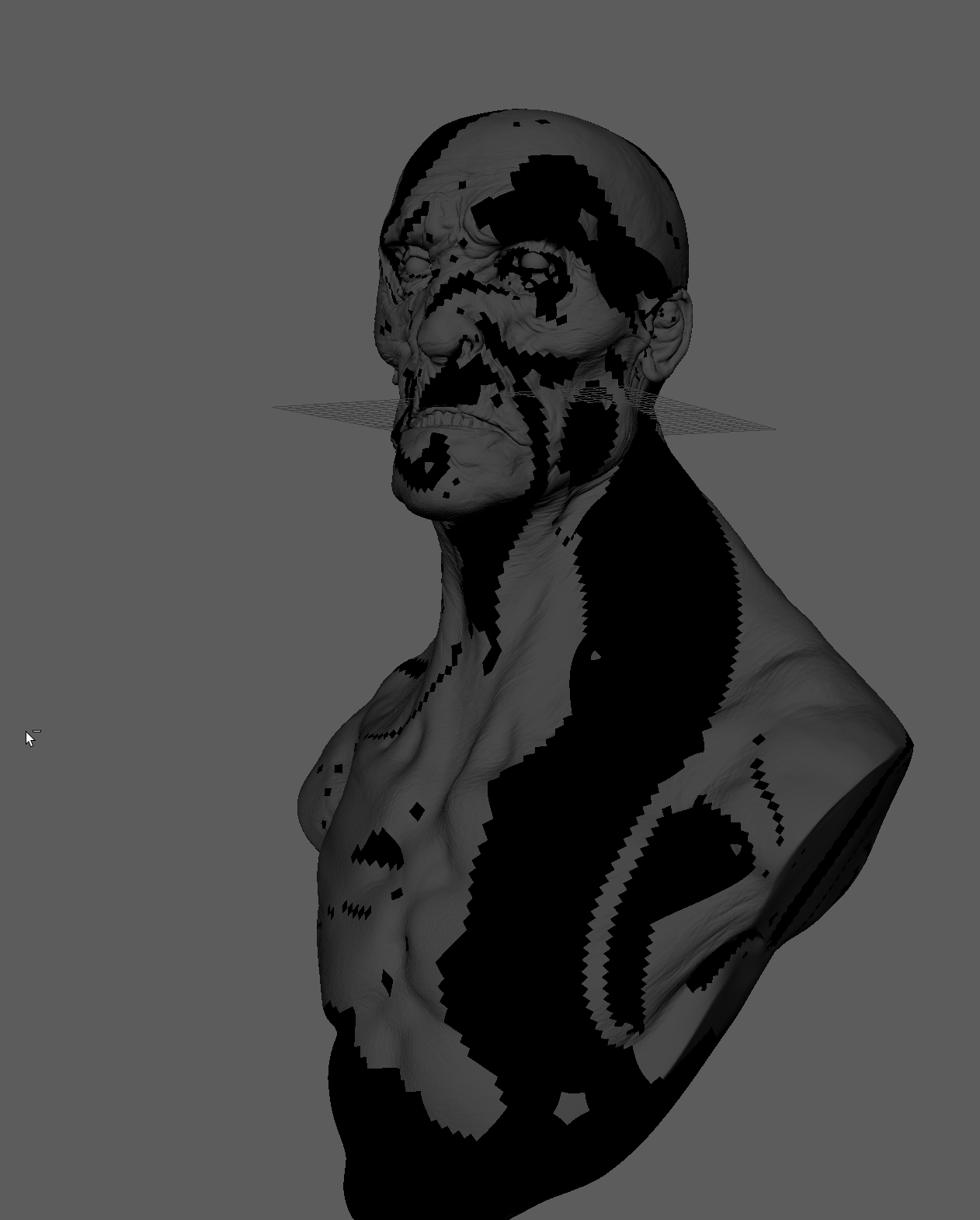
and here is the model: 14M abc (needs to be converted) and 52M usd https://we.tl/t-XdWw7DSaSc
Model was exported from zbrush, loaded into maya, exported as USD and then I created the stage with that USD and draw it with MTOH
Multiverse version of the Storm has the same problem just FYI
@HdC-adsk Great to hear! Looking forward to test it out. Feel free to share the asset with Pixar USD team. Is the draw performance fix already in PR118?
@santosg87 Just tested with the same model and nothing has changed. Getting 45fps transforming the object (maya native over 150fps). Selecting the object with attribute editor takes few seconds. 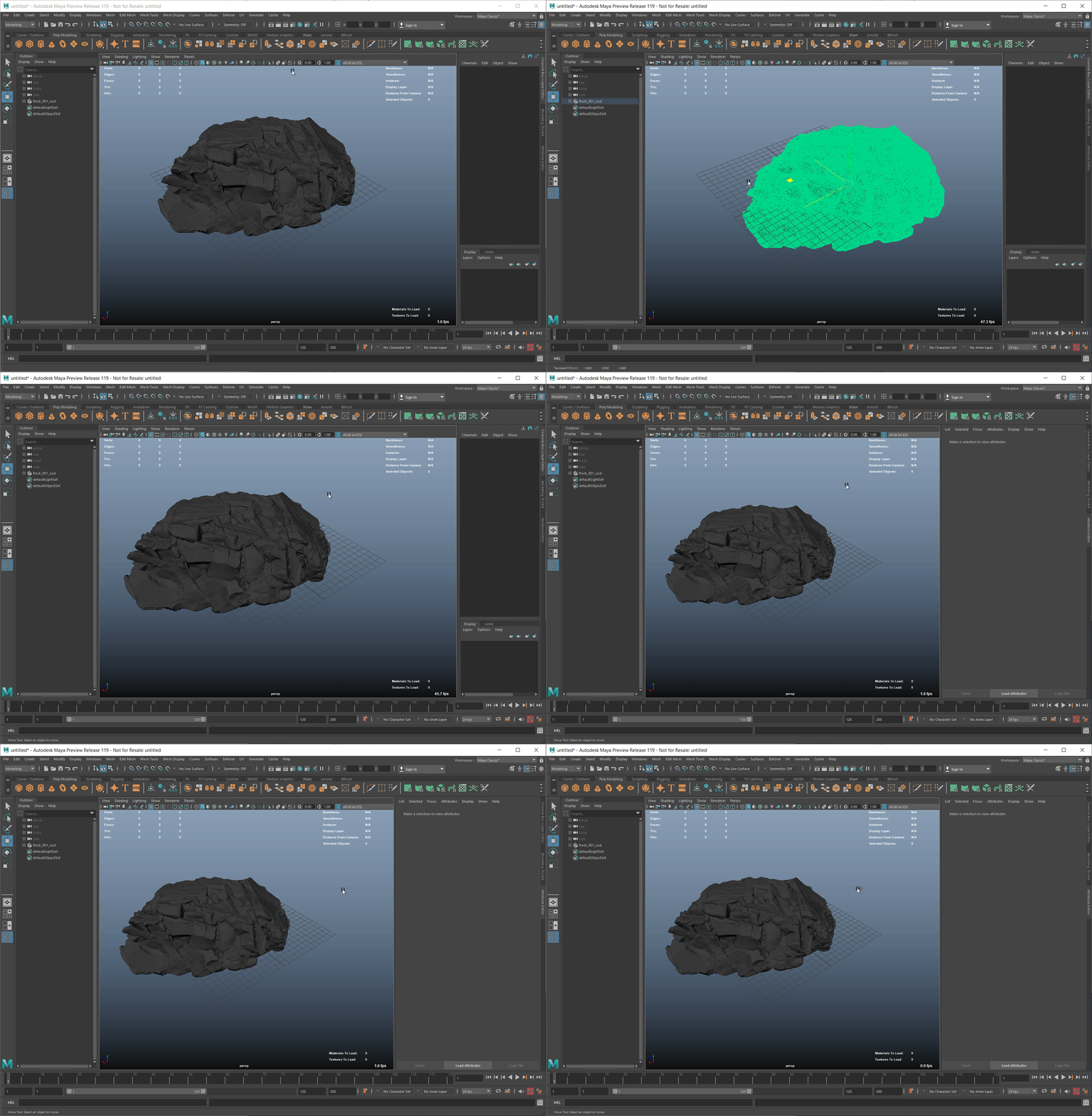
I have similar issue. Just installed 1.4.4 .deb on Kubuntu with KDE 25.10 and a client on Rocky 10.1 (all wayland) and getting like 1000px cursor offset between machines rendering...
@fufesou > Please update on the controlled side. Installed nightly build on my Kubuntu 25.10 Wayland server and it looks like the problem is solved. No issues so far. Thank...