

 Autodesk
MTOH Stage draw problems with mesh 50M+
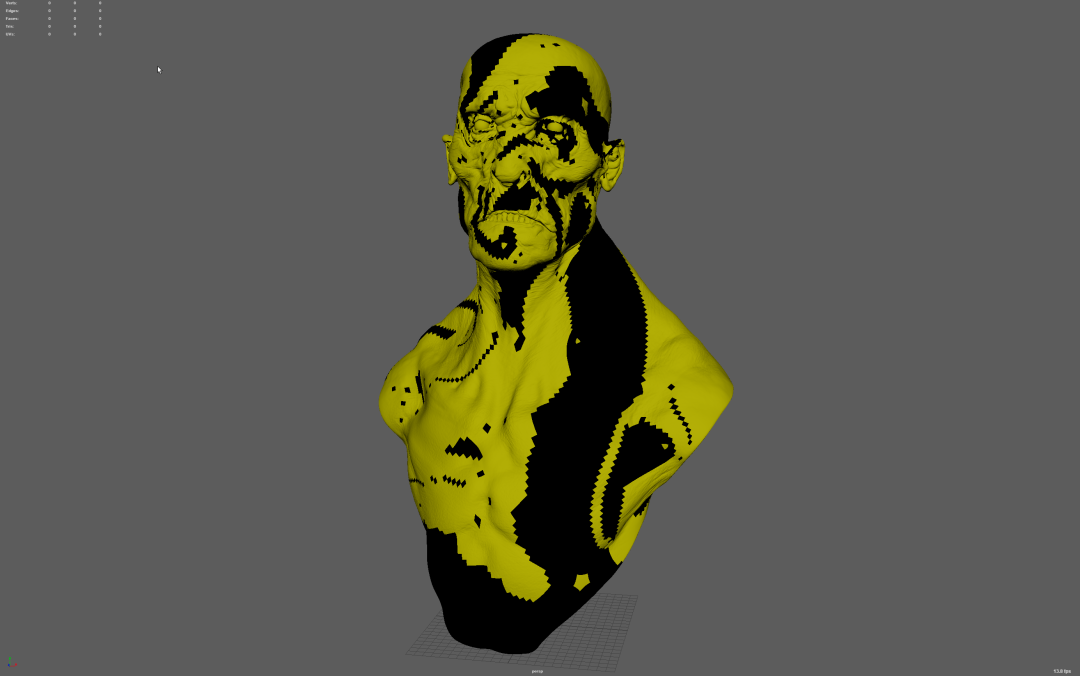
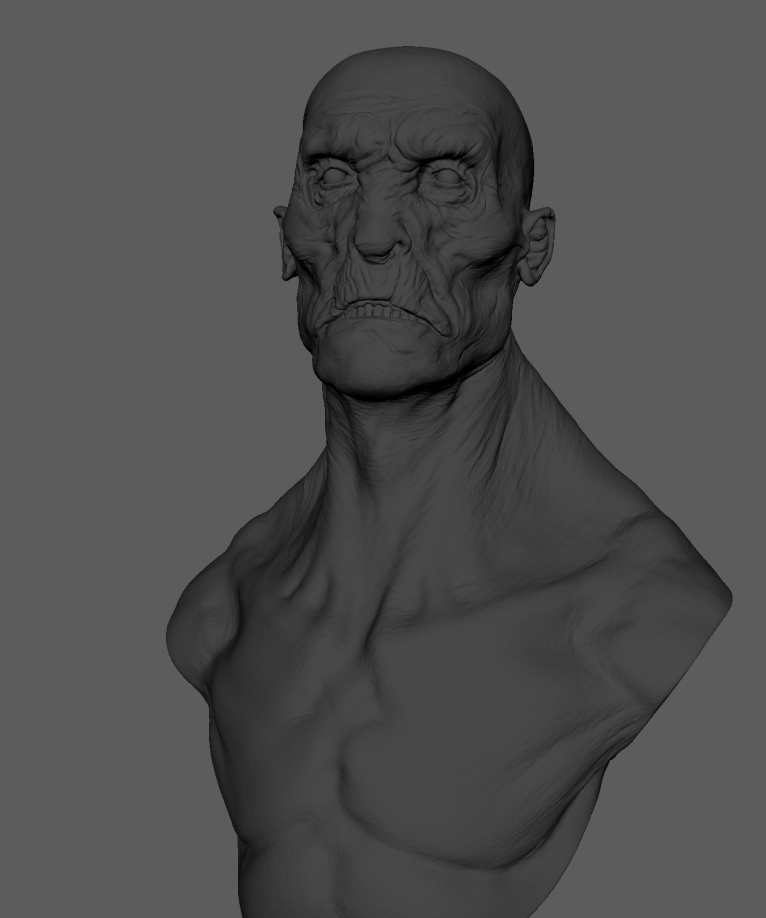
Describe the bug I tested another mesh with 52M+ tris and turns out black sploches I had was because of the polygon count. I brought the same mesh with lower poly count and it displays correctly. Both meshes are looking correct in VP2.
Attachments MTOH Stage 52M tris
MTOH Stage 14M tris
Specs (if applicable): Windows 10 PR115

On your first image, I see selection highlighting. I don't see it in the second one. Can you re-check again 52M tris version without selection highlighting?

@kxl-adsk the mesh was not selected, it looks like that imported for some reason. Here is reimported new version with basic shading.
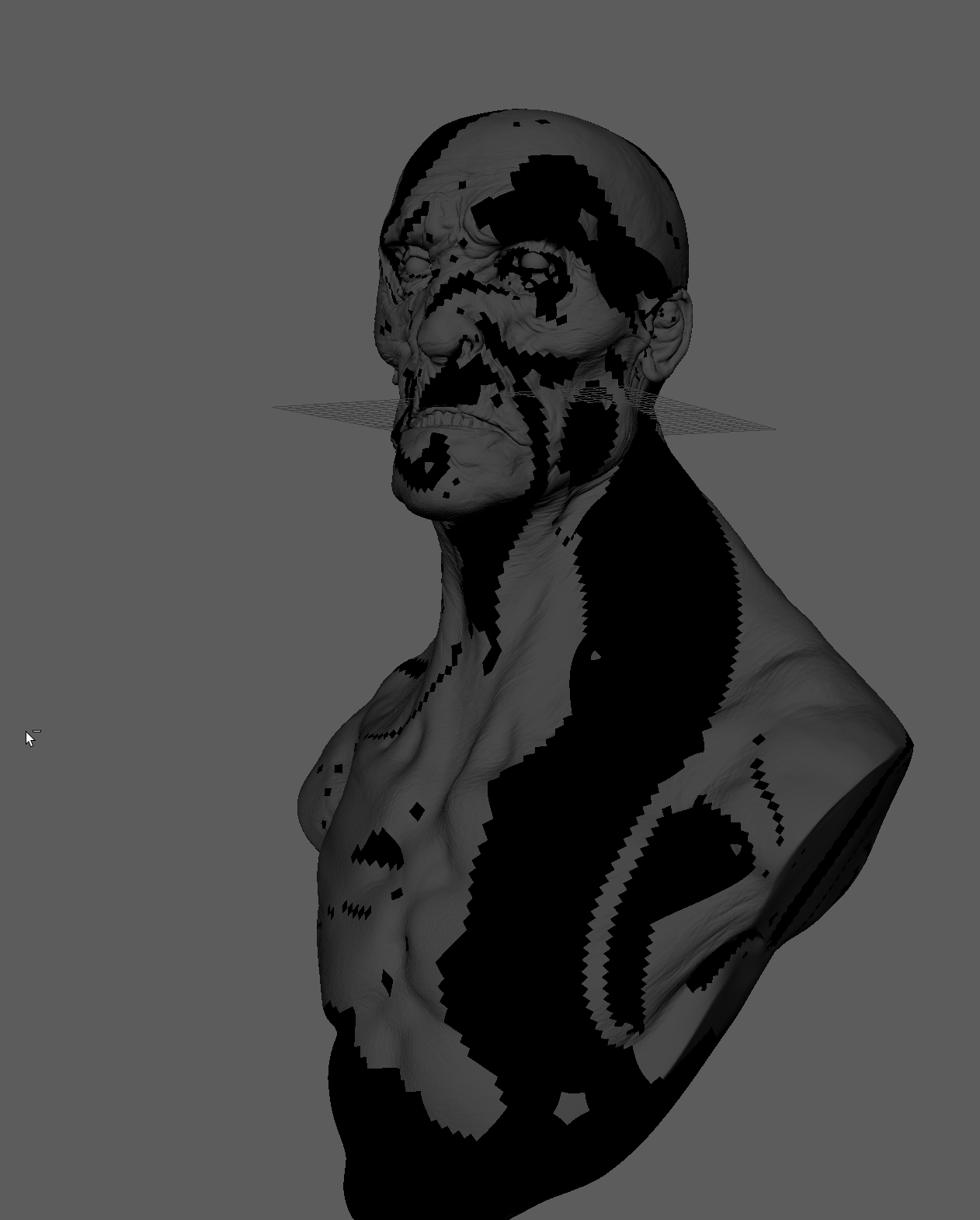
and here is the model: 14M abc (needs to be converted) and 52M usd https://we.tl/t-XdWw7DSaSc
How are you bringing the mesh to Maya? To be more precise, are renderings done directly from USD or the file was imported to Maya and then draw with mtoh?
Model was exported from zbrush, loaded into maya, exported as USD and then I created the stage with that USD and draw it with MTOH
One last thing would be to test it in the usdview. If you see same issue, then I would suggest bringing this up in usd-interest group (or directly in USD repository).
Multiverse version of the Storm has the same problem just FYI
This problem does not exist anymore in Multiverse 7.
