

zzy
看了下源码 应该在modal/index.js里面加机型判断 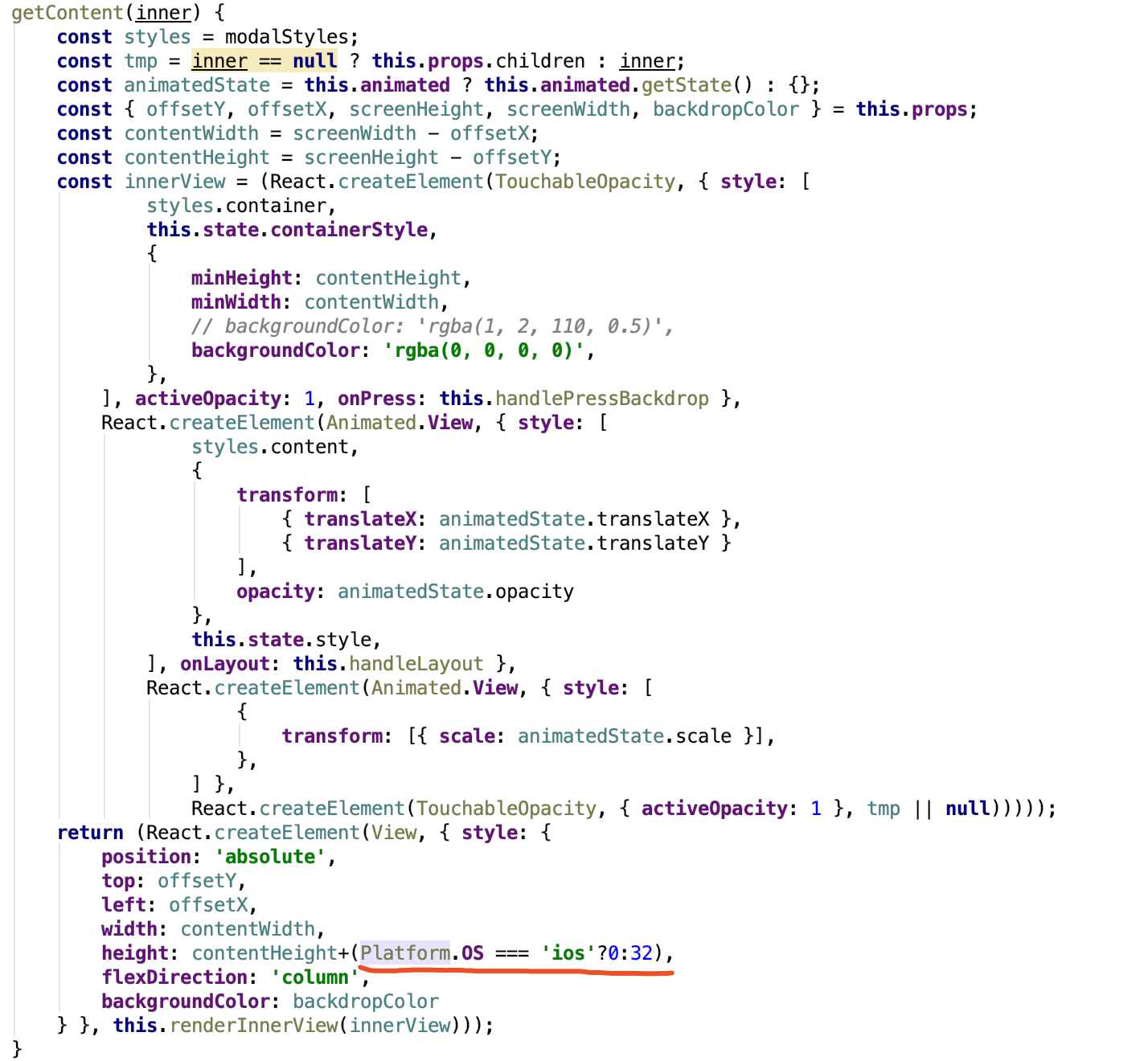
在Dialog/index.js 文件里面 flex: operationsLayout === 'column' ? null : 1 选择column 的情况下 flex:null 导致显示有问题 所以换个表达方式 const columnStyle = operationsLayout === 'column' ? { flexDirection: 'row'}:{flex:1, flexDirection: 'row'};
在模型前面加 @objc `@objc class HMMsgDetailItemModel :NSObject, Codable { xxx }` cell里新增一个model的实例 前面也加上@objc ` @objc var model : HMMsgDetailItemModel!{ didSet{ xxx } } ` 最后计算高度时使用 ` let height = mainTableView.cellHeight(for: indexPath,...