Results 17 issues of niubility000

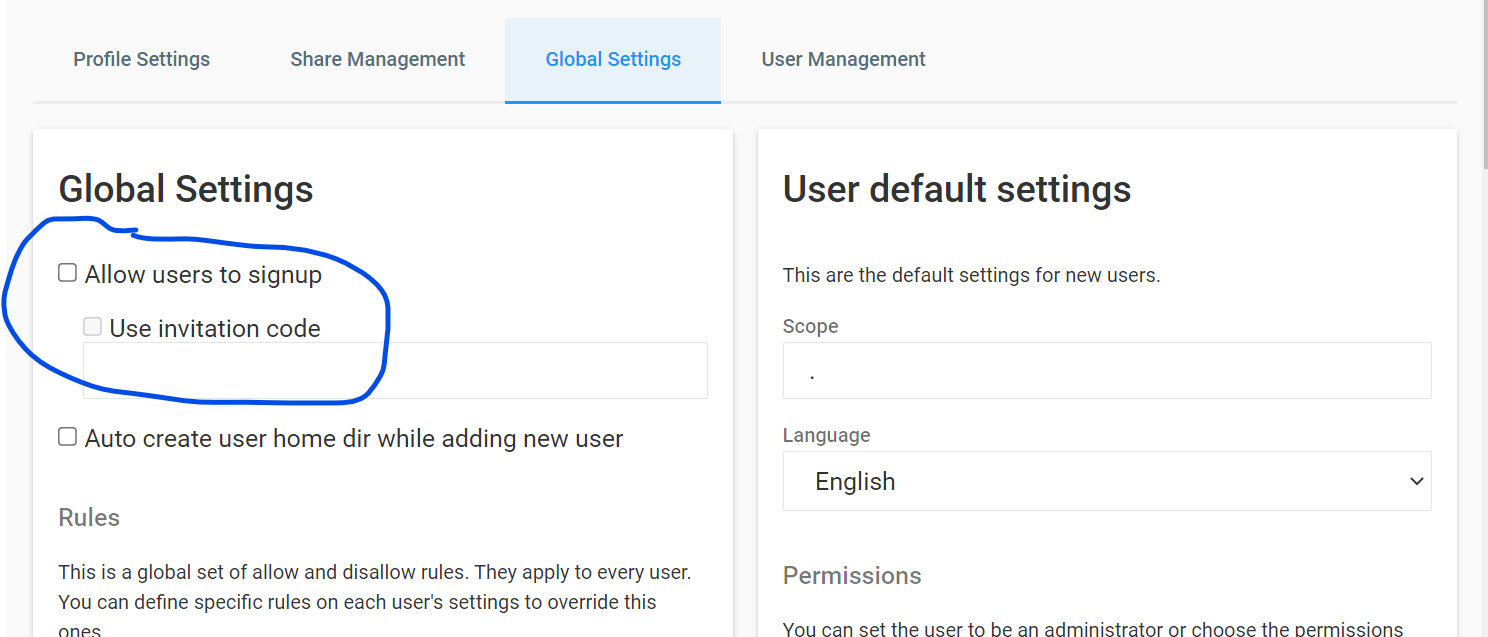
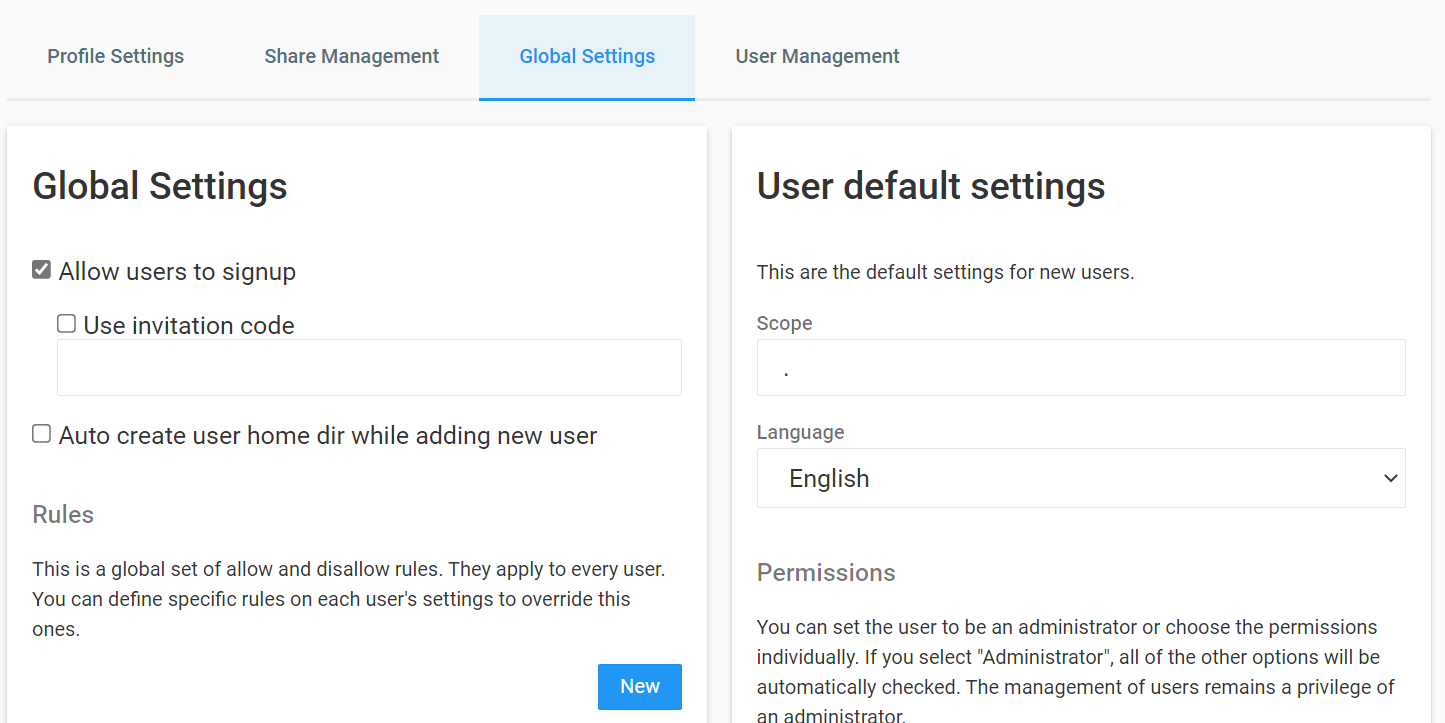
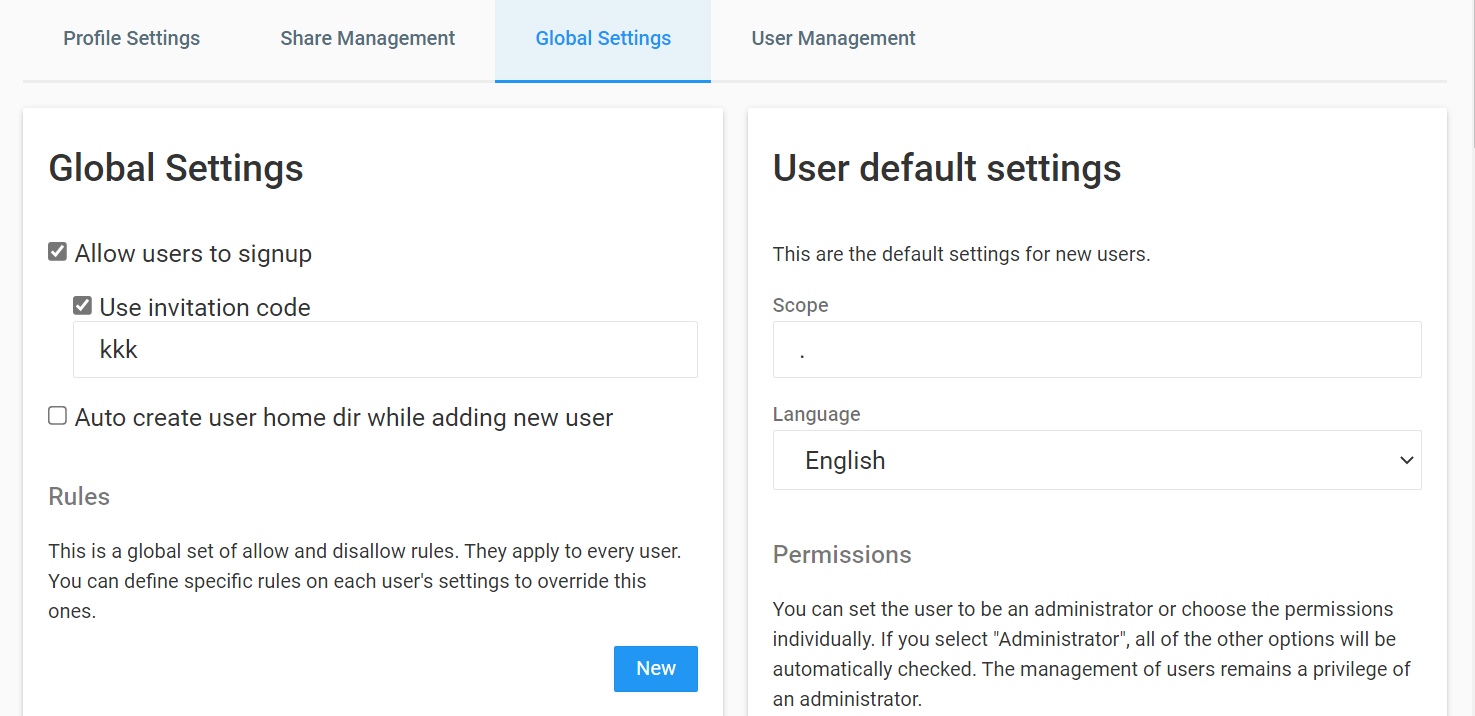
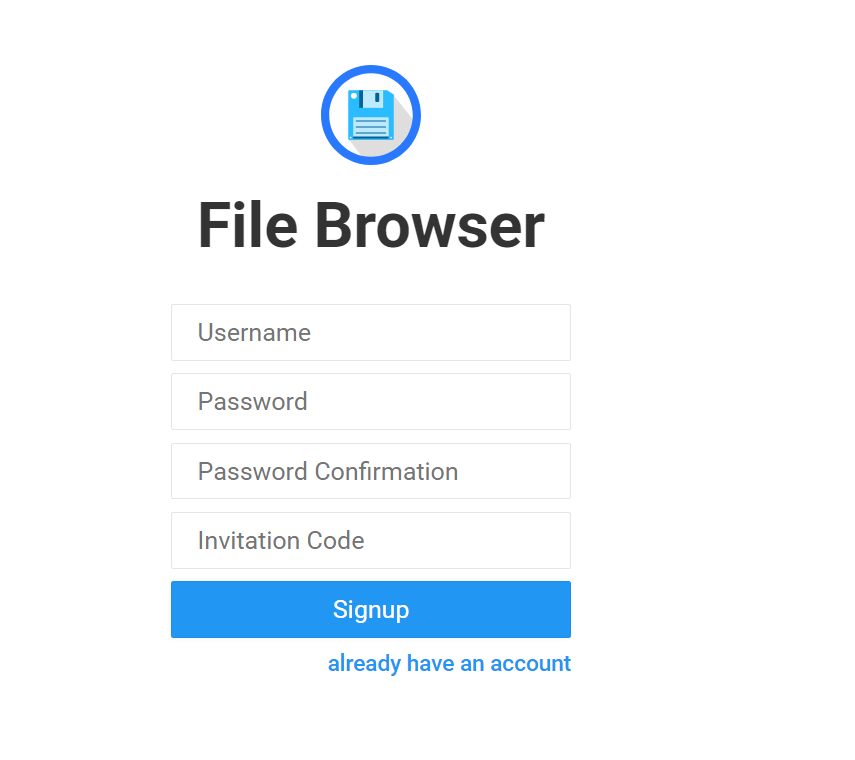
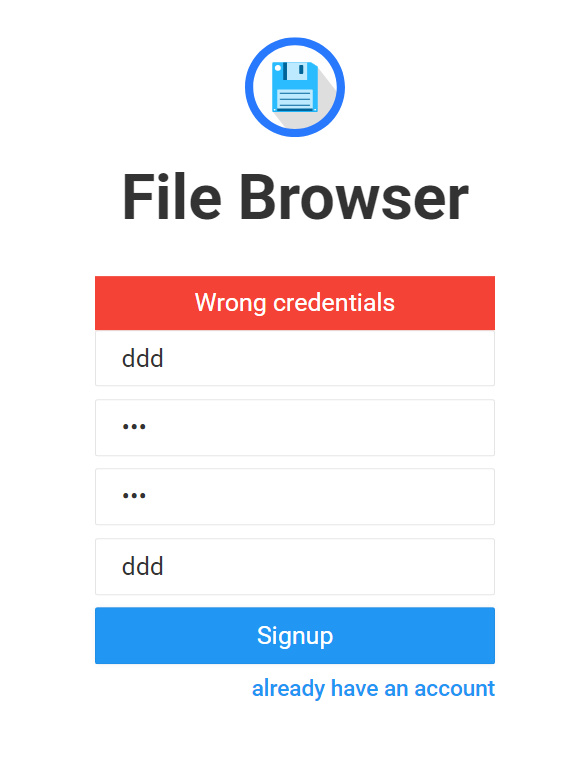
fixed: #1710 ![01](https://user-images.githubusercontent.com/76441520/147523170-b9dc6e9b-c510-4e45-bac6-63e86d79d653.png) ![02](https://user-images.githubusercontent.com/76441520/147523182-0cddaf10-3c68-42a8-8cac-5552b91173c0.png) ![03](https://user-images.githubusercontent.com/76441520/147523190-6d644445-5b89-44bb-b80d-8a13d7582cf4.png) ![04](https://user-images.githubusercontent.com/76441520/147523196-8a149199-0c88-4825-a2d9-462be030c384.png) ![05](https://user-images.githubusercontent.com/76441520/147523207-1683cef2-259b-4610-be45-8596f7a94e8c.png) And when "allow users to signup" is selected, but "use invitation code" is not selected, the invitation code input box will be hidden...

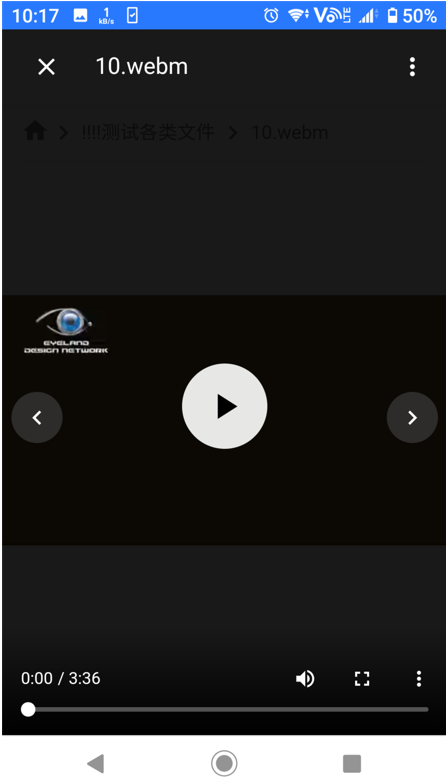
fixed: #1724 When the address bar of the browser is hidden, we can see the seek bar of the video. ![02](https://user-images.githubusercontent.com/76441520/147521681-354dbf41-f9bd-48f8-a49f-5fc0b3007ab3.png) But when the address bar is not hidden, we...
fixed: #1564 When you browse the pic, it will show the location where the pic was taken if the pic has the gps info in the exif. ![2021-11-22 120300](https://user-images.githubusercontent.com/76441520/142804132-2675632b-2697-474b-b047-f2beb8c5f26a.png) ![2021-11-22...

The current copy function has two bugs: 1. When you copy a file or files to the current folder, it will not show you the conflict, and ask you to...

就跟filebrowser一样啊。。。希望比filebrowser做得更好,加油。

就是http文件管理器,或者叫web文件管理器,也是个人网盘,分享盘。这东西普通人都用得上。用golang来写,特别低端的服务器都能运行很流畅,比如linux arm,armv5,arm64架构的,玩客云,斐讯n1,华硕梅林路由器,小睿私人云,树莓派,香蕉派等等都能当服务器。这东西放家里耗电才4w,一年电费才不到20块钱,很舒服。 如果想在外面用电脑和手机 访问家里硬盘上的东西,并分享给别人看。要么把电脑开远程桌面,要么架设ftp,sftp,samba等服务器,这些都需要手机上安装客户端,分享给别人时就太不方便了。web文件服务器能用浏览器直接访问,浏览,上传下载文件,在线观看视频,听音乐,浏览图片等等。这个最爽了。 其实类似的项目很多很多,比如可道云,nextcloud, owncloud, filerun, clevereve, 蓝眼云盘等等,但都不是特满意:1. 很多都是用别的语言写的后台,访问起来很卡很卡,低端服务器根本不行。2. 会破坏硬盘的原有文件目录,至少需要把文件都转移到var/html/目录底下才能访问。而且上传下载删除操作都是对数据库的,虽然从网页上看没问题,但和实际硬盘目录对不上,把硬盘文件弄得乱七八糟。3. 安装麻烦,很多都要安装数据库,php,apache等等,用路由器等做服务器很难弄这些。装起来运行也很卡。4. 不能直接访问硬盘所有目录,必须把文件移到它的网站根目录才行,这个很不方便,把硬盘原有目录结构弄乱了。 filebrowser这项目(在github上评价很高) 是目前最满意的了,上面的缺点都没有。运行速度相当快,尤其关闭了缩略图功能后,直接从exif里提取缩略图,显示速度非常快。就是web界面有些简单,目前连滑动切换图片都没有。 煎鱼大佬可以开发一个类似的项目啊。并且配上教程,一步步教大家怎么做这个项目,包括go后台和vue前台等等,特别实用,产品大家还都能用。

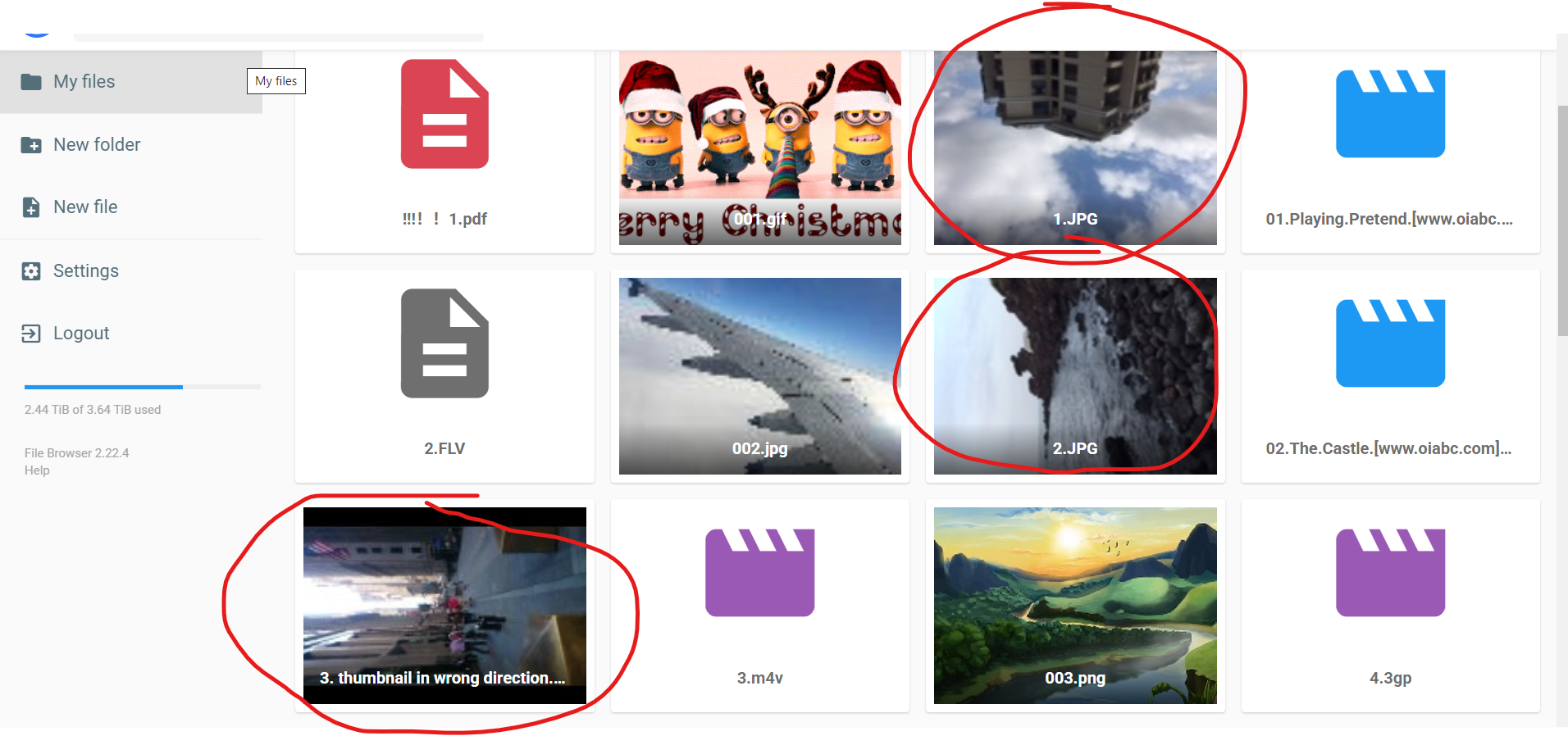
**Description** Some thumbnails read from exifs are in wrong direction. (The HD or raw pictures are in right direction.) ![2022-09-21 095527](https://user-images.githubusercontent.com/76441520/191400223-cdbb7c54-14c2-413f-bcdb-67ea0ba0cbd6.png) Here's some sample pics: [wrong direction.zip](https://github.com/filebrowser/filebrowser/files/9612430/wrong.direction.zip)

It's another way to fix #2188, #1870, and it works perfectly. When you return from the preview, you will go back to the last position of the list. This is...

看到蓝眼云盘和可道云用的效果都一模一样,查了一下蓝眼云盘的源码,用的就是这个。可道云应该也是用的这个。 我想给开源项目filebrowser做个切换动画,自己做的很卡。发现这个效果非常好,有vue版本的吗?或者vue里有类似的吗?

最好还保持原始的图片日期和gps等信息。 这样就是一个本地图片纠正压缩工具了。还没见过这么迅速好用的纠正压缩工具呢。。