
Icaruk



Icaruk
Hi @charlespierce, thanks for your reply! Before Volta I used [nvm](https://github.com/nvm-sh/nvm) and I ran that command without any problems. Here is the full process with more info: 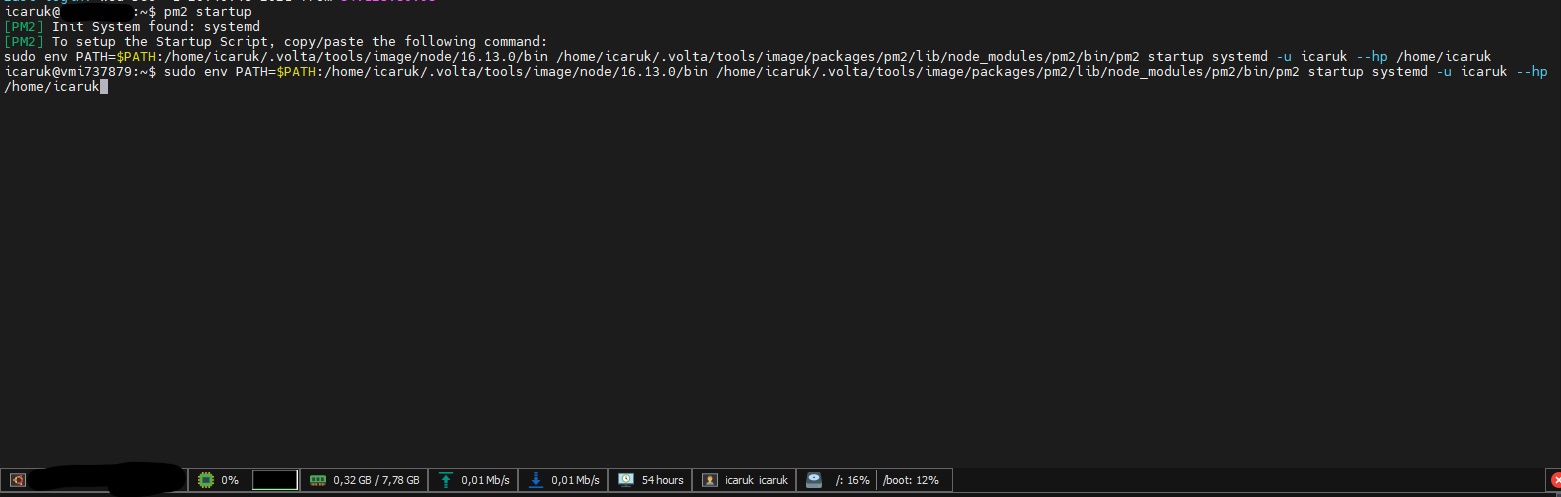 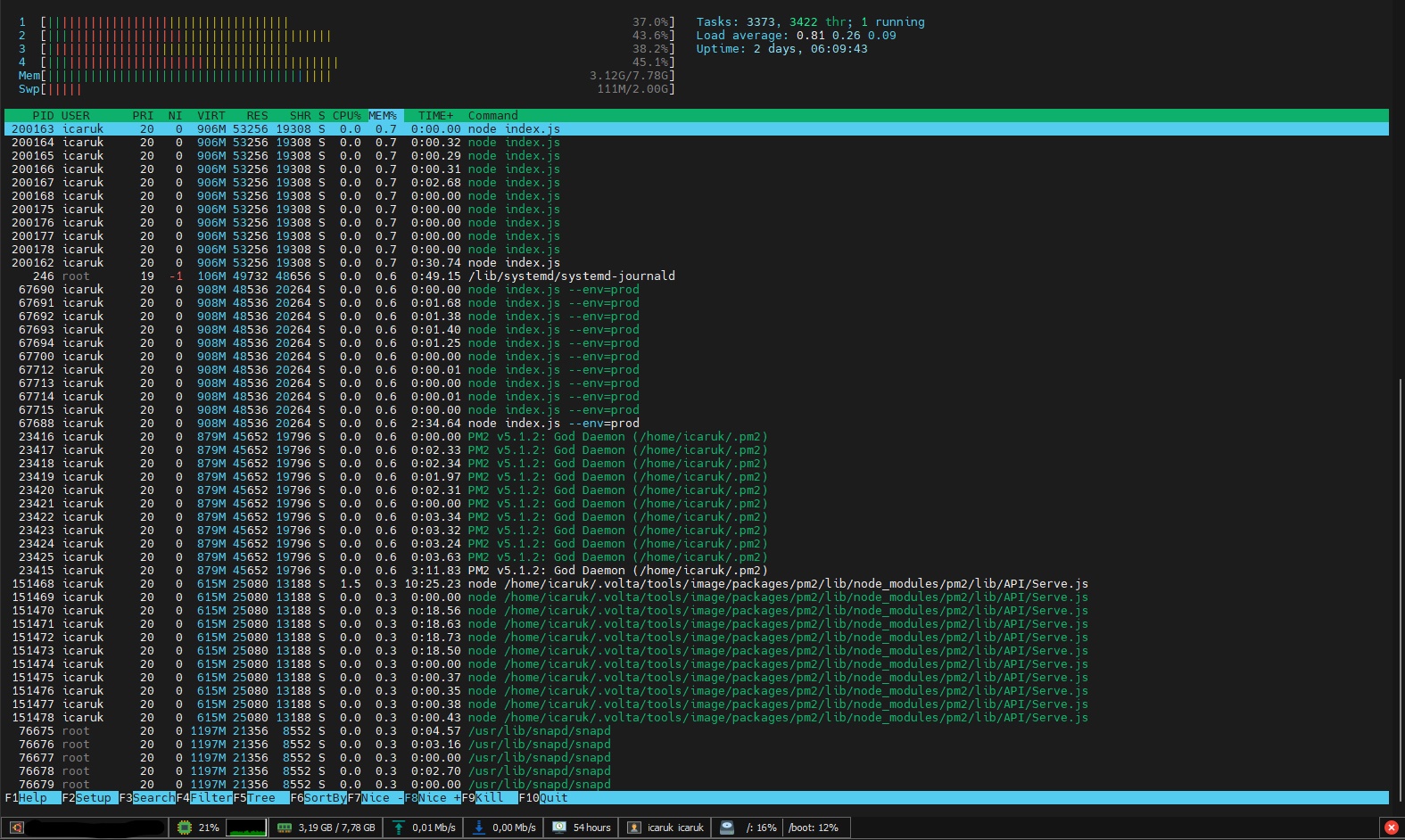 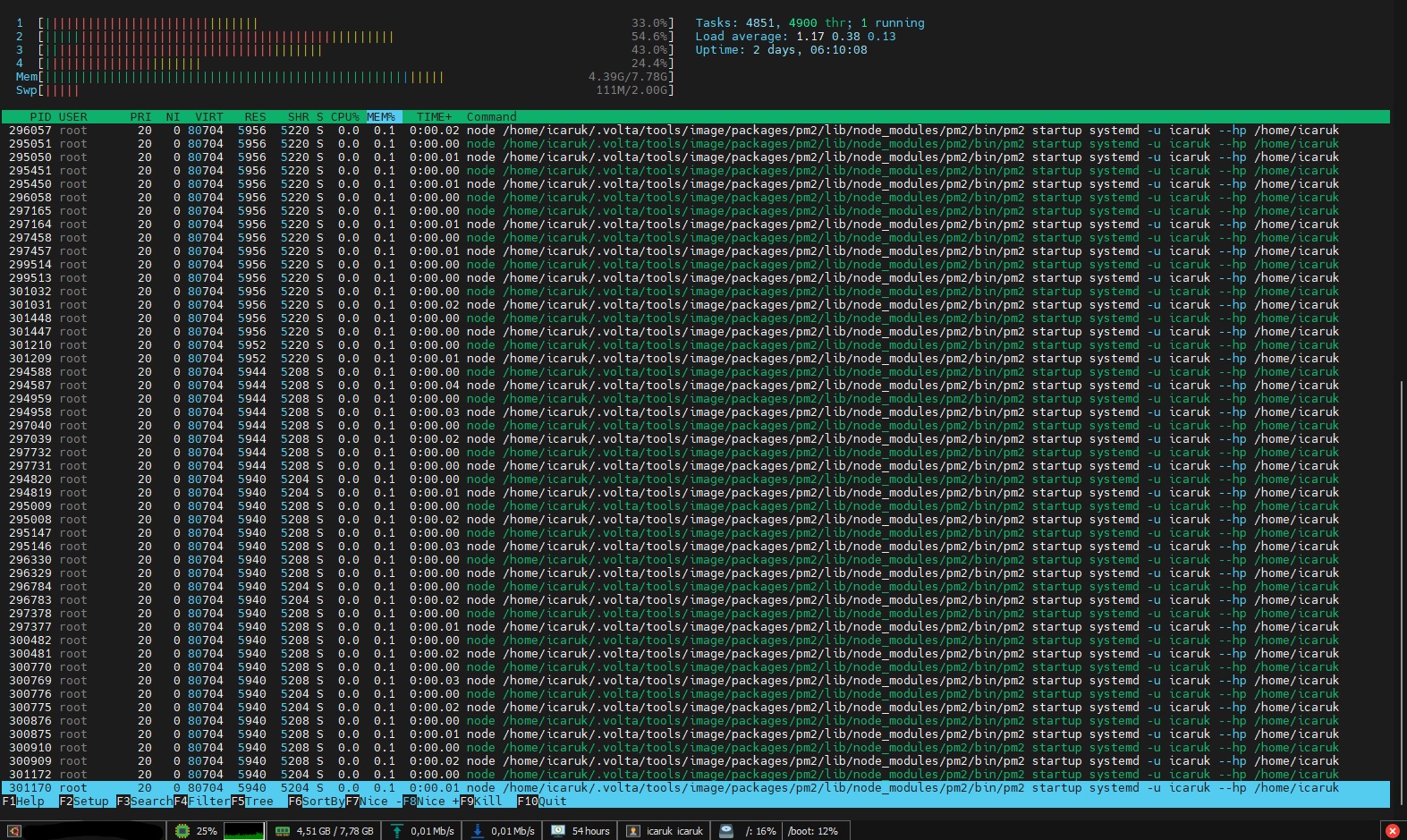
> Am I interpreting those screenshots correctly that the number of processes keeps growing (rather than an individual process consuming more and more memory)? Yes Executing the command you suggested...
Output: ``` [PM2] Init System found: systemd [PM2] To setup the Startup Script, copy/paste the following command: sudo env PATH=$PATH:/home/icaruk/.volta/tools/image/node/16.13.0/bin pm2 startup systemd -u icaruk --hp /home/icaruk ```
Output: `sudo: pm2: command not found` It seems that Volta just works with my user. If I run `getent group sudo` I have this output `sudo:x:27:icaruk` On `visudo` my user...
Thanks for the clarification, I've learned a lot. The solution is not bad, I just need to move 6 characters. I (and I think everybody) don't execute the command `pm2...
Workaround: 1. Go to `C:\Users\YOUR_USER\AppData\Roaming\Insomnia\plugins` 2. Run `npm init --yes` 3. Run `npm i PACKAGE_NAME` If you don't know where are plugins located: 1. Go to Preferences 2. "Plugins" tab...
> @Icaruk what would you say is the main use case for this? Why do you usually need to reference secrets from other projects? **email_secrets**: - EMAIL_USER: **** - EMAIL_PASS:...
> Not sure how it would work if other people are not part of a certain project Maybe just allow to reference projects you have access to.
Found a workaround: ```sql SELECT * FROM ( SELECT * FROM person ) WHERE can_drive = true ``` Or: ```sql ( SELECT * FROM person )[WHERE can_drive = true] ```
> Hey! I can indeed reproduce this issue. Interestingly enough it appears to be caused by the "Include versions" checkbox, and disabling it resolves it for me. You can use...