
Victor Valencia Rico


Victor Valencia Rico
Hi everyone. Please comment what's the correct CDN link from version 2.0.0 I use this font in my component [bootstrap-iconpicker](https://github.com/victor-valencia/bootstrap-iconpicker).
Hi @rodrigoreyes79 and @lewma You need include the `jquery` and `bootstrap` libraries. `` https://cdnjs.cloudflare.com/ajax/libs/jquery/1.10.2/jquery.min.js https://maxcdn.bootstrapcdn.com/bootstrap/3.3.7/js/bootstrap.min.js ``
Maybe you can solve using the div tag instead of the button label. In the latest version, this feature is included. - [](https://github.com/victor-valencia/bootstrap-iconpicker/archive/v1.7.0.zip). - Support for button and div tags....
Hi @ahirmayur. I use the jsdelivr link: [https://cdn.jsdelivr.net/map-icons/3.0.0/map-icons.min.css](https://cdn.jsdelivr.net/map-icons/3.0.0/map-icons.min.css) in my component [bootstrap-iconpicker](https://github.com/victor-valencia/bootstrap-iconpicker) and does not display the icons correctly (squares and rare letters).
Angular: v8.2.5 ng-multiselect-dropdown: v0.2.10 I have the same issue as @jk-5. 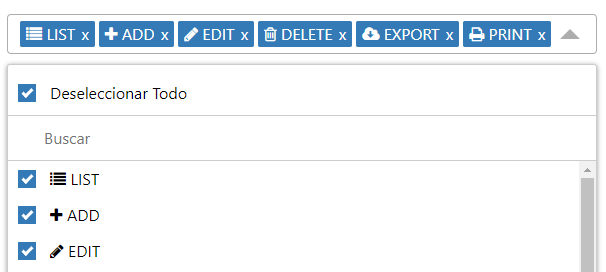
I send my pull request for fix this issue: #221