
ustbtaotao

ustbtaotao
问题解决了,我用的是sass,在react项目中利用sass-loader编译生成的@font-face{...}变成了@font-face{{...}}多了一组括号,所以字体都出不来了,后边单独把字体拿到css文件里,其他放到sass里就好了,应该是sass-loader的bug
> ## 这个功能解决了什么问题 > 记得2.x 版本支持小图预览整个大图的功能,后面考虑添加吗 > > ## 你所期望的 API 是怎样的 v2.0.4 minimap = new G6.Plugins["tool.minimap"]({ container: "mini-map-container", size: [140, 240], className: "mini-map-container", }); 
亲自实战,拜读g6源码和打console的方式,终于搞定,点击进入具体issue https://github.com/alibaba/GGEditor/issues/305#issuecomment-682422203
gg: v2.0.4 通过查看源码可知,底层支持default和 readOnly两种模式 modes: { default: ["clickNodeSelected", "keydownMoveSelection", "clickCanvasSelected", "keydownEditLabel", "panBlank", "wheelChangeViewport", "panMindNode", "clickCollapsedButton", "clickExpandedButton", "hoverButton", "hoverNodeActived", "dblclickItemEditLabel"], readOnly: ["clickNodeSelected", "wheelChangeViewport", "keydownMoveSelection", "hoverNodeActived", "panCanvas", "clickExpandedButton", "hoverButton", "clickCanvasSelected"] }, 如果是mindmap,实践发现,直接设置成readOnly模式,如果想只是不让增删改拖,但是需要点选生效,是不得行的。...
https://github.com/alibaba/GGEditor/issues/503#issuecomment-785893277
> 2.x 的版本依赖于2.x 版本的g6,拜读源码发现,压根就不接收自定义的label样式,只是默认的样式,反而label的背景是支持自定义的 > 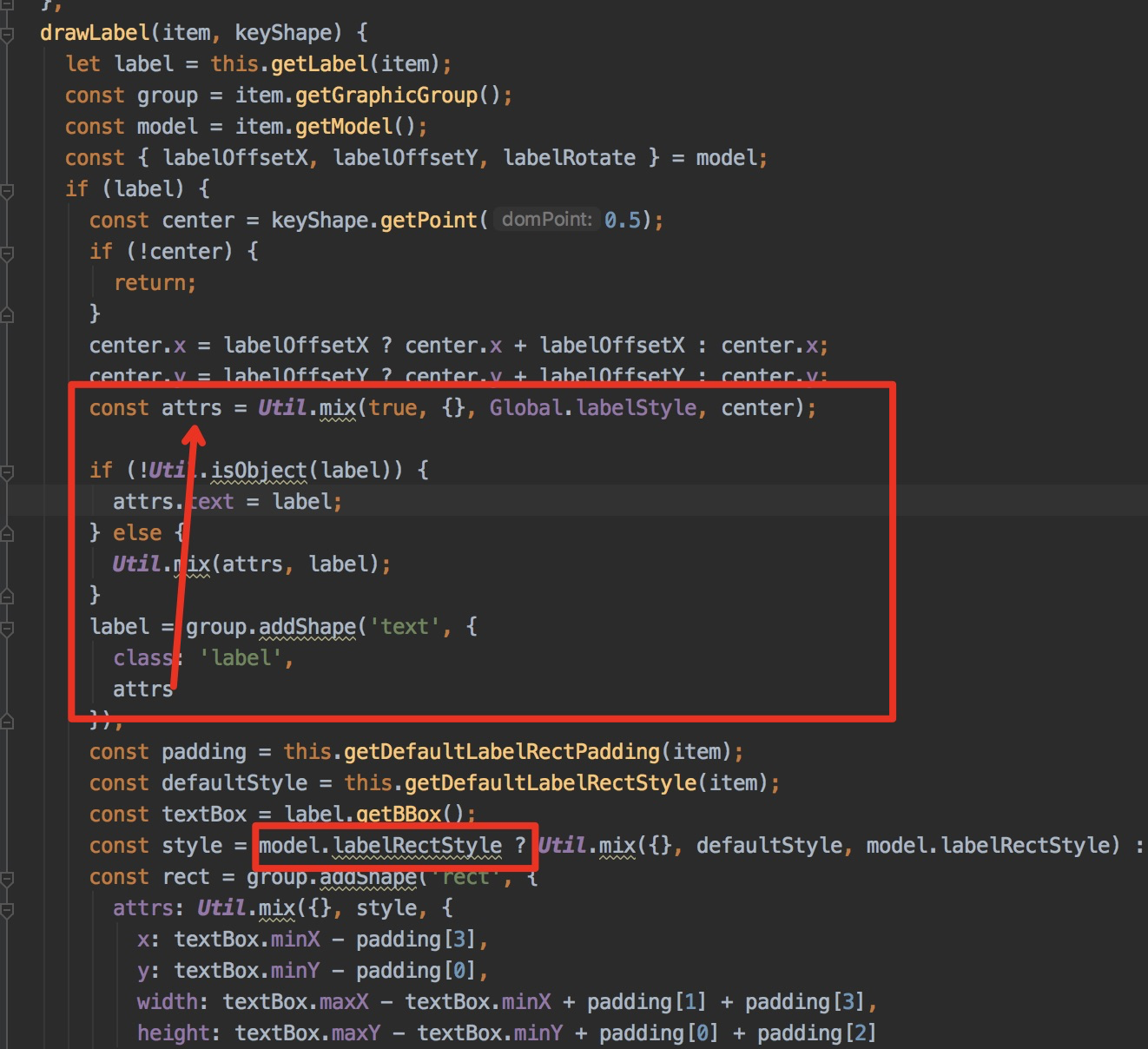 当然试了下可以曲线救国实现label样式改变 `const group = item.getGraphicGroup(); //n为text的shape序号 group.get("children")[n].animate( { repeat: false, fontColor: "#1890ff", fontSize: 14, fill: "#1890ff", }, 200, );`
> 贴不了gif,只能暂时粘贴关键帧了,效果是选中节点后,从节点出发的边的红色锚点从path的startPoint移动到endPoint,然后重复 > 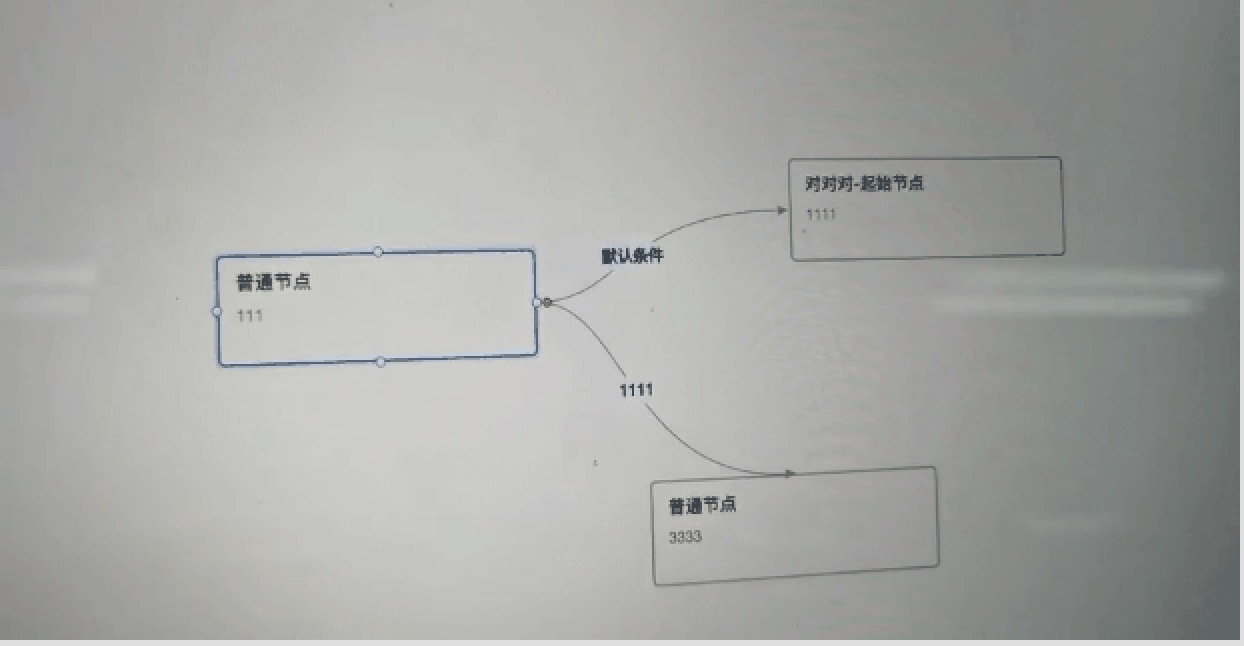 > 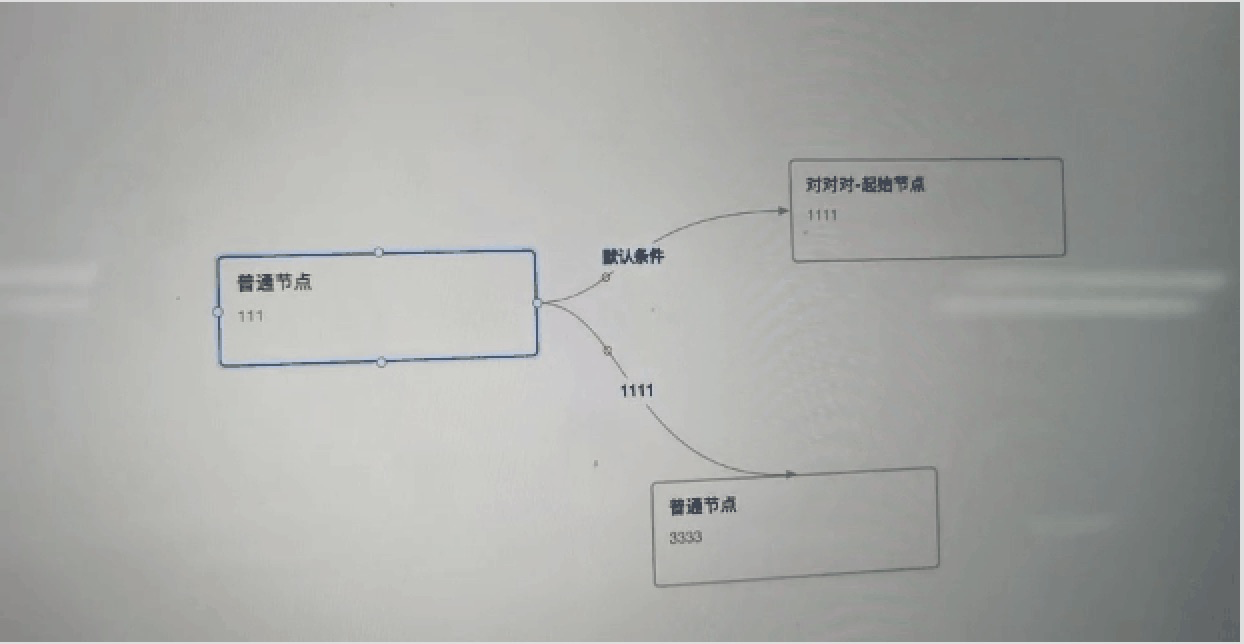 > 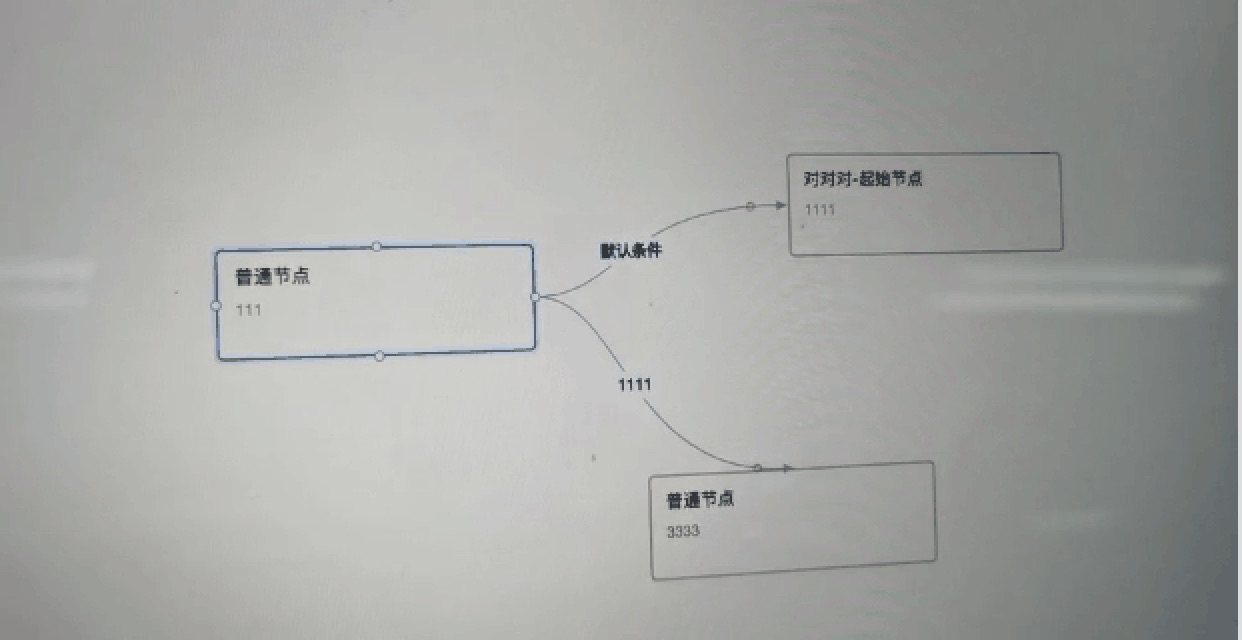 > > 最终效果,基于gg-editor 2.0.4 实现思路,通过graph.getEdges().filter(edge => edge.source?.id + "" === node.id + ""); 找到从节点出发的所有边线,然后遍历边线,利用requestAnimateFrame执行动画 ` edges?.forEach((e)=>{ let curStep = 0; const group...