
Timon Burkard
Timon Burkard
Hi, @grabelle, @Doodoune, I agree with the logic suggested by @grabelle. As I work around we implemented a script which prints a warning if a product is assigned to a...
Hi @stevelou2, I guess this is the intended behavior by Akeneo. It seems that the family can only be changed by bulk for **simple** products:  (https://help.akeneo.com/pim/serenity/articles/product-mass-actions.html#available-bulk-actions)
Hi @krishankantshandilya, Under "Content" / "Attributes" you can choose "EDIT":  Doing so you have the possibility to manually select which attributes you'd like to export:  Are you aware...
Hi @Philippe-M, Unfortunately this is by design. See [documentation](https://help.akeneo.com/pim/v6/articles/product-export-builder.html#filter-on-categories):  I am in discussion with Akeneo Support Team (we have an enterprise licence) about that issue and they opened an...
Hi @aloksinha3110, Did you configure a valid path on the server?  Alternatively, you can choose "UPLOAD A FILE" instead of "IMPORT NOW" and upload a file by drag and...
I agree, it does not work on my side as well. I tried the following, which updates the product values correctly. However, I am not getting an output with the...
Hi @LevFlavien, Thanks for your reply. I tried your suggestion as follows: ```php $responseLines = $api->getProductApi()->upsertList( [ [ 'identifier' => 'TCK-171', "values" => [ 'Mar_StatusComment' => [ [ 'data' =>...
@LevFlavien it works with curl: 
What is the value you have configured in the corresponding attribute setting? 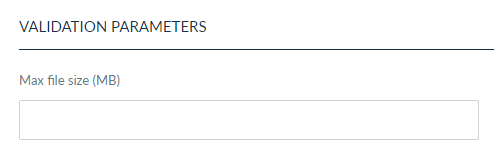
@DrMabuse-2017 screenshots might be useful. Additionally, did you try to reindex the products and elasticsearch?