
Silvio Candido


Silvio Candido
@OrbitalMan > Also I don't see images embedded in epub content in webview. You can check by opening a book from example project app and looking at empty rect on...
I do need this too, Thanks.
I only trying on iOS. I has able to open the file 'https://github.com/451518849/epub_kitty/blob/master/example/3.epub', using the example code, but i cant change the features (Fonts, Text Size, Text Highlighting, ...) and...
No it not showed. And the other features? I wanna my screen look like this: 'https://github.com/451518849/epub_kitty/blob/master/1.jpeg' 'https://github.com/451518849/epub_kitty/blob/master/2.jpeg' Could you help me?
'Text Highlighting' don't work > 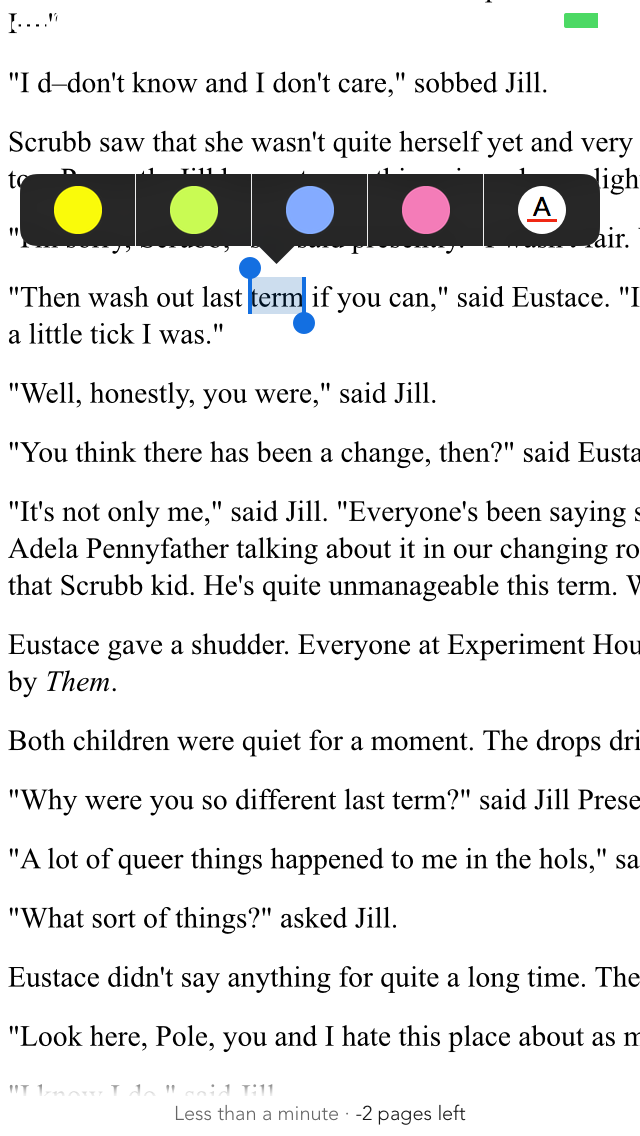 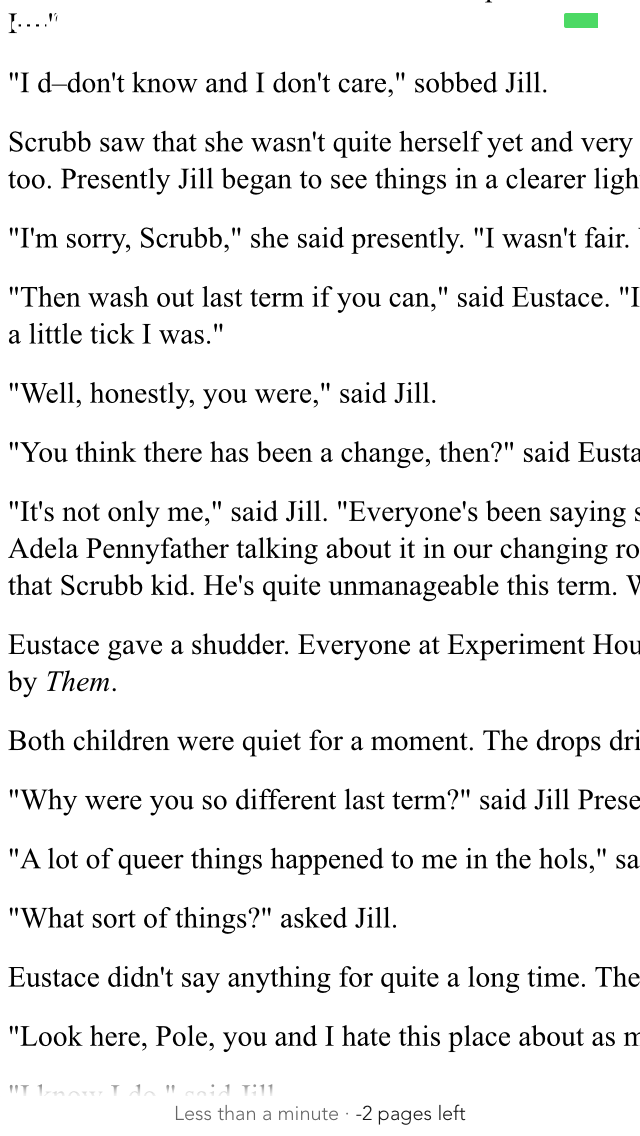 'Navigation bar' is not shown > 
I imported the those two folders (zh-Hans.lproj and en.lproj) to my project, and the problema continue > 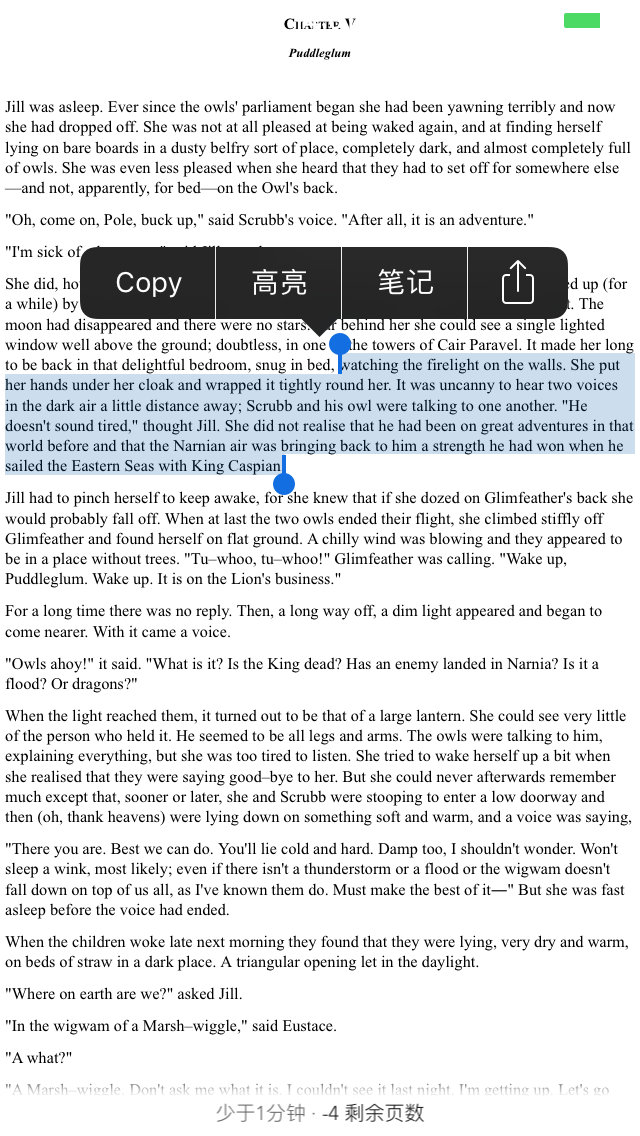 Any idea?
Yes, the "epub_kitty" is not working to me. Like I said before, I wanna my screen look like this: 'https://github.com/451518849/epub_kitty/blob/master/1.jpeg' 'https://github.com/451518849/epub_kitty/blob/master/2.jpeg' I have all this problems: - Once the epub...
After a few days, I could to understand the real problem: - The navigation bar and all other features only work with some certain type of epub file. # Failure...
After a few days again, a new discovery: - if the pages inside the epub file are .html the reader works - if the pages inside the epub file are...
File = android/app/build.gradle Modify this = minSdkVersion 16 to = minSdkVersion 21