Alex S.



Alex S.
@robhoward @pilootchoum Probably a dumb question but how to get the id on the fly (not through _output_)? Is there an event to get the id when clicking an active...
Rob has its own `flowy.draw()` function so you'd have to build an equivalent to make it work. You should be able to make cdebattista's code work fairly easily though.
@diogenesjup Would you have an example?
In case anyone reads this in the future, you can follow these links: [https://datatables.net/examples/api/select_single_row.html](https://datatables.net/examples/api/select_single_row.html) + [https://datatables.net/reference/button/csvHtml5](https://datatables.net/reference/button/csvHtml5) **Example to make rows selectable/removable and export the resulting table:** Additional Sources ``` ```...
In case anyone is wondering: ``` datatables_options: { "columnDefs": [ { "visible": false, "targets": 0 }, // hides the first column ] } ```
Is there a workaround to achieve this in the meantime, by any chance?
@jungeun-cho I'm trying to customize the title so that it's a clickable URL `'' + schedule.title + ''`, but I guess that's not possible for the same reason, right?
Thanks for the idea! We tried that and ended up using the raw attribute to make it simple: ``` cal.createSchedules([ { raw: { link: 'blahblah' } } ]); ```
Any news on this? Thanks!
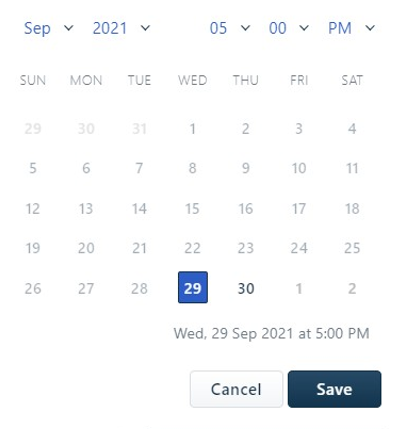
@hemchander23 Would that be a component covering both date and time selection in a calendar view? I was not able to find it in the docs. Something like: