
Raphaël HUCK

Raphaël HUCK
It works when I use them in the common.xml in the "modules/Targets/" subdirectory, but I think it would be nice to be able to specify them in the system descriptor....
There's https://ocr.space/OCRAPI Each user could register her/his own API key
I've contributed the API option because you said: > What worries me with implementing in knsip directly is the size of such OCR software, it seems to be much larger...
This is a nice suggestion, looking forward to it :)
I've got the same problem with Nextcloud 20.0.4.0 on the server side, and Thunderbird 68.10.0 (64 bits) on the client side (Ubuntu 20.04.1 LTS)  > Le traitement du message...
I've found something which works for my setup. I have several calendars, and some of them were shared by other people on Nextcloud, and so were read-only (on Nextcloud) I...
I get the same error:  The reason of this problem is here : https://github.com/nextcloud/server/issues/20674 > We updated the certificate: https://github.com/nextcloud/app-certificate-requests/pull/267#issuecomment-619952309 > You just need to re-register the app: see...
It's not my computer and I'm not used to Windows. Do you know how I can check this ?
The screen is an Asus VC238H with a 1920x1080 native resolution : https://www.asus.com/fr/Displays-Desktops/Monitors/All-series/VX238H/ Windows display parameters: 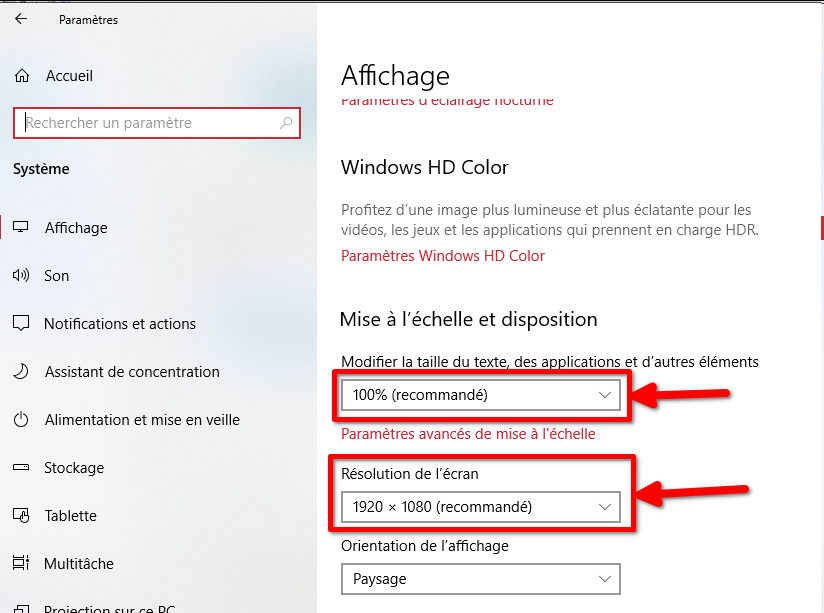 Also: 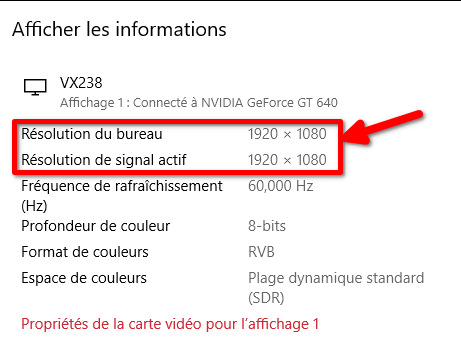 Nvidia parameters: 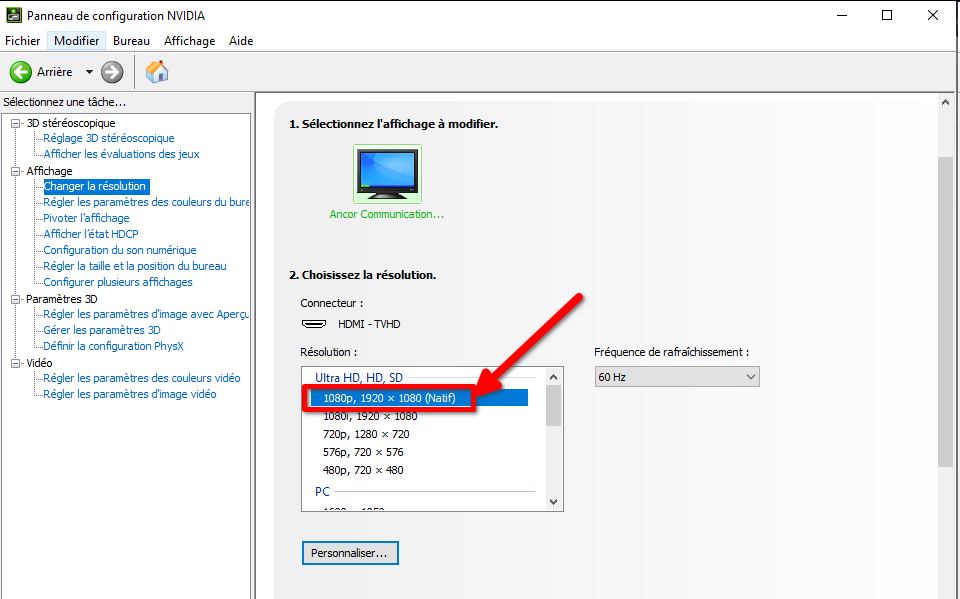 So I woudl say no screen scaling
Yes, this line still appears even if I crop the image and then copy paste it Tell me if I can do some tests to help you