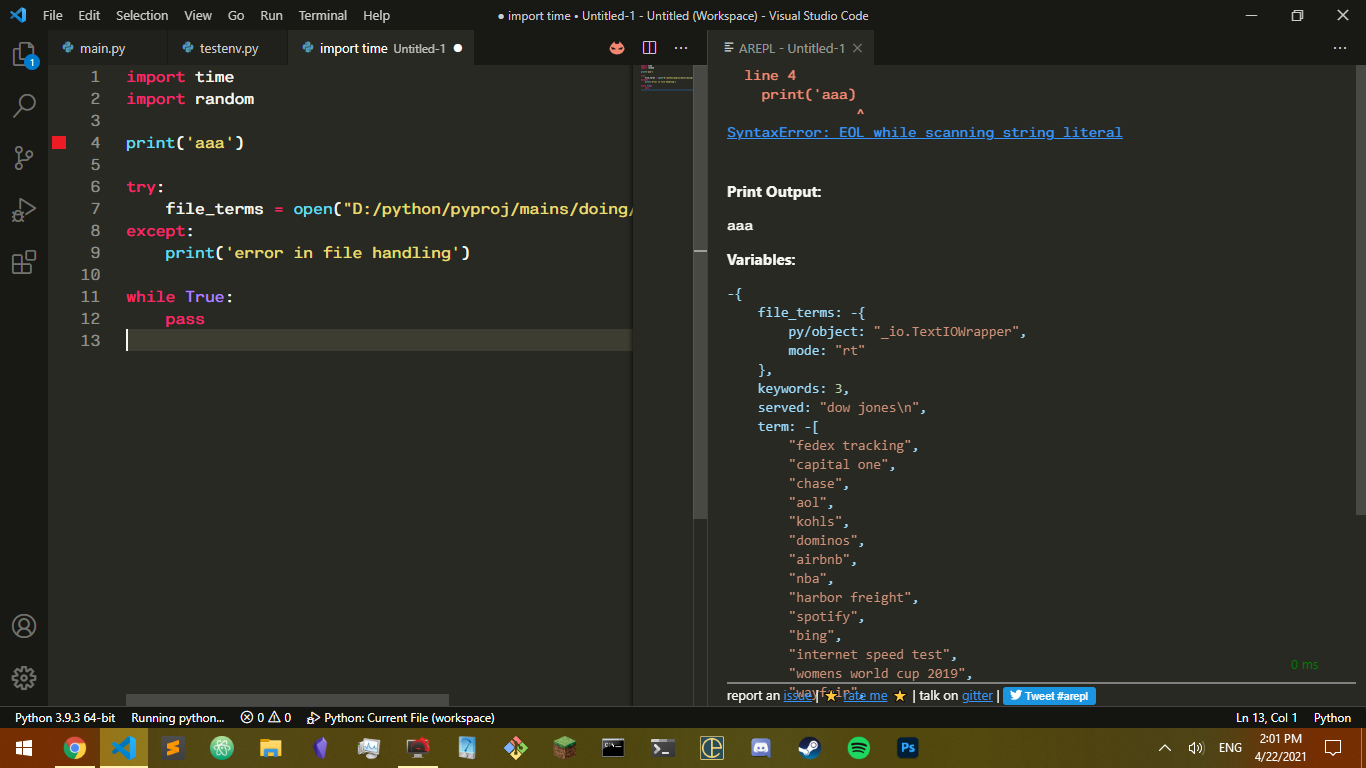
ostap timur tymchenko


ostap timur tymchenko
same thing here. worked fine for a while. reinstalling does not help. 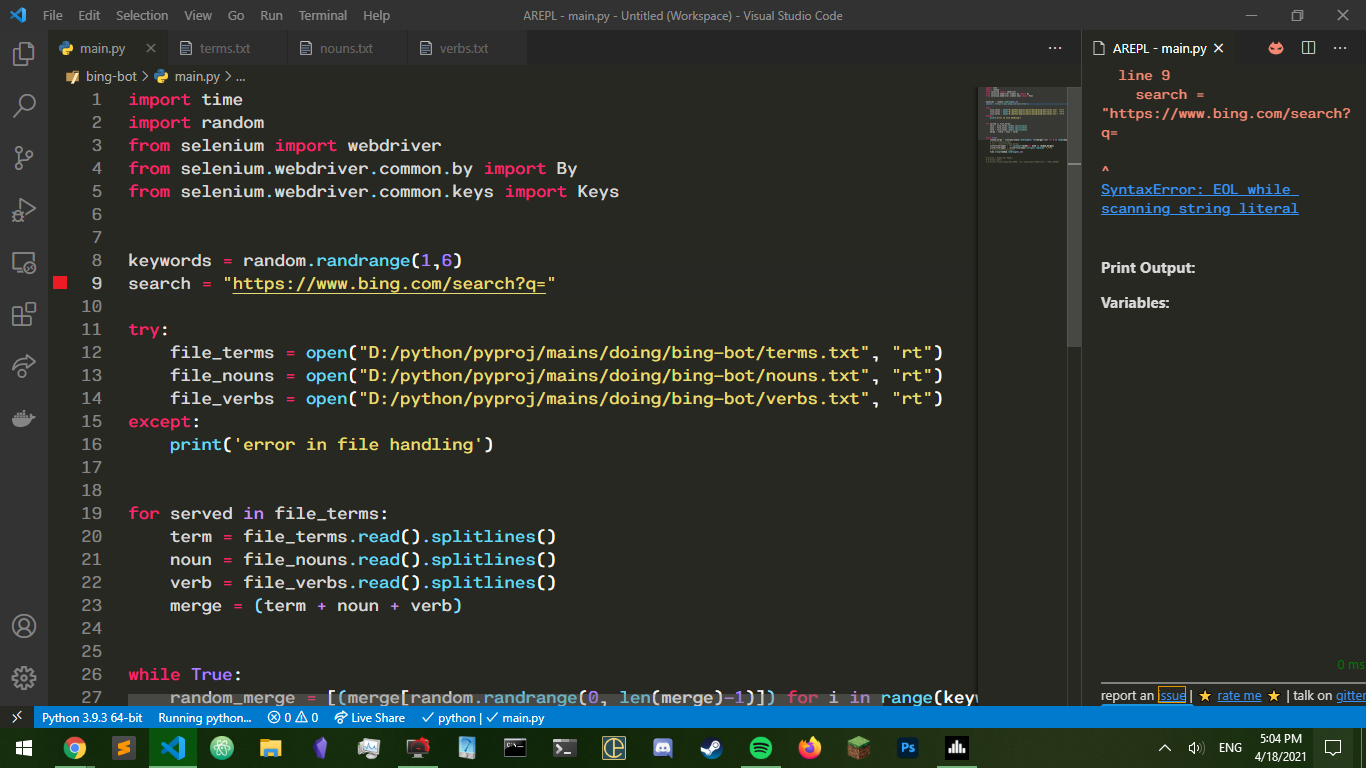
python.pythonpath is just python. arepl.pythonpath is empty, should i set it to something? ps: this at least for me wasn't changed when the issue appeared
here is a simpler example. 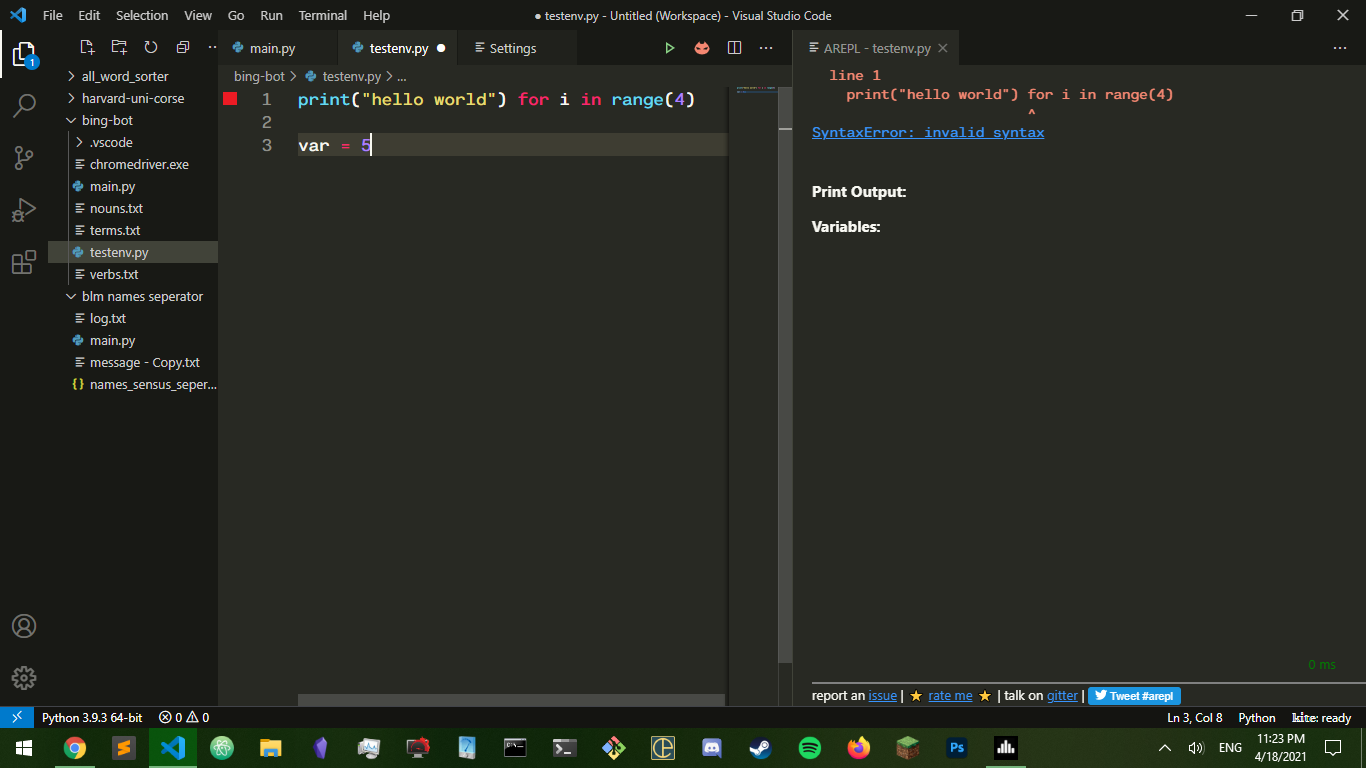
and here are my extentions 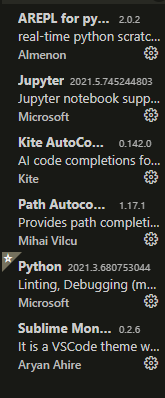
> here is a simpler example. >  and even after restart the error is the same.
Windows 10, python works just fine everywhere, bash cmd and vscode. I can't find anything wrong and arepl worked just fine for a long time. All my arepl settings are...
can we change the issue to just arepl not refreshing? variables not all showing up is just the same issue in a different context.
it just kept saying "python starting" 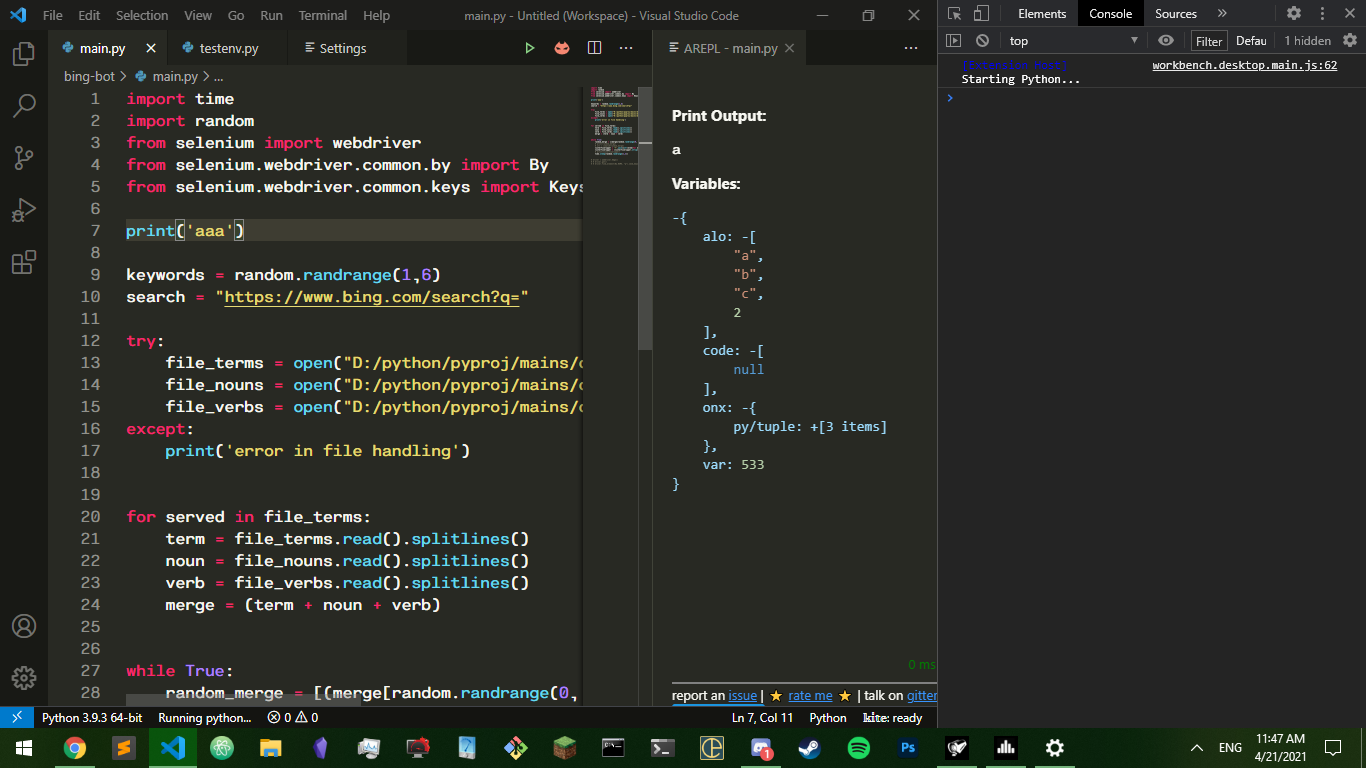 I left it alone for a couple of minutes and it never ended up doing anything
yep sure, how about 6 pm pacific then? although it's fine if it's later than that I am est so I would appreciate not pushing it back further than that...
update: ive narrowed it down, file opening and for loops (together)