
migmarquez
migmarquez

> Does this also show up in the Windows audio mixer? (Right-click EarTrumpet > Windows Legacy > Sound Settings > Volume Mixer) 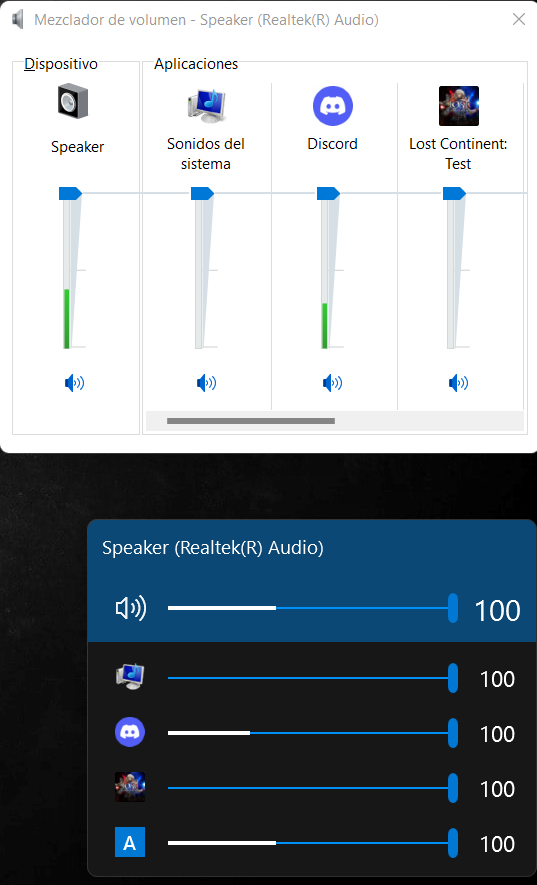 apparently discord is duplicated in EarTrumpet and...
> I was looking to see what happens in the volume mixer located in Settings. (Right-click EarTrumpet > Windows Legacy > Sound Settings > Volume Mixer) 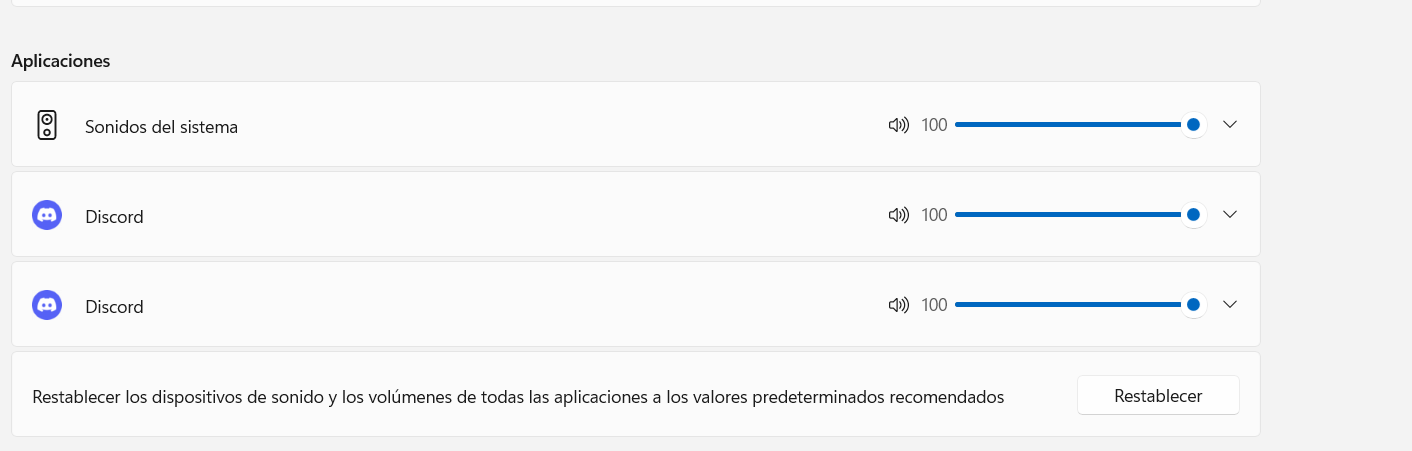
> Interesting. Any ideas on how I can reproduce this here? Are you maybe in a Discord call? Or watching a live stream/video? 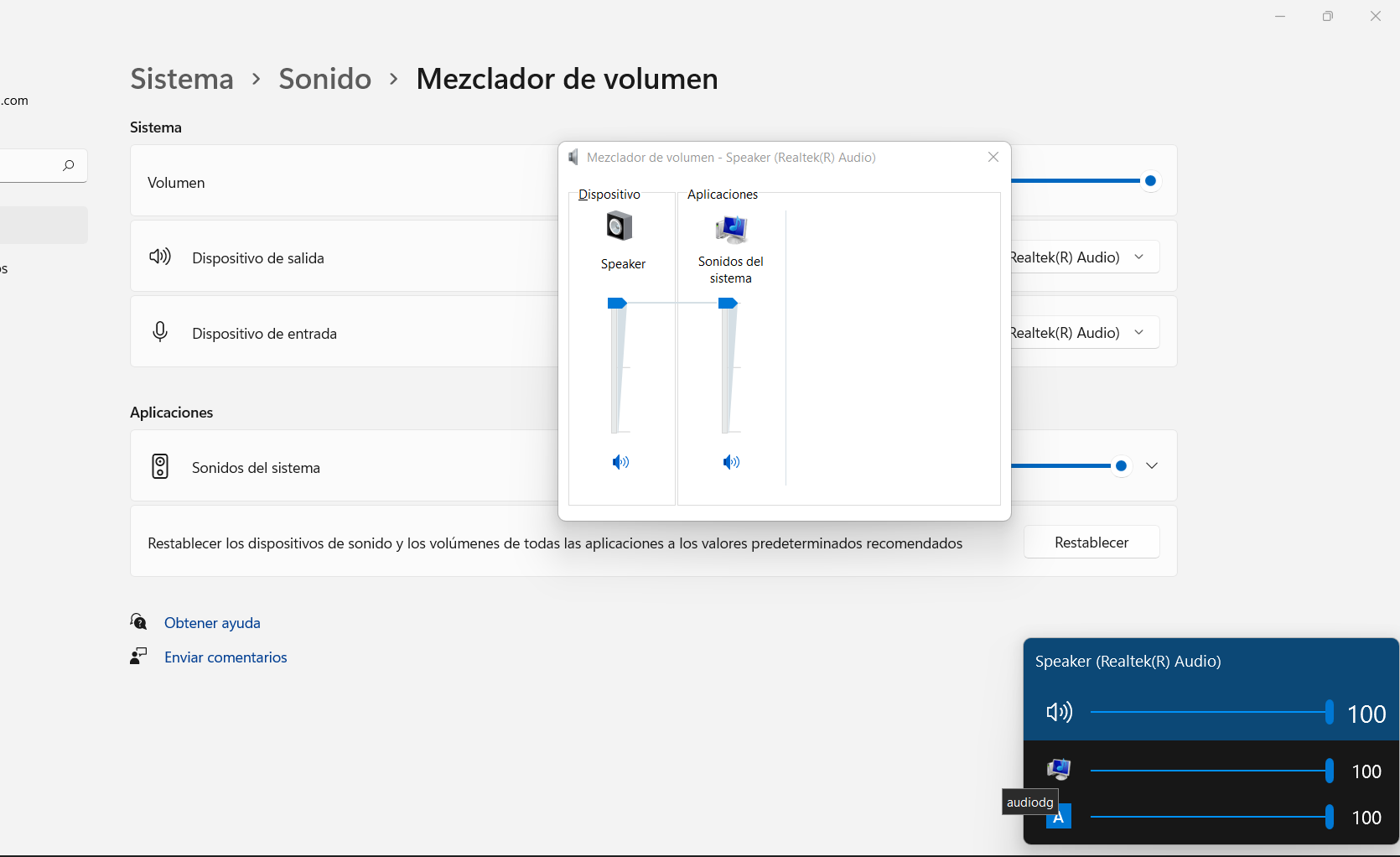 I have closed all my applications...
[tmp6F16.tmp.txt](https://github.com/File-New-Project/EarTrumpet/files/8307450/tmp6F16.tmp.txt) in the dump it makes many references to a file called audiodg.exe located in system32 I have searched for information and it turns out that this is a windows...
> Yeah its a component in Windows Audio; it appears we're the only app behaving correctly but I'll take a closer look on my end. These built-in apps may be...
> Not sure I understand. Can you maybe circle what you mean? look at the white bar indicating the volume (yellow frame) 
> Esa es nuestra función de [medidor máximo](https://docs.microsoft.com/en-us/windows/win32/coreaudio/peak-meters), muestra la salida de audio en los canales izquierdo y derecho. El par de barras en la parte superior representa la salida...
@riverar audiolog reappeared in the mixer