
Sparrow



Sparrow
1、使用官方推荐的docker步骤安装的 2、新增的时候出现的这个问题 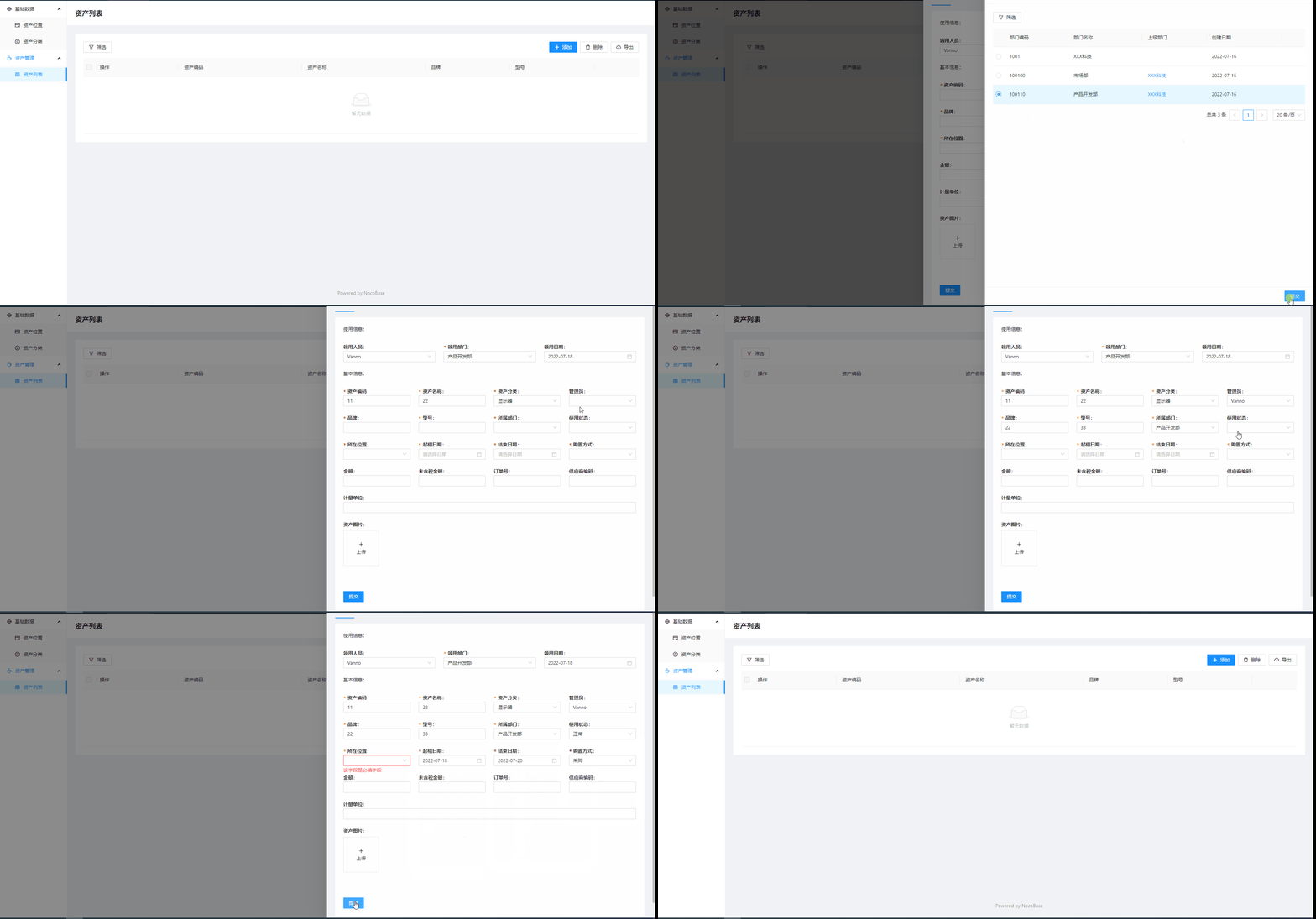
> 新建个资产的表格区块,再配置添加的表单,是否也会有同样情况? 新建页面,然后再添加表单就没问题了,这是什么原因?
> > > 新建个资产的表格区块,再配置添加的表单,是否也会有同样情况? > > > > > > 新建页面,然后再添加表单就没问题了,这是什么原因? > > * 是新安装的还是升级旧版本的? > * 区块是复制的模板吗? > * 提交的操作按钮是默认配置的? 1、是新安装的 2、区块是自己新建的,没有复制 3、提交和新增操作都是默认配置的
新增成功后,又发现一个新问题:修改数据表单下拉框的数据没有回显 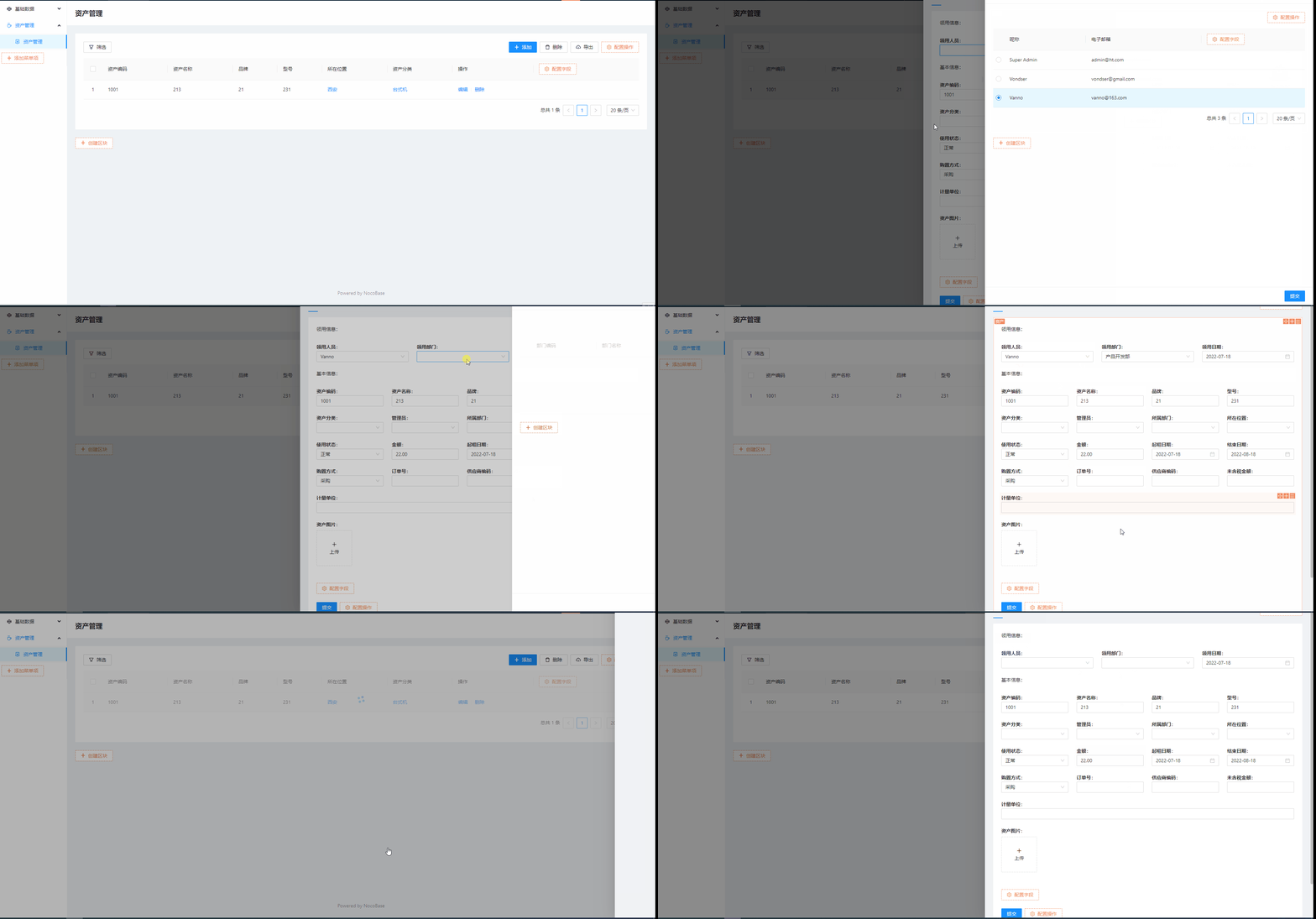
> v0.7.2-alpha.7 v0.7.3-alpha.1版本还是没解决
> > > v0.7.2-alpha.7 > > > > > > v0.7.3-alpha.1版本还是没解决 > > 是指的哪个问题没解决? > > 这个 issue 的问题需要通过重新创建区块解决 修改数据表单下拉框的数据没有回显的问题解决了 还是没有回显,要删除区块重新创建才可以回显吗?
> npm install [email protected] Still have a problem: 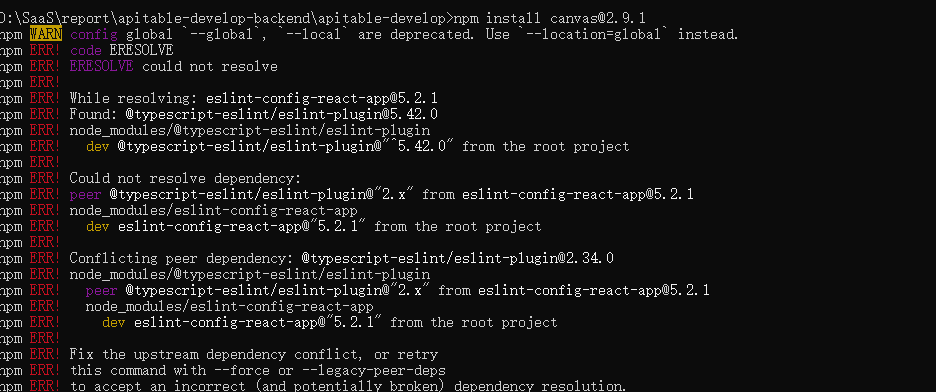
> @Basit-Mahmood Yes! > > Exactly right > > But I've already found a workaround. You just have to save your Jwks keys state in between service updates for problem...
localhost:3000报错信息: 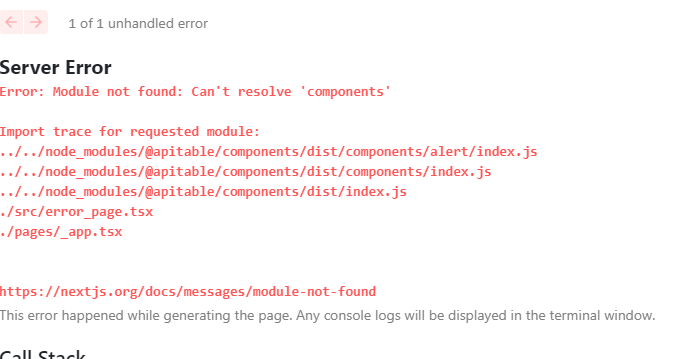
> You may have missed installing a dependency. It is necessary to execute `make install` before start server. > > Could be refer to the document. https://github.com/apitable/apitable/blob/develop/docs/contribute/developer-guide.md 我在win10上用17.0.0 rc2 可以启动,但是18.0.0不行