
linette-zyy
linette-zyy
 I can repro similar situation in today's build **Steps to Reproduce** 1.Launch VS and open a folder 2.Add a python file 3.Add a virtual environment 'env' in toolbar combo...
This issue also can reproduce on today's environment.   After restart the VS, we can view installed packages.
 @StellaHuang95 In today's build, I can't repro this when install packages(requests) in the 'Packages(PyPI)' search box  But i can repro this when install packages(requests) in the command prompt....
This issue can reproduce on my environment. From `17.1.6` ungrade to `17.2.0 [32505.173.d17.2]`, python package `17.0.22089.1` 
On today's build  After clicking "Analyze Code Coverage", The Output Window without a warning message indicating that 'coverage' package must be installed.  And no response when click "Show...
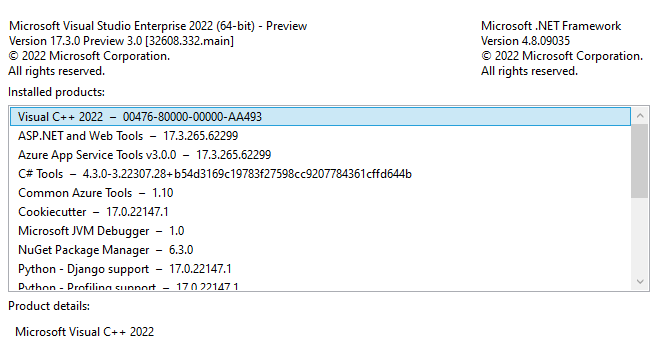 In today's build , i can repro this when import module under the solution 
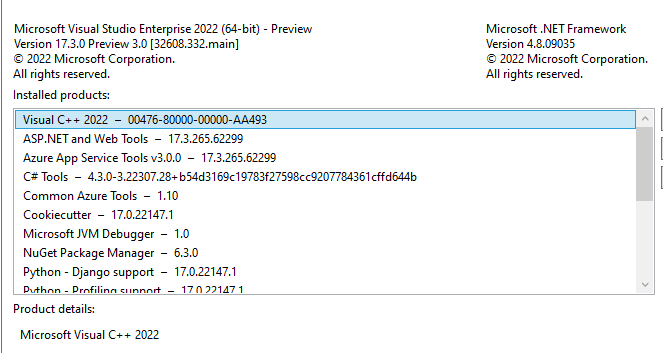 I can repro it without .pyi file. After restart VS, i still got no IntelliSense  I can also repro it when import folder under the workspace 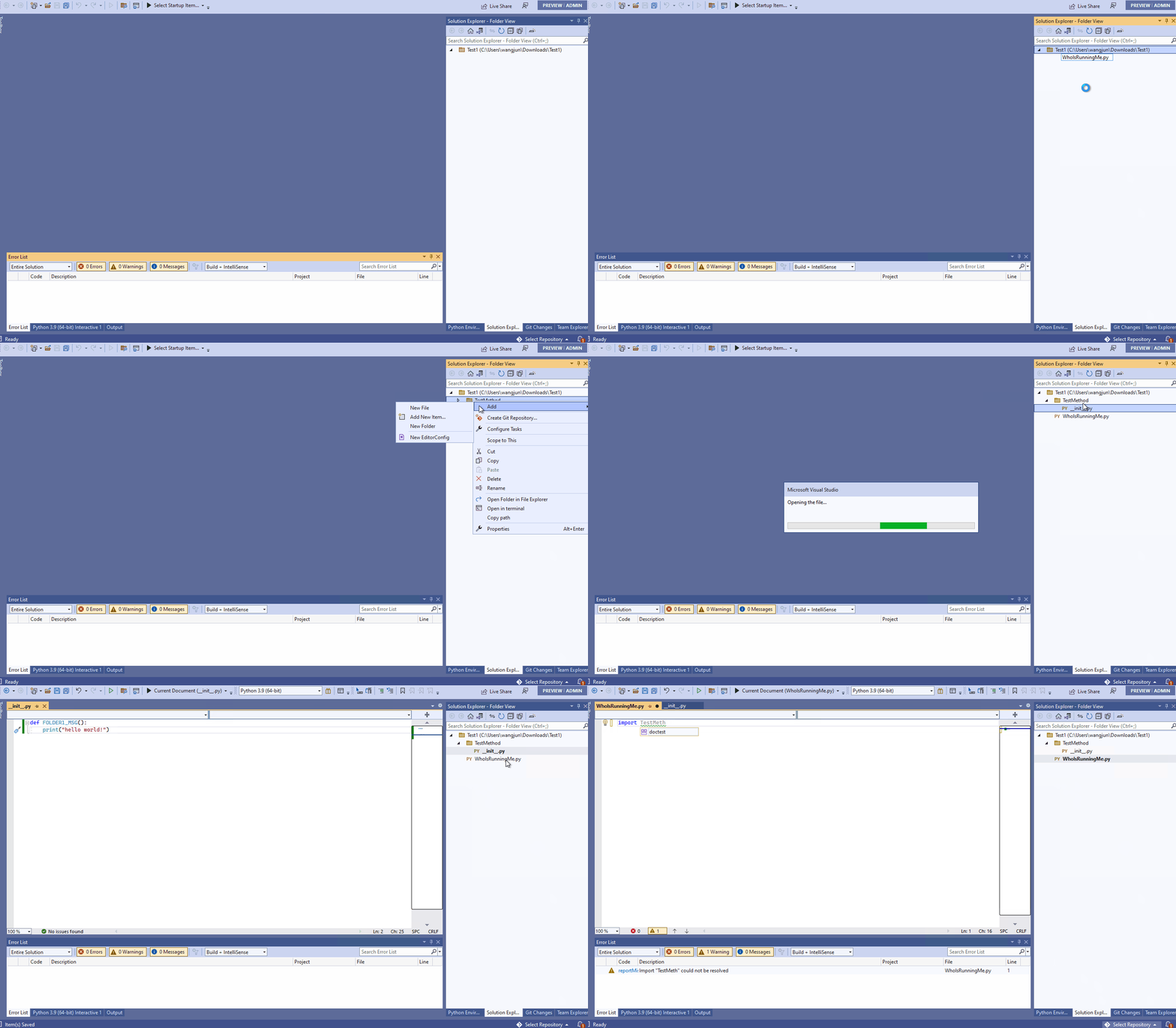
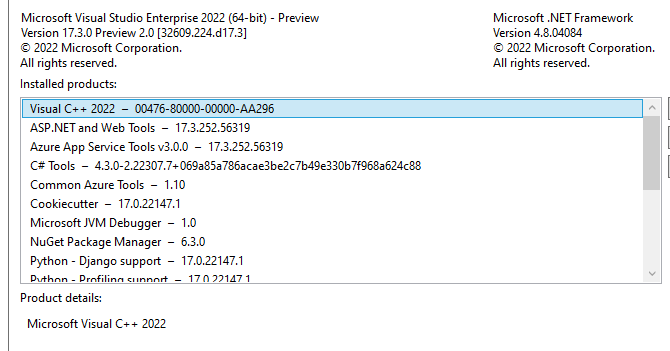 In today's build ,I can repro it when import folder outside the workspace   
@int19h 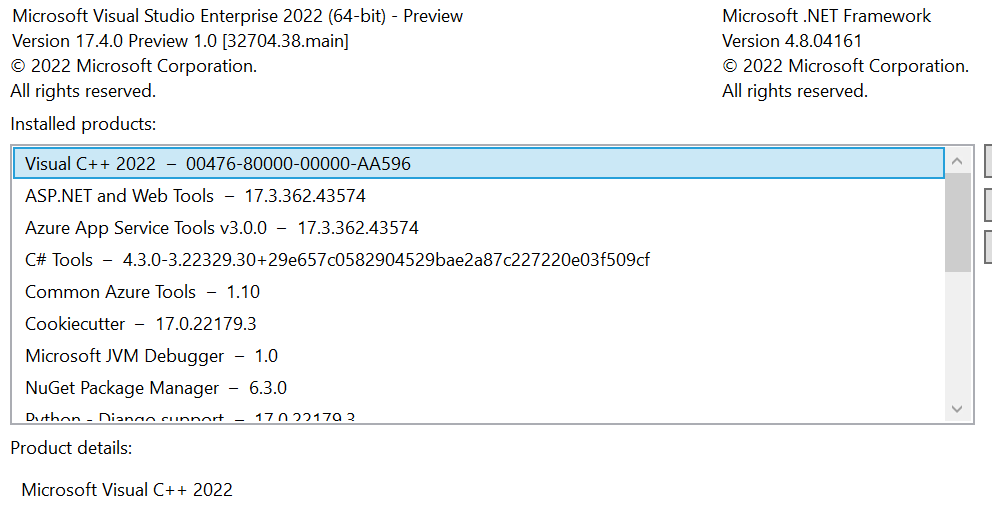 In today's build ,I can repro it when import folder outside the workspace  The Python environment is global default(install from VS) 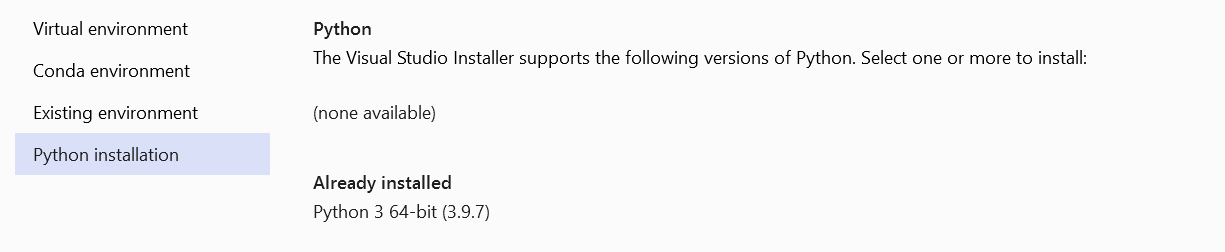
@int19h PythonSettings.json (and specifically "SearchPaths") is the same as on the earlier screenshot **imported folder's location:**  there is one "__init__.py" file in the imported folder  **current workspace's location:**...