
kolbasik

kolbasik
Hi @mjanardhanreddy , you could use [DataUri](https://en.wikipedia.org/wiki/Data_URI_scheme) in order to inline images directly to the report. ```js addContext(this, { title: "screenshot", value: "data:image/png;base64," + screenshot.toString("base64") }); ```
I have tried to reproduce the case and I have got the following: 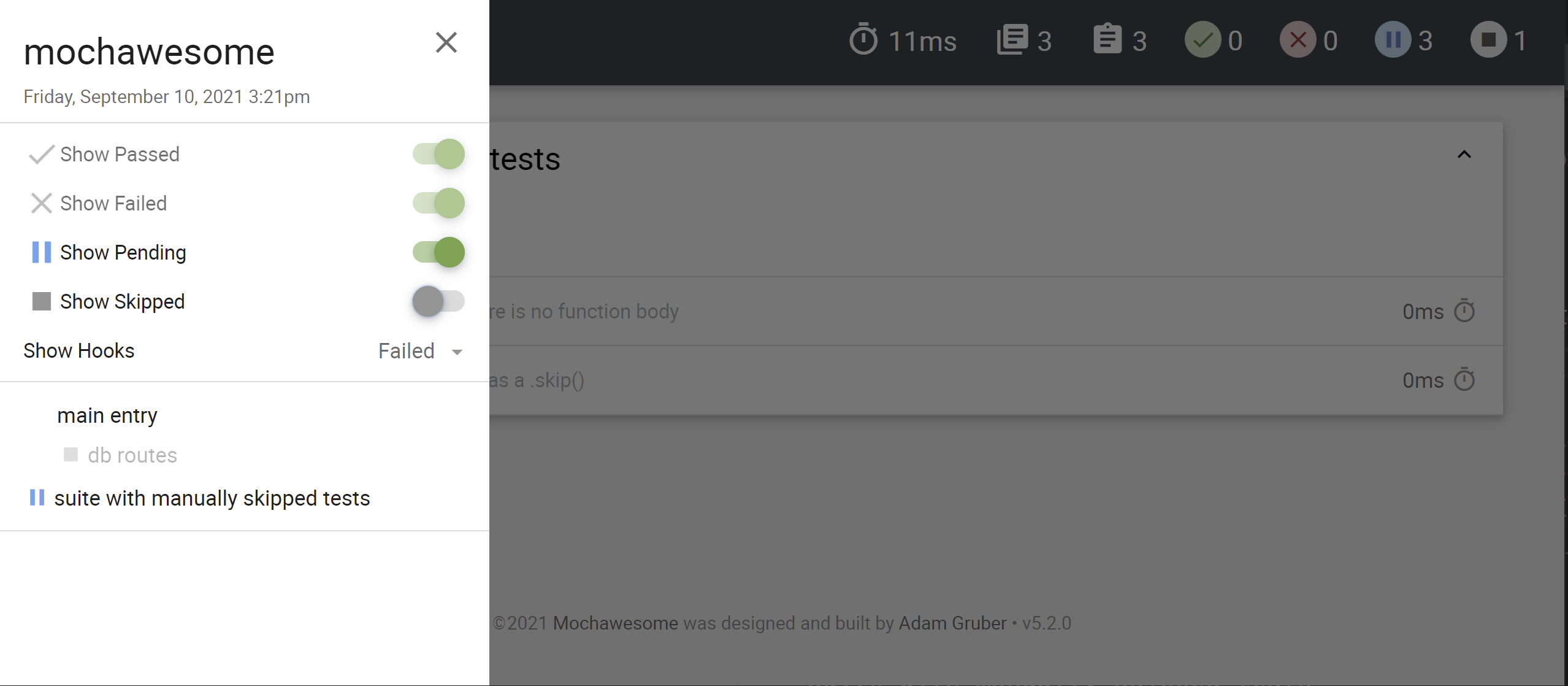 If you need to enable the `Show Skipped`, the tests would appear: 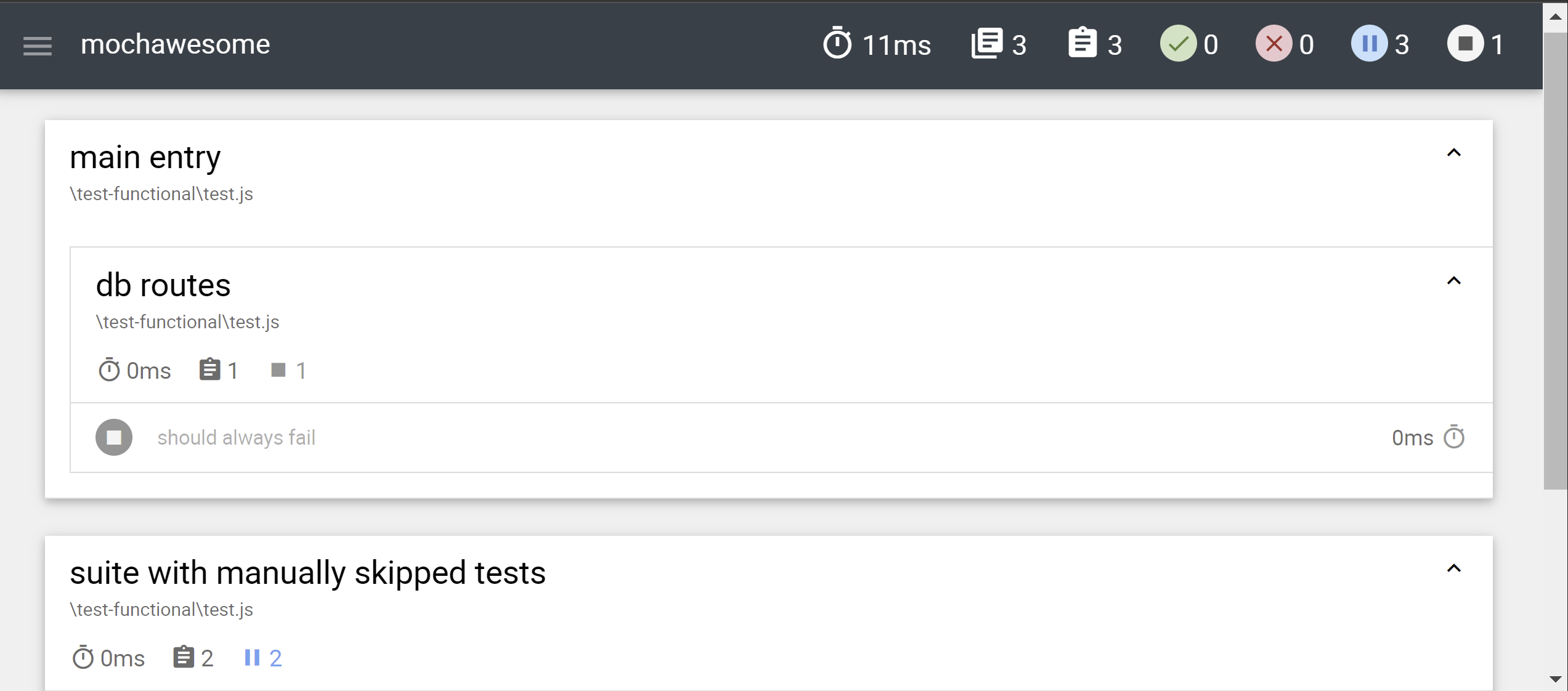 It is not...
When the test is finished the report should be ready to use. ```bash yarn test && http post http://example.com -d ./mochawesome-report/mochawesome.json ```
You do not need to use `require("mochawesome/register");` in the all tests. There is a simpler way to make it happen: ``` mocha -r mochawesome/register ```
Hi @joo920131, I have restored your example in a demo project but I could not reproduce the issue of not attaching context in parallel mode. [mochawesome-issue-339.zip](https://github.com/adamgruber/mochawesome/files/7694210/mochawesome-issue-339.zip) Could you please provide...
Hi @adrian-badulescu , I have noticed that you run your tests only once right before service reports via HTTP. ``` mocha tests.js --reporter mochawesome && concurrently "http-server ... ``` If...
Hi @TSSumanth , you could use DataUri in order to inline images directly to the report. ```js addContext(this, { title: "screenshot", value: "data:image/png;base64," + screenshot.toString("base64") }); ``` Or you could...
Or you can specify the `attrs` property to tell [hyperscript](https://github.com/hyperhype/hyperscript/blob/master/index.js#L102) sets the following as attributes: ```js h('label', { attrs: { for: "someID" } }, text) ``` But I would go...
Hi @ToAM90 , As I know the Cypress works on top of javascript, when this part is taken from C# `Convert.ToBase64String(System.IO.File.ReadAllBytes(filePath))`. So your example would not work. Nodejs already support...
As a workaround for unit test. I have added support of IXunitSerializable to help XUnit to build the correct test case data. ```cs public sealed record CountryCode(string Value) : IXunitSerializable...