
Kat Caola


Kat Caola
I have this issue too. Is this because Jekyll is now on v4.0? Running `jekyll build --trace` shows the following: ``` mac:Blog katc$ jekyll build --trace Configuration file: /Users/katc/jekyll/Blog/_config.yml Source:...
@theTechnoKid I was actually going to implement this myself! I'm glad I checked the open pull requests! Great minds think alike 😸 I would also suggest you make the change...
The change in [PR 15](https://github.com/h01000110/windows-95/pull/15) fixes this issue 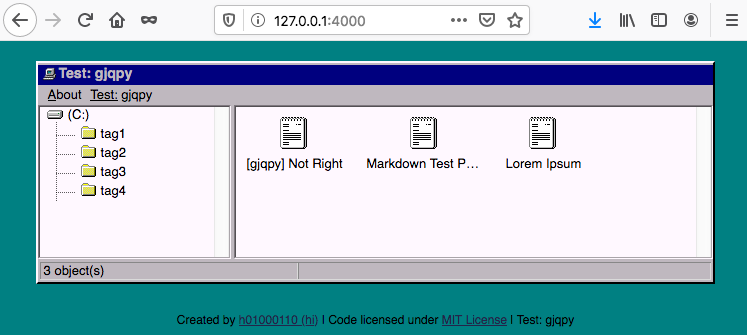
I had the same issue and was going to open a separate issue, but then saw this. This fixed it perfectly, Thanks! ✌️😸
To change the tag names there's a few files you need to edit. For all these examples, replace `` with the tag name you want: (1) in the `tags/` dir...
I was able to solve this issue with the [Docker Desktop App UI](https://docs.docker.com/docker-for-mac/). The swap was set to 1GB initially, and then I upped it to 3GB and the ```...
I had a similar issue as @RCHinds . ``` [ERROR] Failed to execute goal on project app: Could not resolve dependencies for project org.osgi.enroute.examples.quickstart:app:jar:1.0-SNAPSHOT: Could not find artifact org.osgi.enroute.examples.quickstart:impl:jar:1.0-SNAPSHOT in...
As a heads up, the windows version of nvm does not support certain version strings the way that `nvm-sh` does. I'm trying to script an automatic repository setup for both...
I ran into the issue myself this morning and stumbled on this stack overflow answer that fixed the issue for me (I'm on `4.32.0` because my Docker Desktop auto updated):...