


조정은
if you use this option(`disableClick`), to create a schedule using mouse click is disable. Do you want to prevent schedules from being created for certain days?
@johnnyBarendrecht , @gregoryforel Our team members are working on different projects... 2.0 will probably come out this year. (at all costs!) I'm sorry for late reply. Happy new year :)
You can specify the color of the schedule yourself. 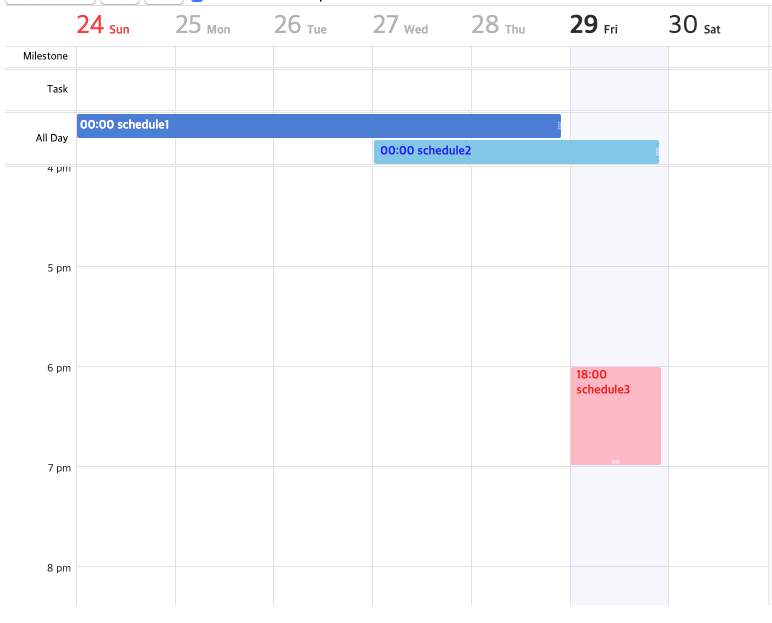 https://codesandbox.io/s/tuicalendar-issue-539-0mwdt?file=/src/index.js I think it's better to allow the user to style their own schedule.
When the monthly view 'category' is "time", it is differ from all-day schedule. It has to be marked separately from the all day schedule. Well... I think that It will...
For example, do you want to display the columns of the daily view as [Mon, Wed, Fri] or [Mon, Tue]??
Not supported. You can specify the time range. ```js const cal = new tui.Calendar('#calendar', { defaultView: 'week', // weekly view option week: { hourStart: 8, hourEnd: 19 } }); ```
The team will review this feature
Your suggestions is reasonable. New options will be added to the `month` options. Internally it blocks the drag event. The work plan is not yet specific.
This is a list view. It is in the 2.0 feature plan.
It is still in the early stages of development. You can of course help. However, before working on it, a specific plan is needed.:)