
Sahaj

Sahaj
Hi @greyli I've been looking for the answer for this issue but i can not find any thing that would be of any help. Besides that, your [commit](https://github.com/greyli/flask-dropzone/commit/8d77661ca0c478726a8a1599e491f07cf3628b03) from 7...
Turns out it only work for the first time, When i restart my pc and download fresh copy of chromium after that when i run my `gui.py` it works fine...
its some port issue here take a look 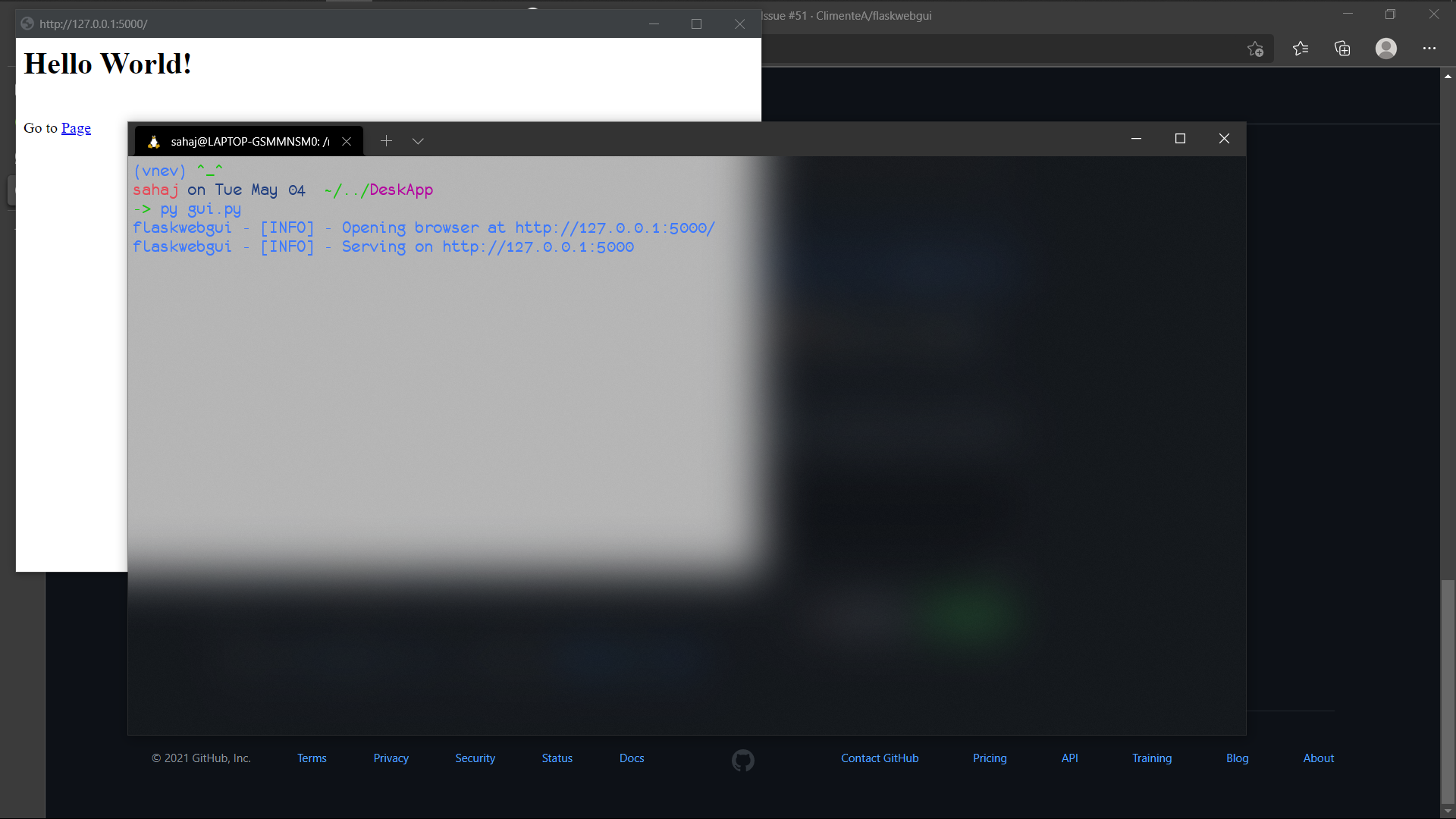 **_Note_: in above image it says port `5000`** This is when app is working 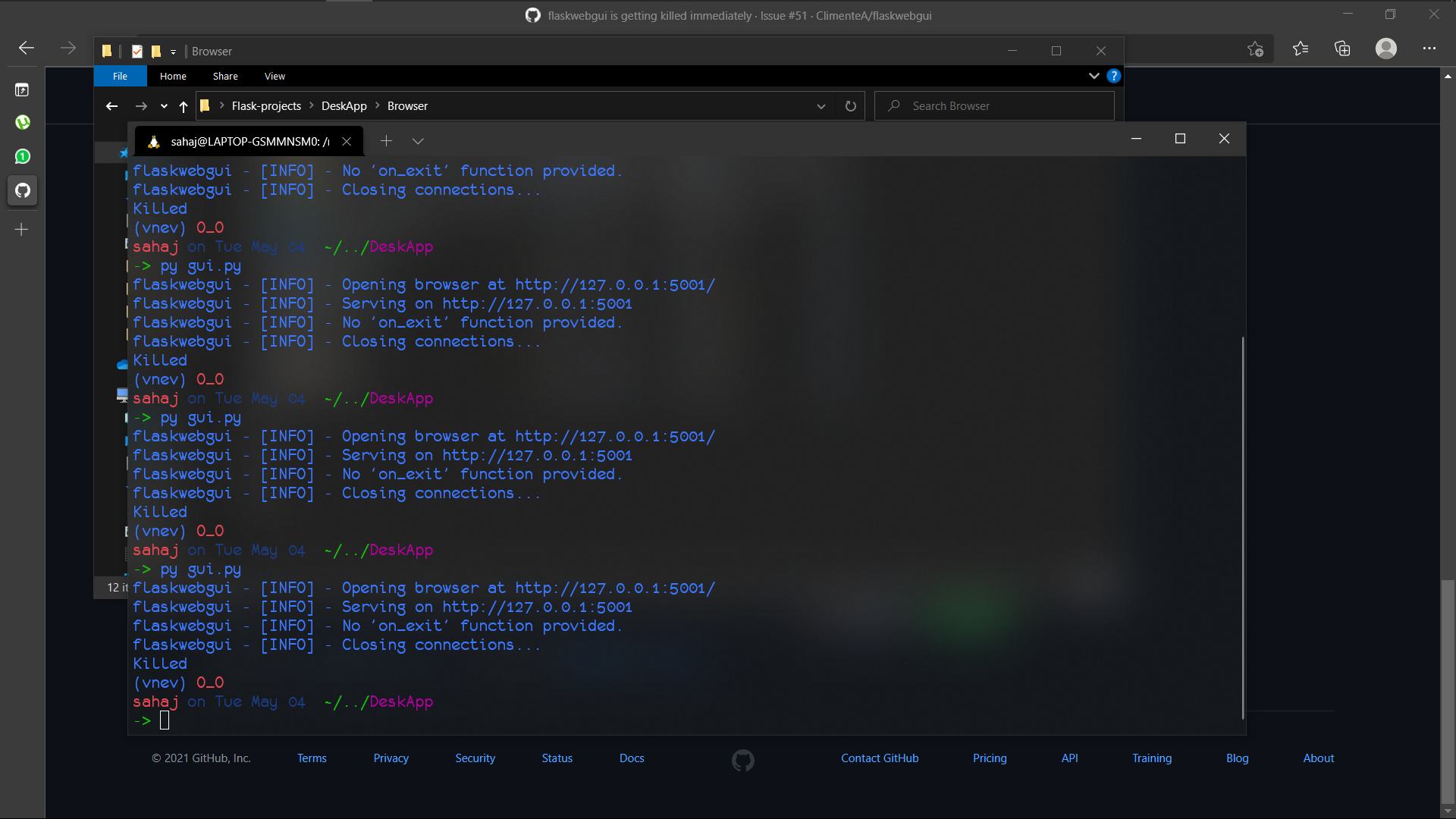 **_Note_: in above image...
There is no folder named `flaskwebgui` inside my `tmp` folder 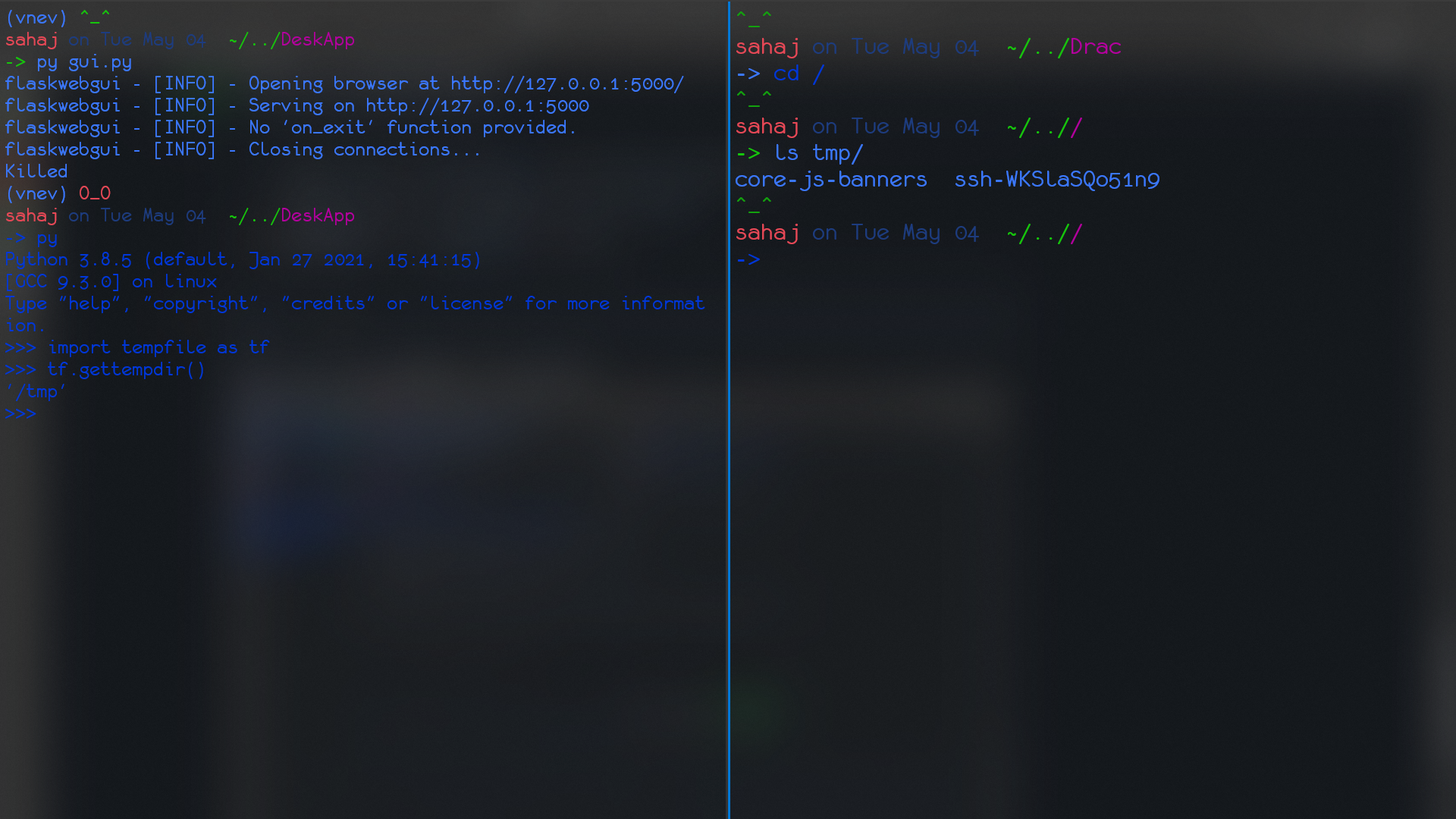
it does work but then it opens in browser edge for me infact i added ```PYTHON import webbrowser as wb wb.open_new('http://localhost:5000') app.run ``` and it works same
`gui_running` is `true` [this](https://github.com/ClimenteA/flaskwebgui/blob/9e298c0450811efbac521a88ed958995515b4b88/src/flaskwebgui.py#L311) line so i tried adding `self.BROWSER_PROCESS.kill()` in last but it seems to pause at this line i tested all of the flags are working with chromium...
i am using Ubuntu on `wsl`(windows subsystem for linux) and i have noticed that chromium doesn't close by just pressing cross button you will have to go to tool bar...
i kinda solved this immediate closing issue by putting `and` in place of `or` in `if` statement but now even tho i click on cross it doesn't close
it works on simple windows cmd i mean now i can open gui and it doesnt show error but it wont close even if i press `ctrl+c` or i click...
Ya There is some error in line [304](https://github.com/ClimenteA/flaskwebgui/blob/9e298c0450811efbac521a88ed958995515b4b88/src/flaskwebgui.py#L304) i added bunch of `print` statement and it seems that program doesn't execute after line 304 i guess there is some error...