
Ismail ALABOU





Ismail ALABOU
> Thanks guys, the following code worked for me (you can erase the console.logs later, I've added it just to understand how it works): > > ``` > function verifyWebhookRequest(body,req)...
@ShikhaPant did u find a fix ??, i'm having the same issue.
> There's not a lot of context provided but it might be there aren't any scopes being provided to the `Shopify.Context` during initialization, or not provided in the correct format....
and this is my frontend error message & devtool console errors: 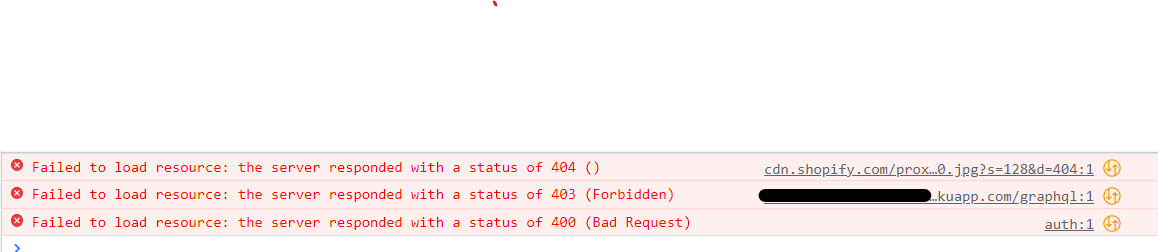 
> There's not enough information here, or background. > > 1. how was the app created? (e.g. using the CLI, copying a template, ...?) > 2. are you using the...
facing same problem
> Hi all, > > I am having the exact same issue. Without much luck from your replies. > If I comment the volumes sections in the docker compose, then...
> data/db' i think your volumes in mongo-express, should be like this: `/Users/benoit/mongo-database-remap2020`
> Hi all, > > I am having the exact same issue. Without much luck from your replies. > If I comment the volumes sections in the docker compose, then...
> FIXED - changed the me metadata for express.yaml to `mongo-express-service` instead of `mongodb-express-service` & changed selector-`mongo-express` instead of `mongodb-express` that's it, it doesn't make sense ! @jimmymalhan