
Fernando Cardoso




Fernando Cardoso
I just received this particular model, I decided to test it and everything is normal for me 
Hello @roleoroleo, when you request the backup, what do you do to see if it works or not? Can you simulate the camera in some virtual environment? I would like...
> So I made further testing: > > My camera is exactly the same as OP: > > * Base 9.0.46.00_202110081405 > * Serial RFUS > > I tried to...
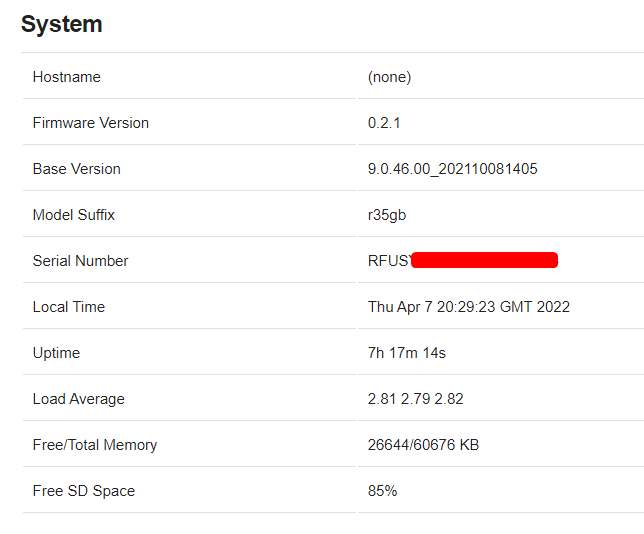 Here I am connected for more than 7 hours in FullHD transmission
@auanasgheps, out of curiosity, what app or what are you using to connect. Depending on your need, I can guide you better.
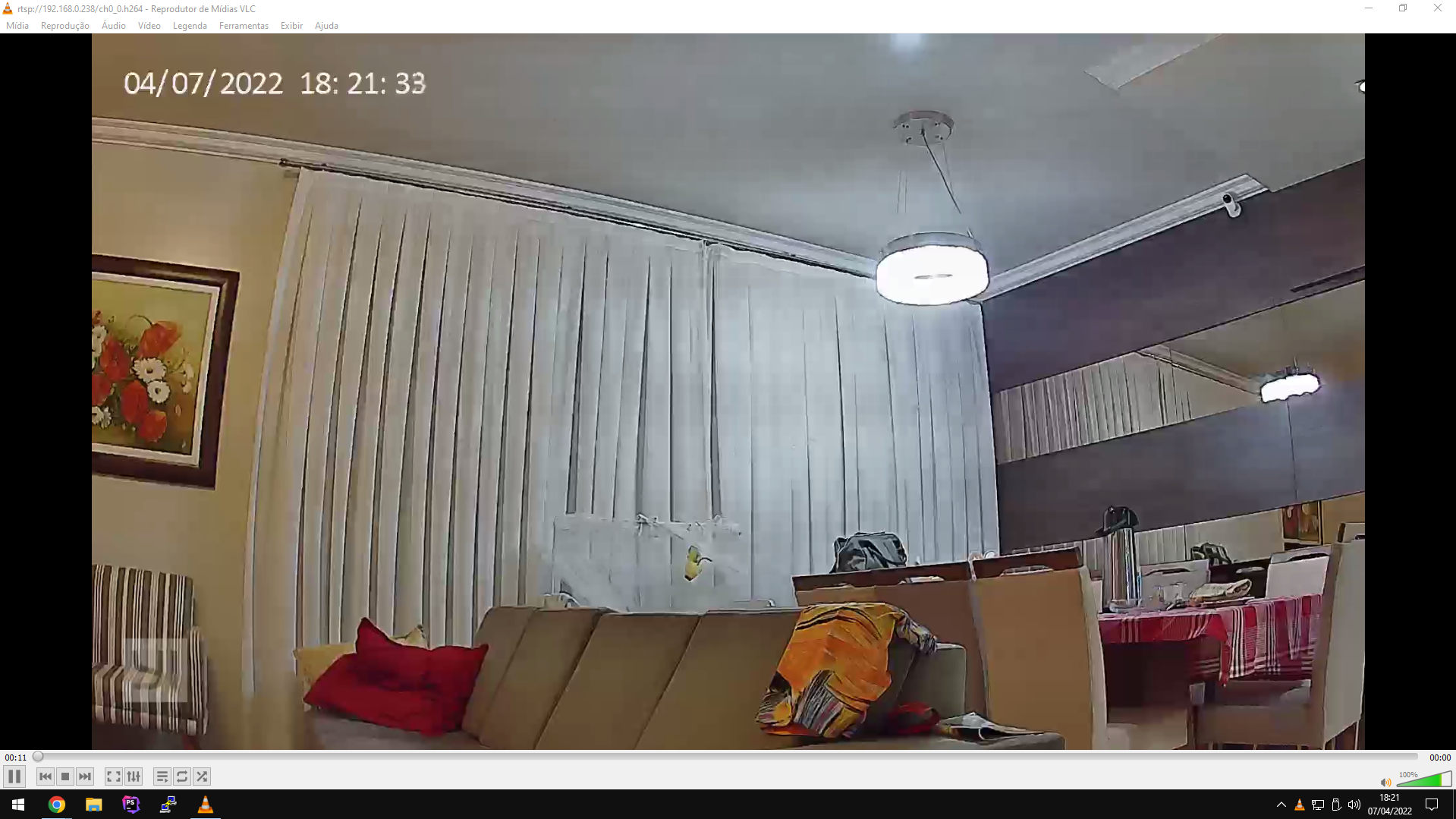 Working around here... wouldn't your router be congested? Try putting it on the network cable and accessing via the cable's IP.
 @auanasgheps It's really strange, here it works with the Cloud on and off
@auanasgheps try this... Reset, reboot and then follow this step: - Go to settings, disable only Telnet, save and restart; Test connects at this step, if it doesn't work: -...
I forgot to mention that the Wi-Fi is at 100% on most cameras and I tested it on 3 different network systems (cable, regular Wi-Fi and Mesh Wi-Fi). I also...
All cameras are properly identified and in their separate topics. I'm using the MQTT Explorer app which makes it easy to see all cameras. Using the default settings, I can...