
Nurguly Ashyrov

Nurguly Ashyrov
Related to: #3570 ### Steps to Reproduce 1. Login as an admin 2. Go to Sensei > Modules 3. Create a module with name "Module 1" 4. Login as and...
### Steps to Reproduce 1. Turn on Learning Mode for a course. 2. Edit a lesson for that course. 3. Press "+" on top left of the editor to open...

Fixes #5925 Fixes #5861 ### Changes proposed in this Pull Request * Fixes the height issue for Video Container block in FSE for LM Video template. * Fixes the alignment...
The height of the Video Container block is `0` in the FSE. This makes the blocks that come after Video Container go under it. See screenshot below. 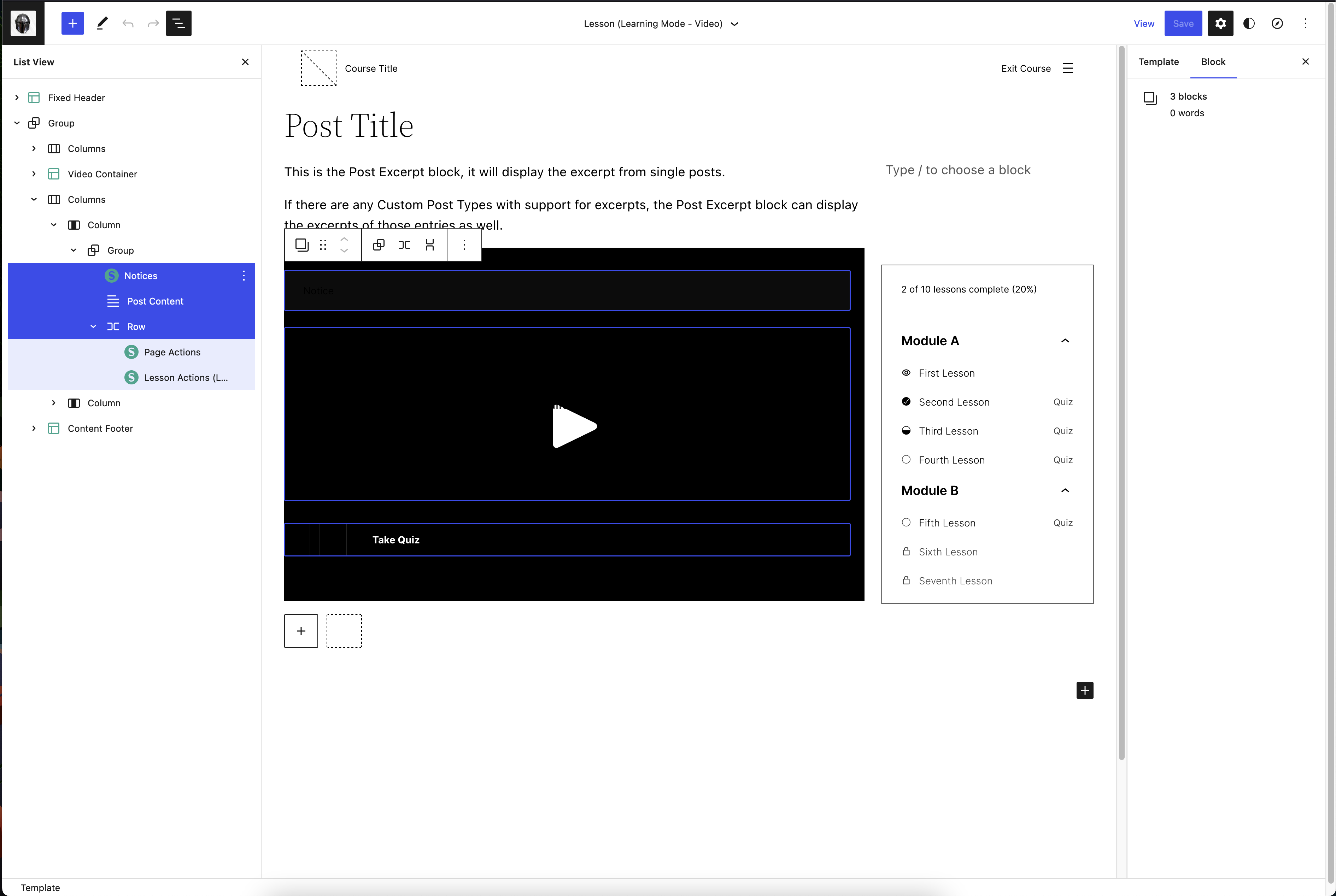
### Steps to Reproduce 1. Create a course with lessons in it. Make sure there are no students enrolled to this new course. 2. Go to **Sensei LMS > Courses...
### Steps to Reproduce 1. Go to Appearance -> Customize -> Widgets. 2. Add Sensei LMS - Course Progress widget. 2. For the widget, uncheck "Display all Modules" checkbox. 3....
Suggestion to fix this issue
### Steps to Reproduce 1. Create a user with `Teacher` role. 2. Login as a teacher 3. Create a question and add it to category "A". 3. Create a lesson...