
trillstones
trillstones
> 1. 自动生成 md 文件,目前可以这样 在标注时,在更多里有个 `导出 pdf 注释` 选项或者在设置页面选择保存标注的方式为markdown,但是目前无法点击pdf 标注跳转回md,原因是标注有可能存在于多个md文件中(这里有个疑问,你的意思是不是单条标注生成单个md文件?) 是的,单条标注生成单个md文件。
> 单条标注生成单个笔记,我是用了一种比较折中的方法。我的注释生成格式是这样的 > > ``` > ## {{comment}} > -- - > ■ ([p{{page}}]({{link}})) > {{HighlightText}} > ``` > > 我的方法要求我写注释的时候,第一行当作标题,其余当作注释的内容。然后安装一个 Note Refactor 插件,设置中启用 Exclude First Line 选项。在注释 md 文件中按下...
> The latest version of MarkMind supports annotating online PDF files. It would be great if one can also annotate web pages, e.g., this project page: https://github.com/MarkMindCkm/obsidian-markmind 用简悦剪裁成pdf,统一用pdf去标注笔记。
服务端dubbo版本和客户端的dubbo版本不一致。
> There is a setting for this in plugin settings. Disable “zoom to fit on view resize”. > > 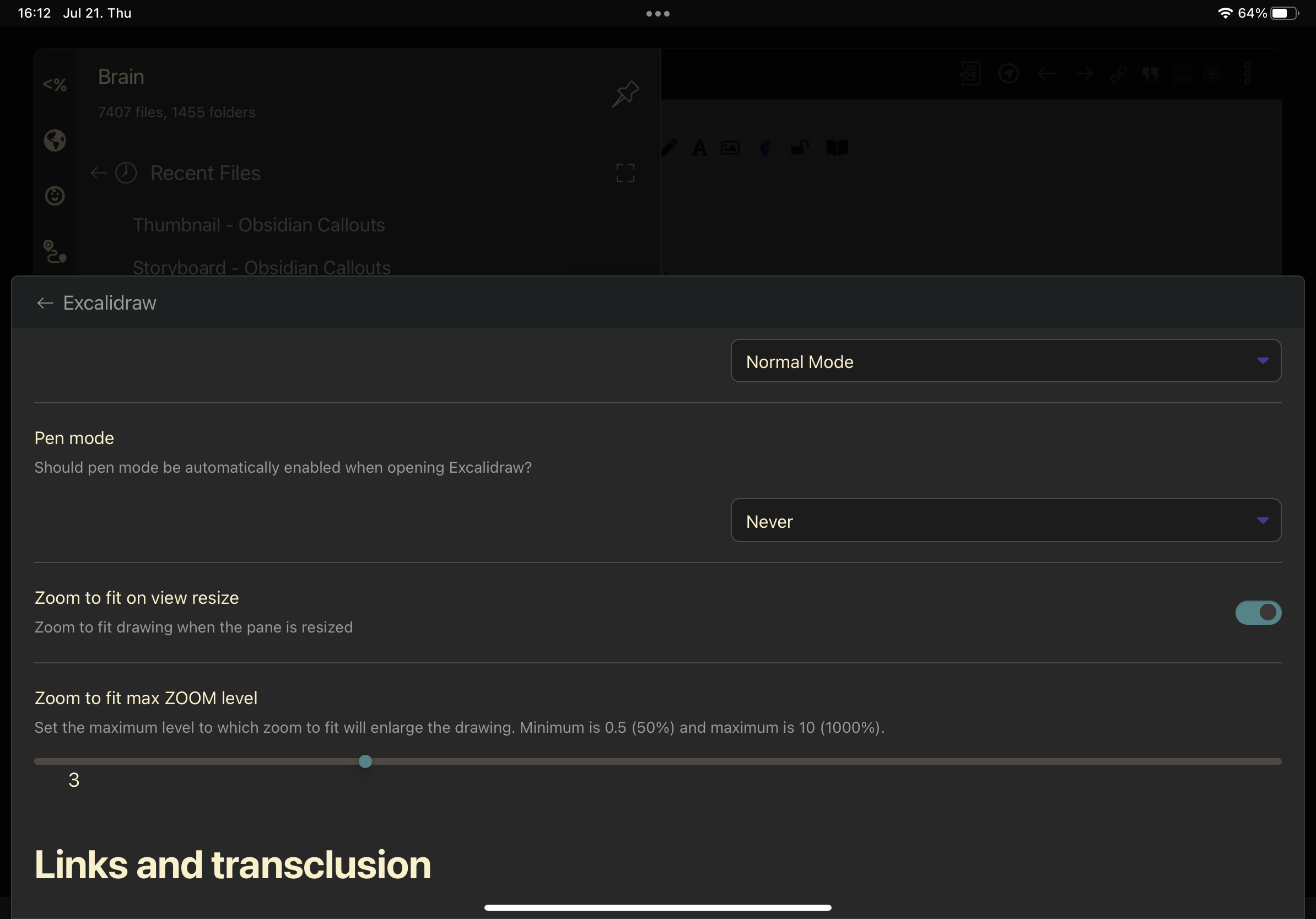 it cannot help.
> on a mac device.
> 已经是放进去了,还是出现这样的问题。 点击第八章,滚动到第九章出现。 webviewerloaded: SecurityError: Blocked a frame with origin "app://31374b3fa7048f80b3043964f092109d1068" from accessing a cross-origin frame. webViewerLoad @ viewer.js:230 [Uploading Java 8实战.pdf…]()
> put pdfjs to .obsidian > > please see this https://github.com/MarkMindCkm/obsidian-markmind/releases/tag/1.7.2 附件发你邮箱了
这可能对你有帮助。 https://www.youtube.com/watch?v=zZClArYX-G0
https://github.com/TrillStones/obsidian-image-occlusion/tree/main A new Solution by Using Excalidraw, templater, and obsidian_to_anki plugins.