



咸鱼至尊

这是保存在Serialize里的数据 ````kotlin var ConfigList: ArrayList by serialLazy( arrayListOf( PrintModel("", true, true), PrintModel("", true, true), PrintModel("", true, true) ) ) ```` 这是修改数据后重新保存的操作 ````kotlin AppConfig.ConfigList = adapter.data as ArrayList ```` 每次打开app后数据是没问题的,但是覆盖安装后数据就没了,请问是这样写的吗😂
目前使用官方新推出的api感觉使用起来有点麻烦😂我想要是能用你提供的界面传递参数跳转Activity的写法,在后面加个大括号,用lambda表达式的写法获取到返回的数据执行后续操作就好了🤔
kotlin想坚持使用的可以参考#3561 [BRV](https://github.com/liangjingkanji/BRV/)比较适合databinding,一直在维护,作者解答很快,可以试试😉 [使用文档](https://liangjingkanji.github.io/BRV/)也很全,和作者的[net框架](https://liangjingkanji.github.io/Net/)一起使用是真的方便快捷😁
我是经朋友介绍使用此库的,想用来解决我碰到的一个奇怪的需求/BUG,具体是这样的:一个Material库练习,使用的DrawerLayout、CoordinatorLayout、AppBarLayout、Toolbar来设置状态栏,首先要让状态栏背景色变透明,文字颜色黑色,然后想让Toolbar跟随页面向下滑动滚动至隐藏,这时状态栏背景色是透明的,可以很清楚的看到页面,不会被遮挡,而状态栏文字是黑色的,当和页面内容重叠时会显示在内容的上方,当再次随页面向上滑动时会显示Toolbar,并在滑动到Toolbar完全显示时,状态栏显示在ToolBar上面,跟开始一样,状态栏跟Toolbar是要有一段距离的,现在的问题是要不在完全显示Toolbar时两者间没有距离,要不跟没沉浸一样,要不就是向下滑动页面时,Toolbar会重叠到状态栏上,三种情况如下图所示,这是我用原生开发以及使用您的三方库做的,一样的情况 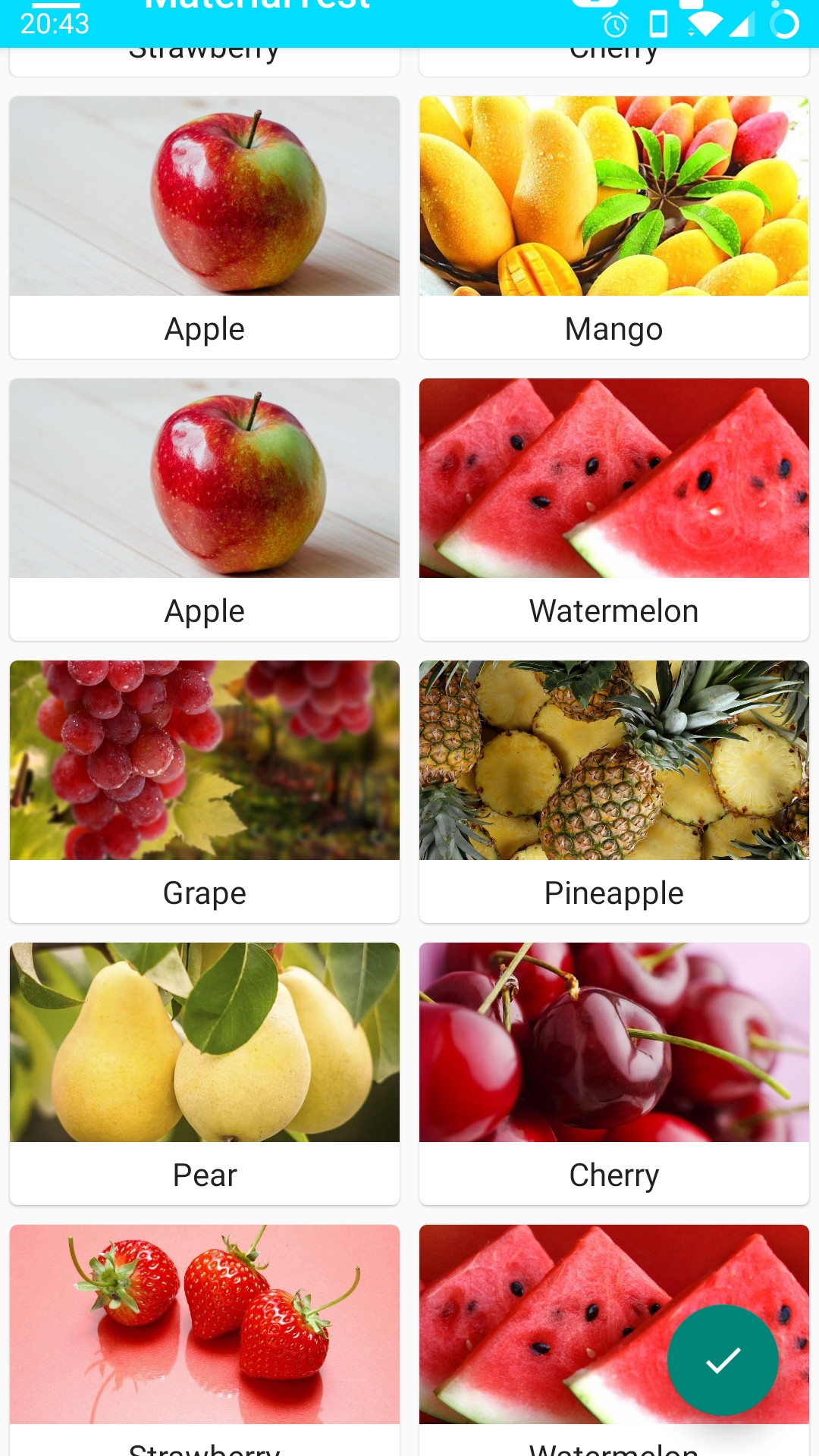 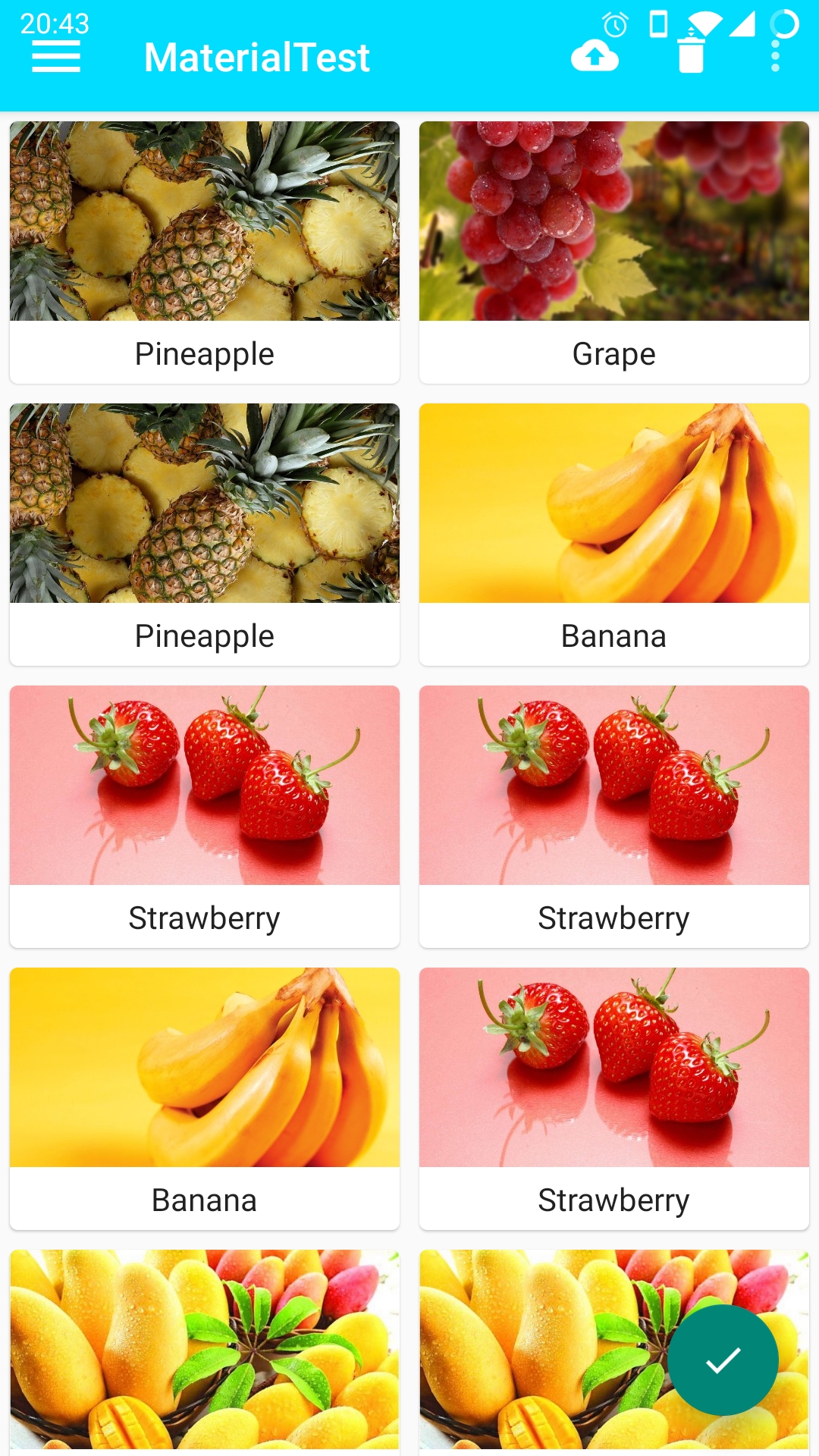 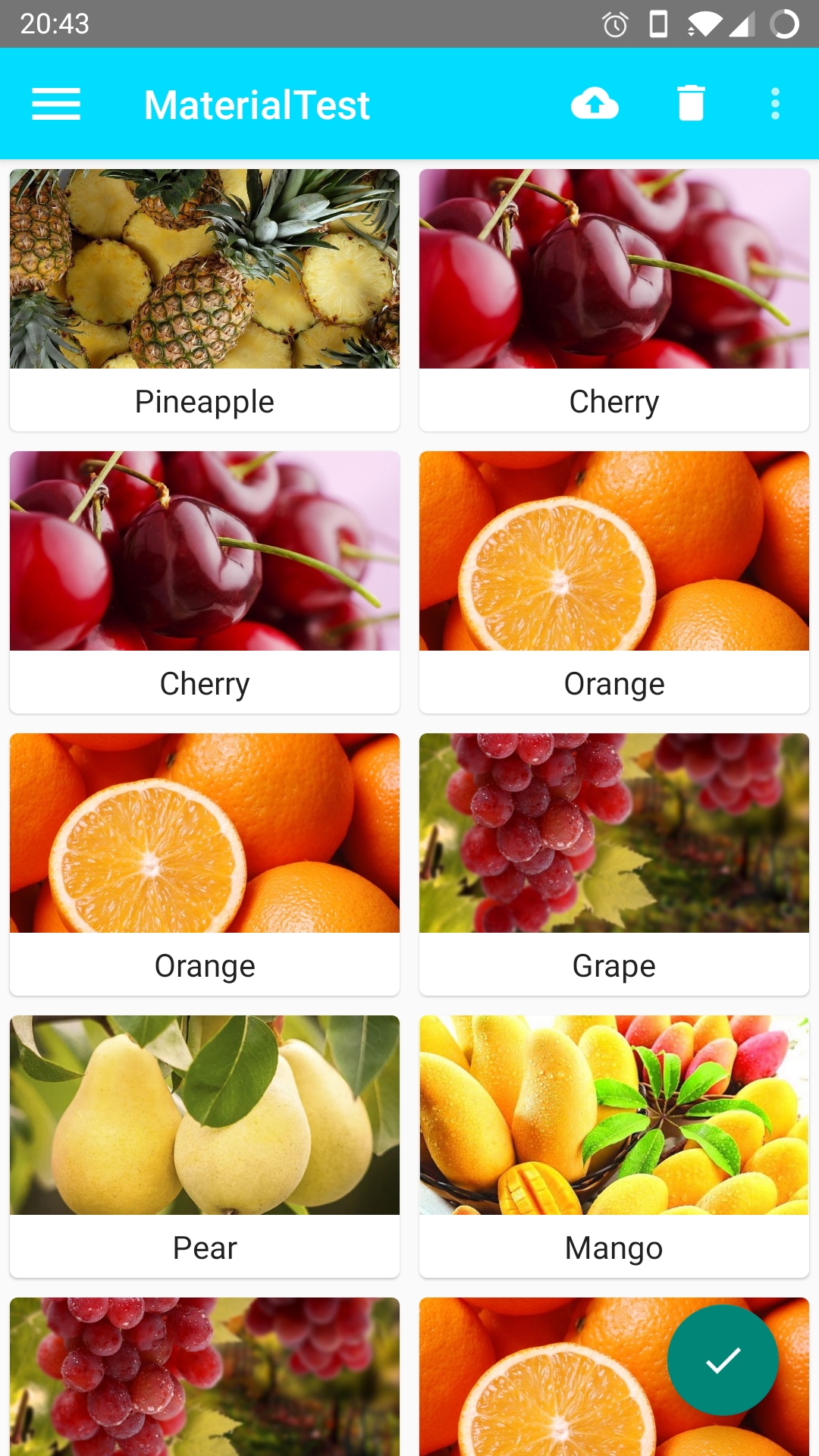 目前我能想到的唯一办法就算在activity中设置window.addFlags(WindowManager.LayoutParams.FLAG_LAYOUT_NO_LIMITS)或者是WindowCompat.setDecorFitsSystemWindows(window, false)让页面数据和状态栏融为一体,然后给Toolbar设置marginTop和paddingTop来硬编码边距,android:fitsSystemWindows属性在这个需求里没有作用,但是设置了边距之后视觉效果还是有些问题的,而且滑动时候也是,特别是当没有完全显示Toolbar时就选择menu菜单时问题特别大,但是目前实在是找不到解决办法了,请问老哥能解决吗?目前的效果图如下 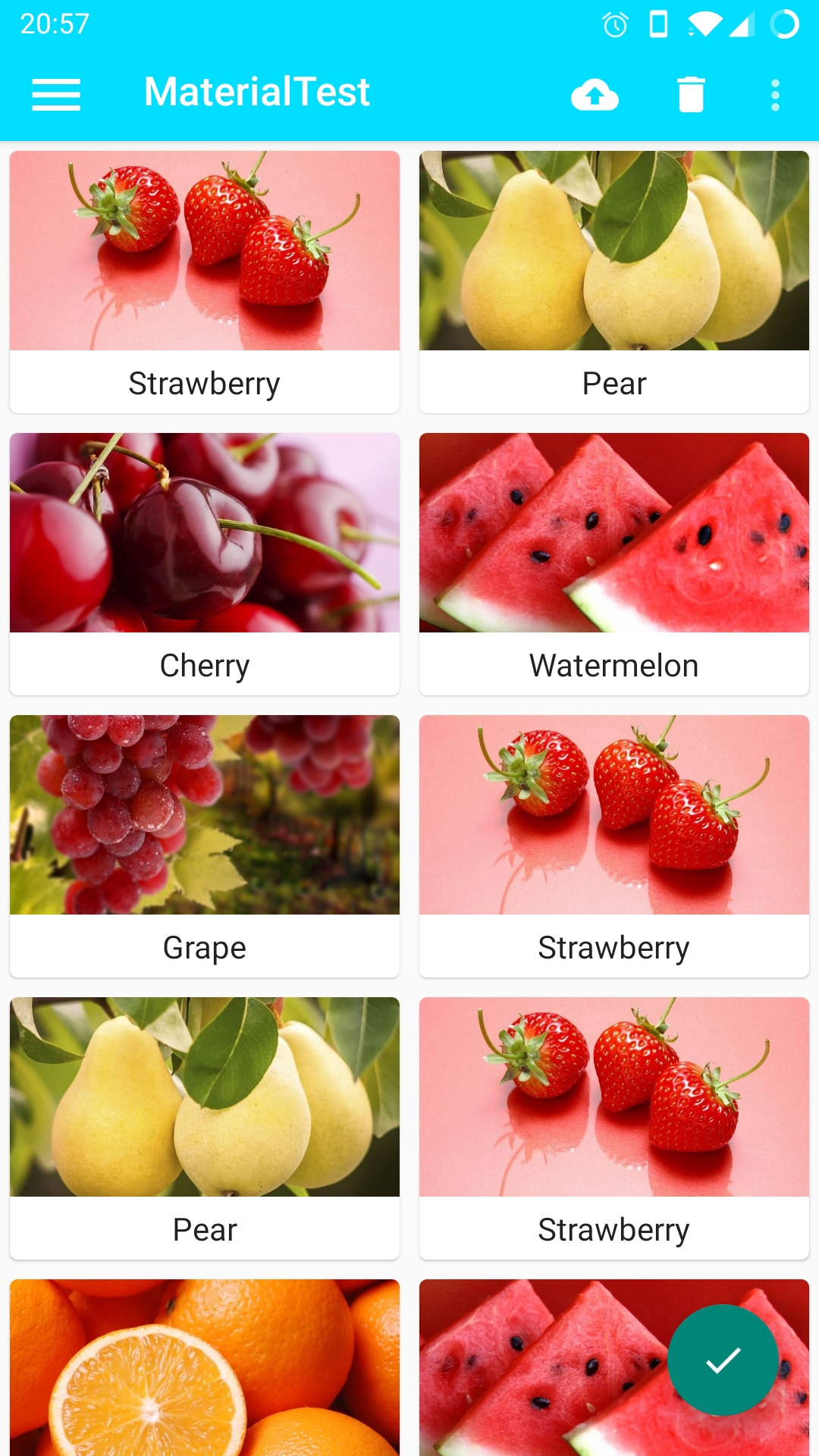 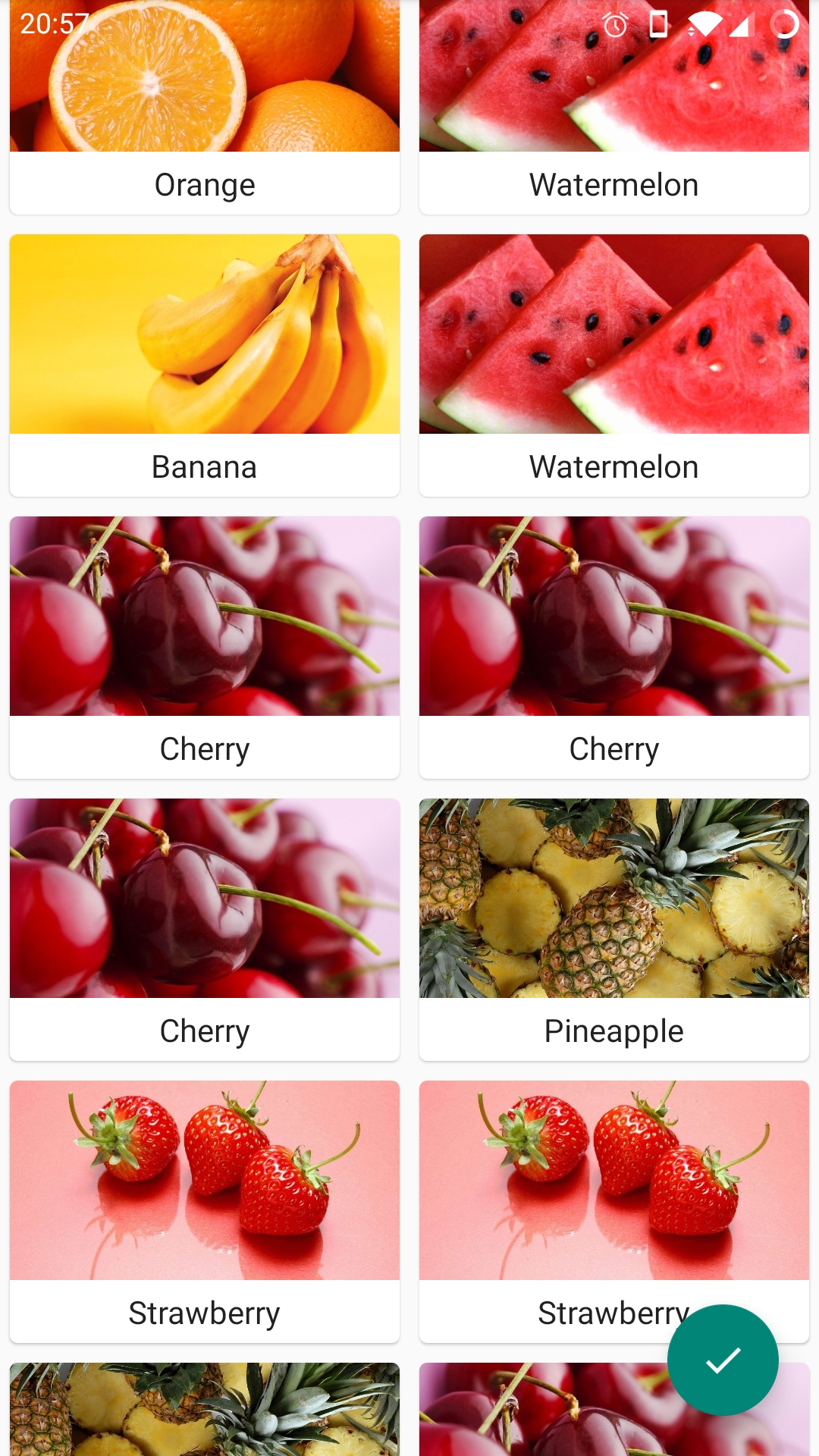 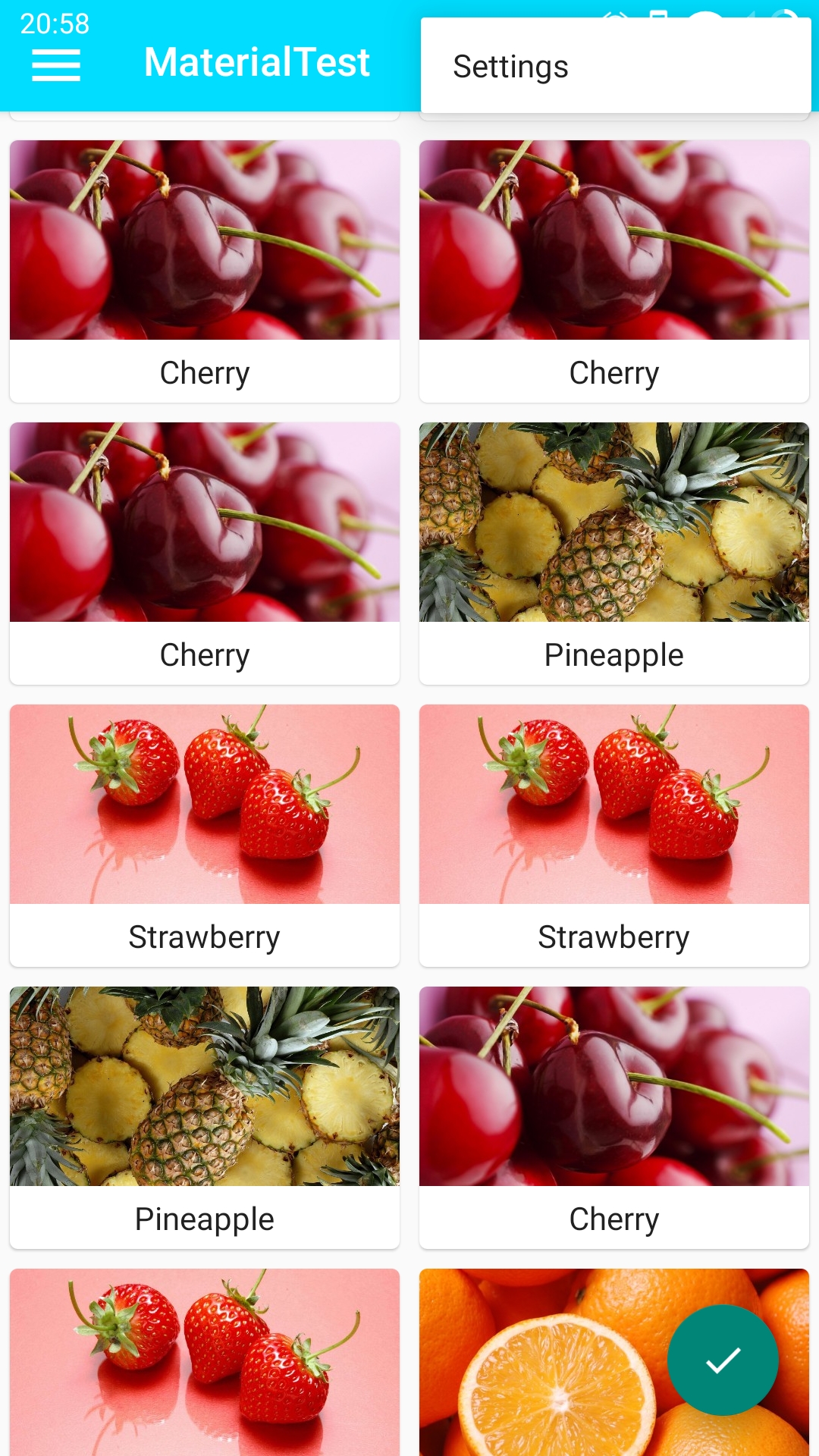
 就是图上这样,有时候侧滑栏拉不开,只能拉出来一点,不知道什么bug😢
```text A problem occurred configuring project ':app'. > Failed to notify project evaluation listener. > No such property: variantConfiguration for class: com.android.build.gradle.internal.variant.ApplicationVariantData > can't find tinkerProcessDebugManifest, you must init tinker...
 我看鸡你太美还用的最开始的1.0.0版本,可能没看到你发布的版本,直接复制readme的,我用他自定义的子类一堆方法报错,后来用你的玩安卓自定义的CollectView就好了  还有感觉`revealLayout.setOnCheckedChangeListener`监听的回调方法好像没啥用,还是你定义的点击回调接口更有用,毕竟一般都是在RecyclerView中使用,一般会有默认选中的项目,还有点击后选中的逻辑判断,我把你的自定义子类改成用科特林实现的了,一些简单的逻辑判断也写在里面了 ````kotlin class CollectView @JvmOverloads constructor(context: Context, attrs: AttributeSet? = null, defStyleAttr: Int = 0) : RevealLayout(context, attrs, defStyleAttr) { private lateinit var mOnClickListener: OnClickListener override fun...
https://user-images.githubusercontent.com/54784104/155506639-6211be42-67ab-4598-9c69-58099e723d4b.mp4