
f(x)
f(x)
 才发的issue图片就加载不出来了
但是手机Github应用程序就没问题
(对不起,可能是我的表达有问题让您误解了) 我的意思是,我的电脑上已经安装了watt toolkit,但是访问Github和下载Github文件时有问题,图片里的release只是一个例子。
 很遗憾问题并没有解决。
` # Steam++ Start 127.0.0.1 google.com 127.0.0.1 www.google.com 127.0.0.1 hcaptcha.com 127.0.0.1 assets.hcaptcha.com 127.0.0.1 imgs.hcaptcha.com 127.0.0.1 www.hcaptcha.com 127.0.0.1 docs.hcaptcha.com 127.0.0.1 js.hcaptcha.com 127.0.0.1 newassets.hcaptcha.com 127.0.0.1 client-api.arkoselabs.com 127.0.0.1 epic-games-api.arkoselabs.com 127.0.0.1 cdn.arkoselabs.com 127.0.0.1 prod-ireland.arkoselabs.com...
> > 遇到同样的问题了,请问有解决办法吗? > > 在hosts中注销 objects.githubusercontent.com 和 private-user-images.githubusercontent.com 这两项就行 >  > 似乎是由于更新后代理这两项导致的 试过了,但是很遗憾,问题依然存在。
问题解决了!但是我也不知道怎么解决的。。。。。 我的电脑上有一个软件Collapse https://github.com/CollapseLauncher/Collapse 这天我把它更新了一下,选择了从GitHub下载所需文件,发现可以下载(在软件里),如图所示  再回GitHub一看,图片也可以正常加载了,IDM也正常了 但是,我真的没有做任何其他的操作啊!!!所以这是怎么解决的???
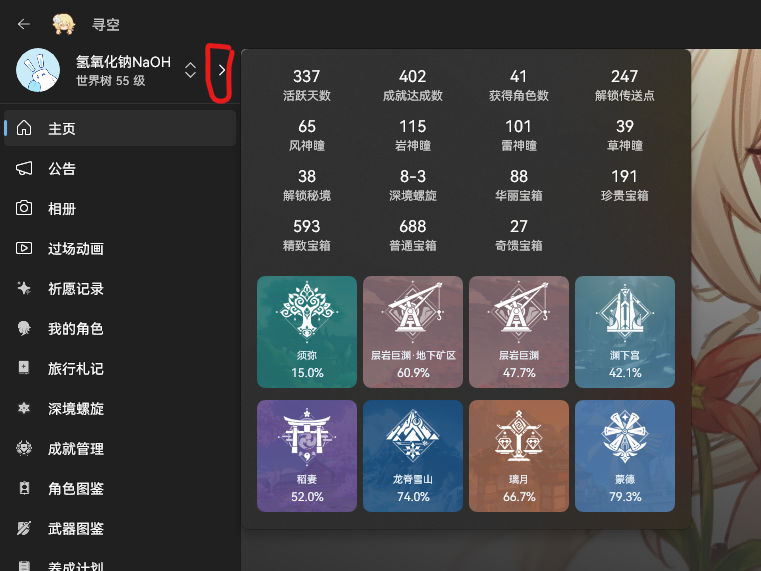 点这个就行了
遇到了一样的问题,求解。
我也遇到了这个问题,下面给出我的配置信息: 安装方式:脚本安装 系统版本:Windows10 22H2 设备类型:台式计算机 应用架构:x64