
Leonardo Augusto Perrella


Leonardo Augusto Perrella
A suggestion, if is possible, could be to read the rooms directly from a separate JSON file. That way it is easier to configure and view.
It worked for me like this --serializers.py-- ``` class ProductsSerializer(serializers.ModelSerializer): class Meta: model = Products fields = ('name', 'code', 'price') class VendorsSerializer(WritableNestedModelSerializer, serializers.ModelSerializer): products = ProductsSerializer(source='vendor', many=True) class Meta: model...
After running main.py
  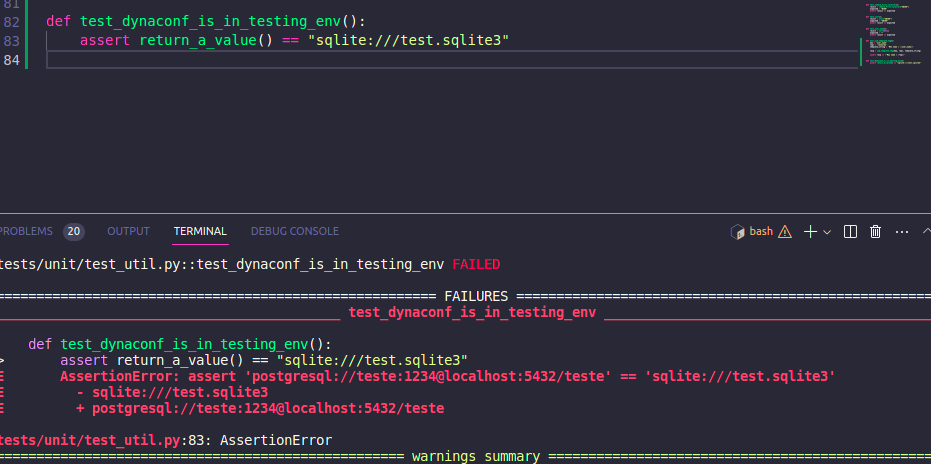
I've tried that configuration on conftest.py, but it didn't work # conftest.py ``` @pytest.fixture(scope="session", autouse=True) def set_test_settings(): settings.configure(FORCE_ENV_FOR_DYNACONF="testing") ``` # settings.toml [default] ``` foo="default_value" [development] foo="development_value" [testing] foo="test_value" ```
I tried the examples and I couldn't solve this problem yet
Hi. I'm having the same issue. I wasn't able to see the camera. Using Chrome 77.