
Kevin W. Gagel


Kevin W. Gagel
I have two domain accounts I can login with. This problem is affecting the elevated level account, not the regular account.
I didn't bring it up sooner because I have the executable set to launch as administrator. I do a lot of remote ps. I wanted to keep going with a...
Just wanted give an update. I've been using VS Code in my non-elevated account. Today after a bunch of debugging I had the same problem. No more output from write-output....
I will.
I can't get any output now. Even something as simple as get-variable is outputting nothing at all in the integrated terminal. I can't see any errors in the debug logs....
I found this in the "EditorServices.log" file. `2022-07-12 13:59:11.978 -07:00 [VRB] Could not write to output handler, perhaps serialization failed?`
Here is a visual of what I see  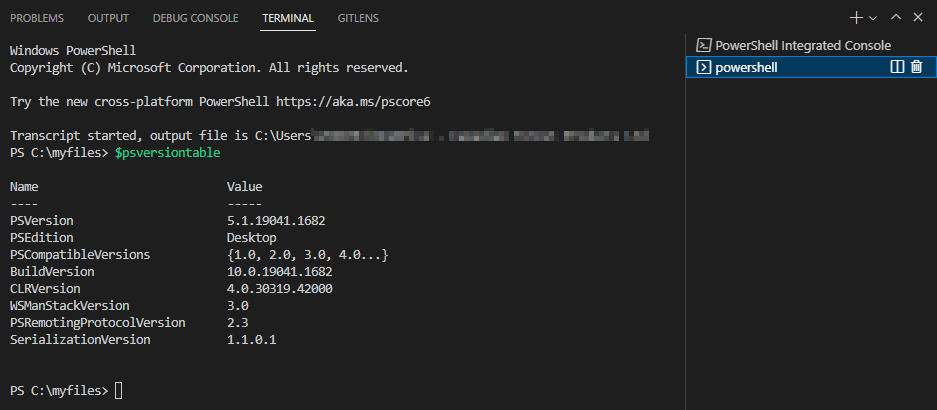 .
Version v2022.6.3 
Updated debug log files [EditorServices.log](https://github.com/PowerShell/vscode-powershell/files/9123054/EditorServices.log) [StartEditorServices.log](https://github.com/PowerShell/vscode-powershell/files/9123055/StartEditorServices.log) [vscode-powershell.log](https://github.com/PowerShell/vscode-powershell/files/9123056/vscode-powershell.log) .
I have installed Powershell 7.2. Default-output seems to be working again now. I'll leave this open for a while and see how things go when I start working in ps...