
HUANG

HUANG
same issue, have you solve it?
> https://github.com/marcusfelix/esc-pos-printer-flutter.git thanks for your help
> Try this > > `BluetoothManager.instance.disconnect();` > > also, you need to add `flutter_bluetooth_basic` as a dependency in your pubspec.yml tks.
I have the same questions.
> > @hirunsr > > Did you find any solution? > > I am having the same problem with Japanese characters. > > Please share if you have found any...
> 1. Declare global key class variable >  > 2. Add RepaintBoundary in body > 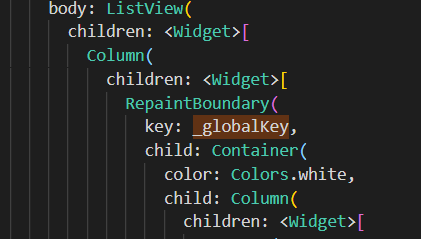 > 3. In _printTicket function, create RenderRepaintBoundary object and send it to _createTicket...
> try this > > ``` > Uint8List encThai = await CharsetConverter.encode( > 'TIS-620', 'Thai: แกงจืดเต้าหู้หมูสับ แกงป่า'); > > ticket.textEncoded(encThai); > ``` > > 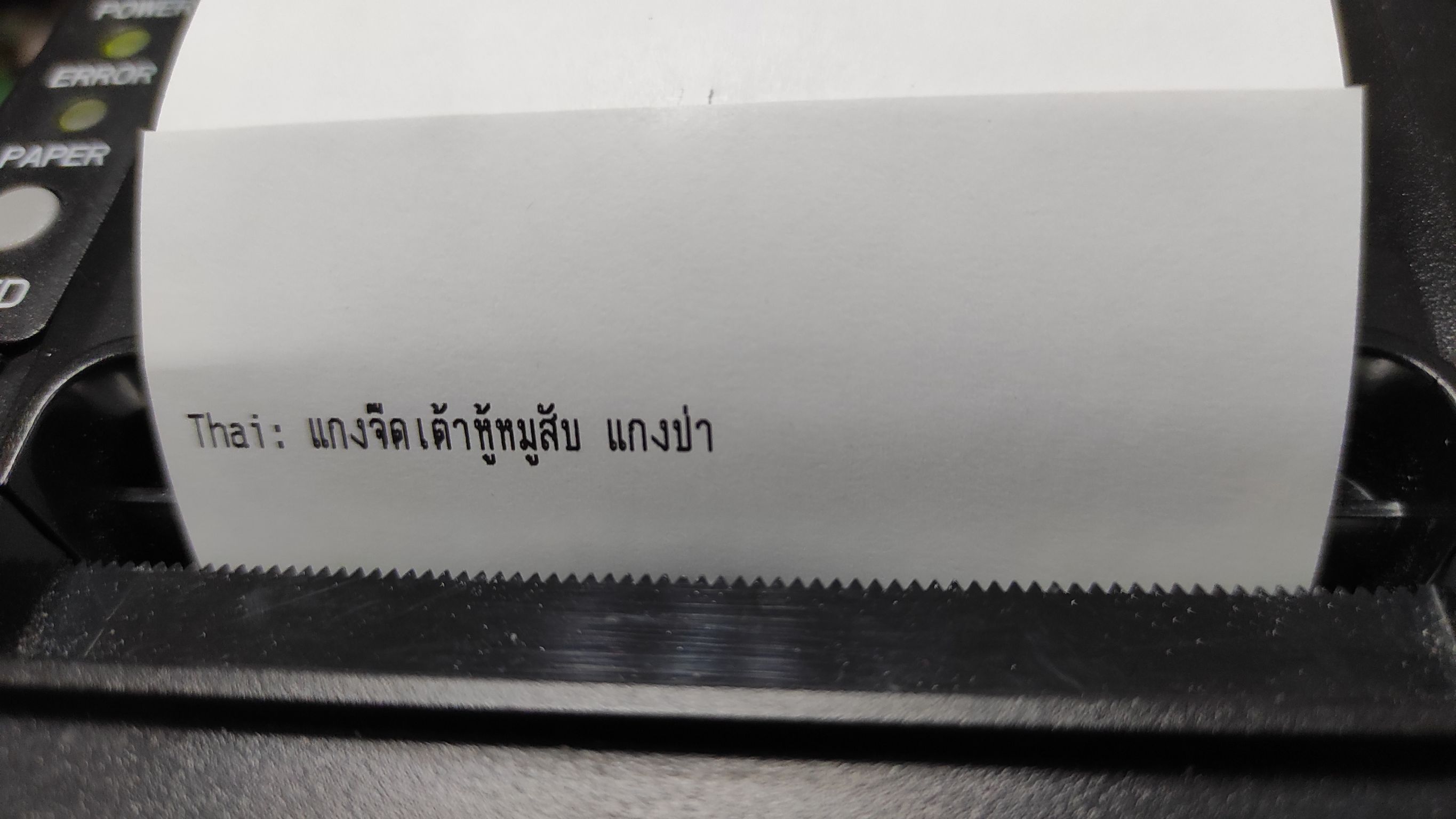 > > i hope can...
I have same issue, I printed Thai.