
DanGLES3


DanGLES3
> Seems I finally have a solution now: https://github.com/Magisk-Modules-Alt-Repo/magisk_overlayfs > > Steps: > > 1. Install this module and QuickSwitch > 2. Setup QuickSwitch as normal > 3. Enable OverlayFS...
> @DanGLES3 > But, everything in that section (Tools, Terminal & and info icon) are placed in a Horizontal scroll view. Have you tried to scroll it? Yes, no matter...
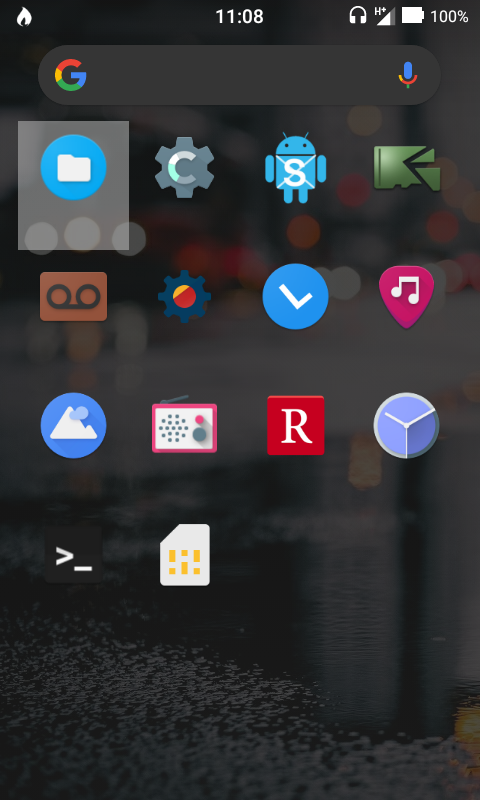 Also if an app is highlighted on the homescreen if i use the home button to open the drawer the highlighting goes to the first app in the drawer
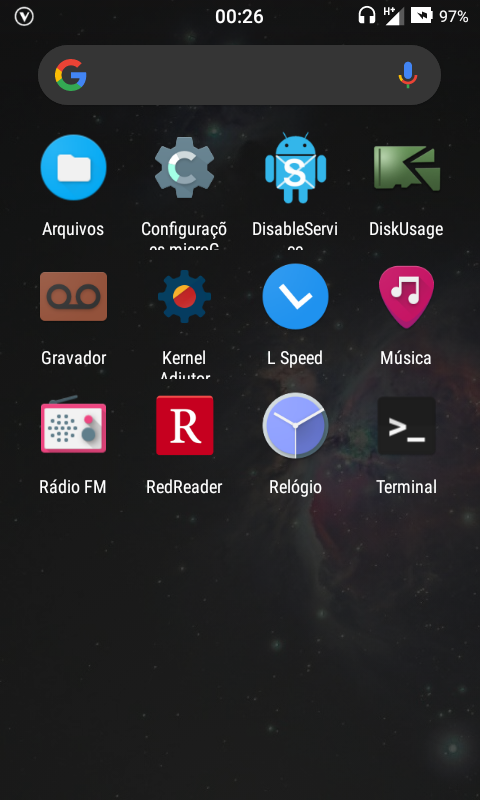 Same on Lineage 14.1 7.1.2 Lg L70
No,its just that i accidentaly found out i pressed the close button by mistake,it still an issue it seens that the drawer tries to reverse the color of the statusbar,but...
Agreed,especially in the black theme which i get its supposed to save battery,but most users on amoled are already using a black wallpaper anyway and they want to see it...
> What happened to this? #2382 was closed & dev limited the conversation. Why? Because it was a duplicate request, thus there was no need to keep 2 active issues...
The module doesn't make those folders show up in the file picker, I'll try working on that
> Can the scope of the module be increased to also hide the Taskbar in Android 12L on tablets? That is actually a far bigger issue than the nag bar...
Sadly it seems OOS 12 isn't handling the overlay well causing the entire overlay folder to break, the only thing I could sort of narrow down was perhaps the signature...