
AndrewHaglund

AndrewHaglund
`scroll_lock` (f1) and `pause` (f2) are both under the `Keys in pc keyboard` category in the dropdown. Took me a couple minutes to find those actions so I figured I'd...
Another idea: add a preference to only indicate unread with a dot (no number). 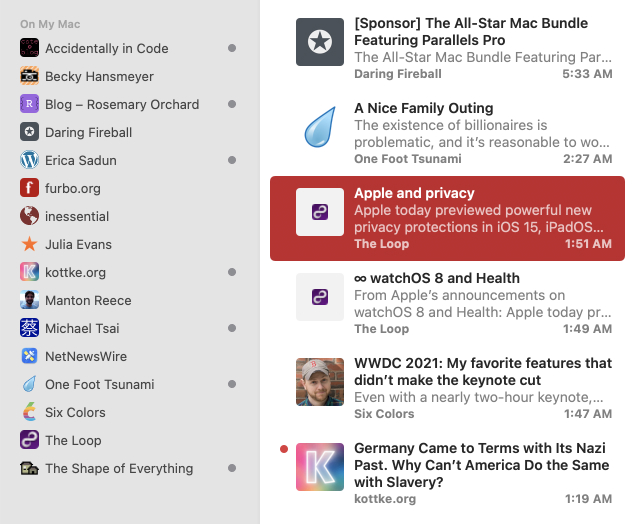
FYI this does work using Karabiner to map Capslock to control + opt + shift + cmd — but not if you manually type all the keys.
My mistake, you are correct 👍
You are too fast. Slow down.
I don't know how to _actually_ fix this issue so I created a Shortcut that quits and reopens the app with keyboard shortcut globe+F10 (fn+mute). Might be useful for others...
Issue still present on the macOS Sonoma beta.
[This article](https://notes.alinpanaitiu.com/Restarting-macOS-apps-automatically-on-crash) via [Michael Tsai](https://mjtsai.com/blog/2023/09/04/restarting-macos-apps-automatically-on-crash/) might be useful for resolving this issue, unless the app is already using these techniques.
hey @rayryeng sorry about that, attached a screenshot of the shortcut with the steps. I can‘t remember why I added the "Receive _Any_ input from _Quick Actions_" step but here's...
The Shortcuts solution I mentioned above is not ideal (you have to notice it crashed then use a keyboard shortcut). I figured there had to be a way to automate...