

 zhongyang219
Copy Confirmation
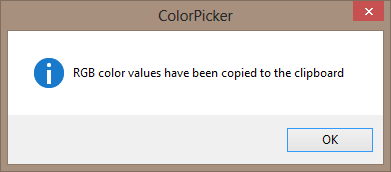
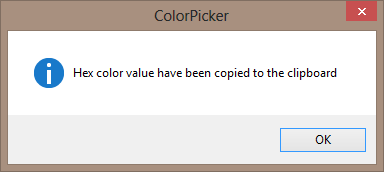
Any time I use copy buttons (Copy the RGB color value & Copy the Hex color value) there are confirmation prompts:
RGB color values have been copied to the clipboard
Hex color value have been copied to the clipboard
It is not a big deal to hit OK button or to hit Enter key but it can become a bit annoying when it is obvious that the values are copied correctly. So I would like to suggest that you add a new option:
- Enable copy confirmation dialog
or something like that. It may be checked by default if you prefer.
Another option might be that you add a status bar (I think that there is enough space for that) where a message that copy operation is completed successfully might be shown for a few seconds (for example- for 3 or 5 seconds). No matter which solution you may choose:
- an option to enable/disable copy confirmation dialog;
- a status bar which shows that copy operation was successful;
in my opinion ColorPicker will become unobtrusive and handier to use.
