
save-as-root
 save-as-root copied to clipboard
 yy0931
Save as Root in Remote - SSH
Save as Root in Remote - SSH
This extension saves files with root privileges on Linux or macOS environments connected with Remote - SSH,
is an easy solution to FileSystemProvider: no way of handling permissions issues #48659.
Usage
Select Save as Root in the command palette (F1, Ctrl+Shift+P, or Cmd+Shift+P).
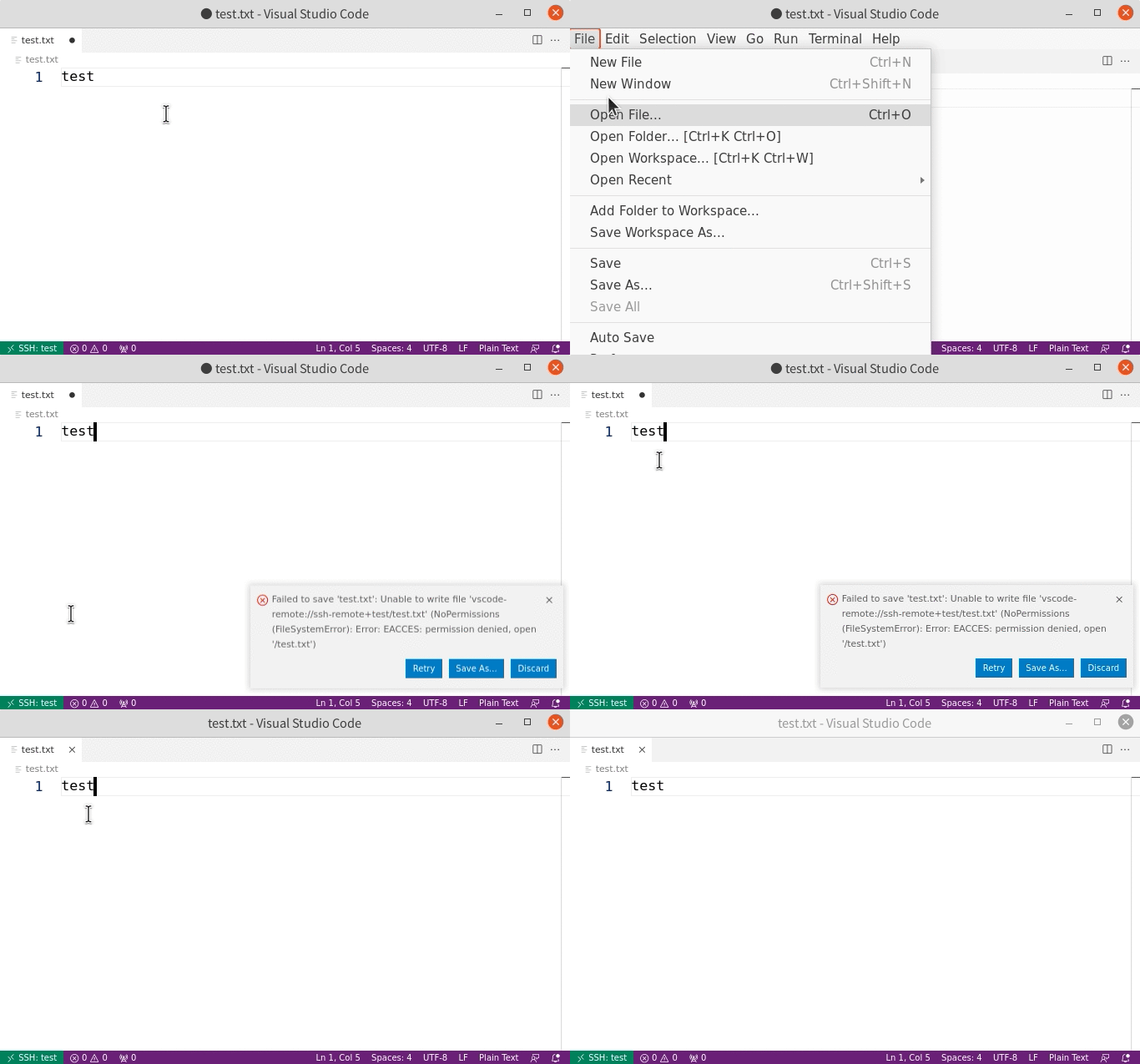
Alternatively, you can use Save as Specified User... command to save as a non-root user.
Contributing
If you find a bug or have a suggestion, feel free to open an issue or submit a pull request to the GitHub repository.
 yy0931