

 yjose
yjose
content with fixed position on scroll
with the new major version my tooltip inside a navigationbar have a weird position on open after scrolling the window. It's because of this.
contentRef.current.style.top = `${cords.top + window.scrollY}px`;
contentRef.current.style.left = `${cords.left + window.scrollX}px`;
Version 2.0.3
Test Case
https://codesandbox.io/s/reactjs-popup-issue-position-fixed-vpeih
Expected Behavior
fixed position on content should not be change by scroll value from window

I'm having a similar problem:
If you place the component inside a scrollable container, open the tooltip and then scroll the container, the tooltip position is not updated.
Even if you set the container as keepTooltipInside.
I think it always tries to update the position based on the window scroll and not on the container scroll position.
Thank you for this awesome lib and let me know if you want me to open another issue with this use case :)

@ridergoster , @staminaloops nice catch, thanks. I can confirm, it's a bug 🤨 for the trigger with a fixed position. Will try to find a solution ASAP, Would love to hear your thoughts 🙏
@staminaloops would love if you can provide a codesandbox for your use case too.

Sure :)
Here, try to open the tooltip and then scroll the container: https://codesandbox.io/s/reactjs-popup-issue-position-fixed-forked-r6r26?file=/src/index.js
I think it always tries to update the position based on the window scroll and not on the container scroll position.
@staminaloops, based on the codesandbox you shared (thank you!) it seems the position is set with a simple position:absolute;, nothing else (no recalcs are made). By default, this technique works fine, it's how CSS works: the position is relative to the parent (in this case the page body root where the tooltip portal is created).
But in this case, the "real" parent is a scrollable container, so the popover position would need to be relative to it rather than the body root.
A possible solution would be to allow customize the place where the "popover portal" is created. Maybe a prop portalRoot to customize this line would solve this issue. ~~I'll work on a PR to try to fix the issue :)~~

I'm having the same issue and it's impacting my work tremendously, I've now uninstalled this package until there's a fix. Any updates on this?

Unfortunately, bug still occurs. Quick and dirty workaround would be quit tooltip on scrolling. To do this, we can add listener to scrollable container and emit events that cause closing tooltip:
document.getElementById('mainContainer')?.addEventListener('scroll', () => {
	document.dispatchEvent(new Event('mousedown'))
	document.dispatchEvent(new Event('touchstart'))
})
Not much, but maybe this will help someone, I'm using it currently as long as bug occurs.

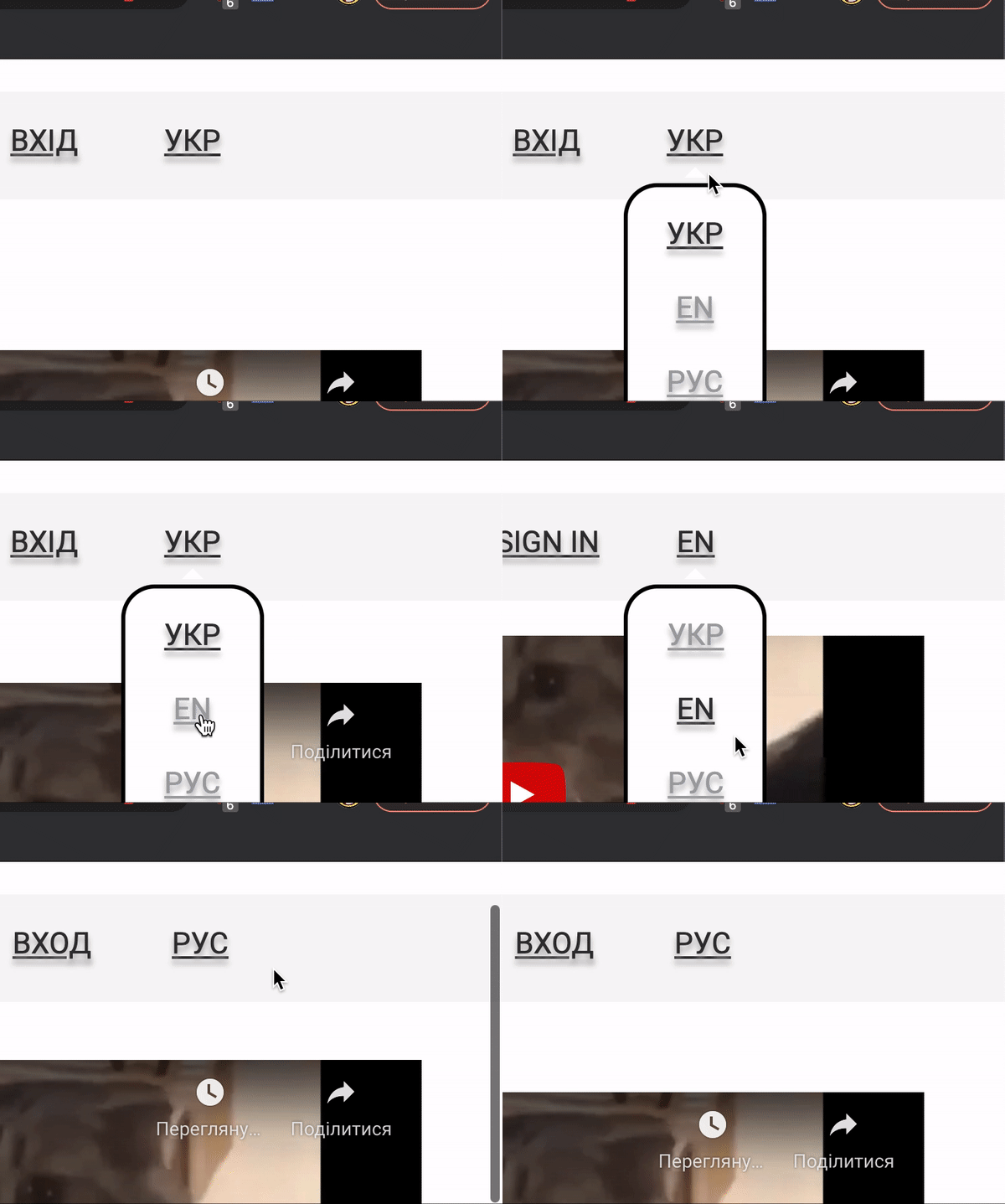
I followed advice from @MikolajMGT and was able to get rid of the problem in similar way
the only difference: I added listener to the whole document and applied access by reference
`import React, { useRef } from 'react'
import Popup from 'reactjs-popup'; import 'reactjs-popup/dist/index.css';
import { MobileTopWrapper } from '../../styles'
import { MyButton, ItemStyles, HeightContainer } from './styles'
const ChangeLanguagePopup = ({ mIntl, localeKeyOptions, activeLanguageKey, onChangeLocale }) => { const ref = useRef(); const closeTooltip = () => ref?.current?.close();
document?.addEventListener('scroll', () => { closeTooltip() })
return (
<Popup
ref={ref}
open={open}
trigger={
<MyButton>
{mIntl('EN_UA')}
</MyButton>}
position="bottom center"
closeOnDocumentClick>
<MobileTopWrapper>
<HeightContainer>
{localeKeyOptions.map((text, index) => {
return (
<ItemStyles
chosenOption={text === activeLanguageKey}
onClick={() => {
if (text !== activeLanguageKey) {
onChangeLocale(text)
}
closeTooltip()
}}
key={${index}${text}}>
{mIntl(text.toUpperCase())}
</ItemStyles>
)
})}
</HeightContainer>
</MobileTopWrapper>
</Popup>
)
}
export default ChangeLanguagePopup `

Having the same issue and it's preventing us from using reactjs-popup in our app 😞
Do you have any idea of how we could implement a fix and create a PR ?
Thanks

The bug is easily reproductible on the official site of reactjs-popup (https://react-popup.elazizi.com/react-tooltip)
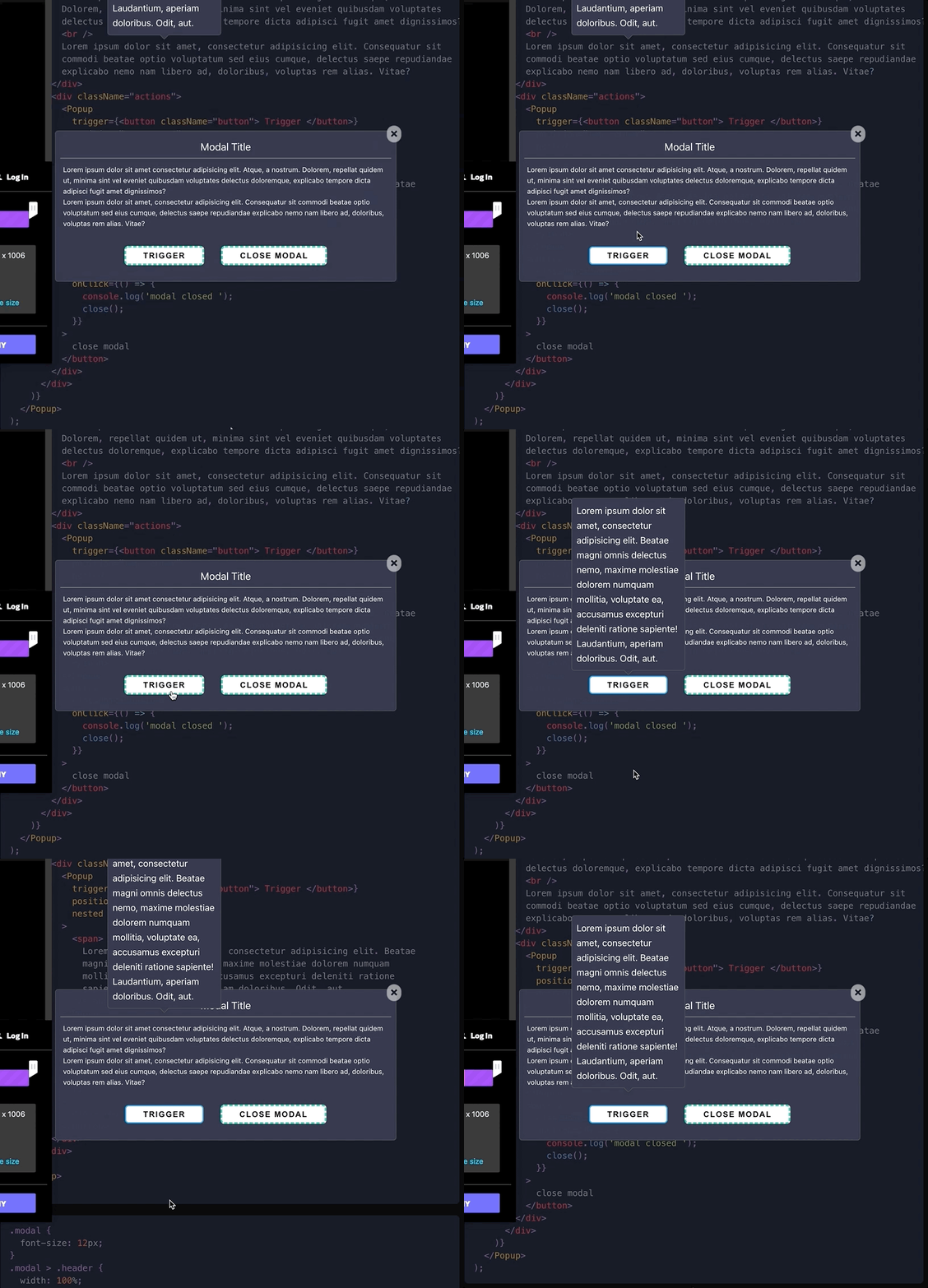
I think you can actually choose a portal container by giving your desired container element, the id popup-root as shown here:

Then if you also give that same element position: relative, it will seem to work.
It will only work however, when the popup is opened when your scroll container is not scrolled, and the culprit seems to be the hardcoding of window as the scroll container:

Since react doesn't support portals within your ReactDOM.render() tree, choosing a scrolling container inside that tree won't work.
Am I missing something?


