

 wuxudong
How to display Y axis value in both value Formatter largeValue and currency "$#" Like ex. "$10m ,$200b, $250b"
Expected Behavior
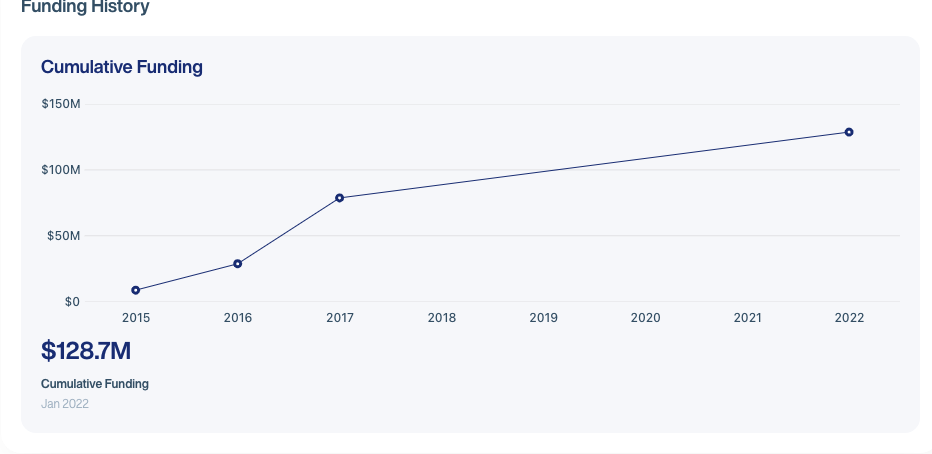
Actual Behavior

Screenshots
Data and config
import React from "react"; import { StyleSheet, processColor } from "react-native";
import { LineChart } from "react-native-charts-wrapper"; import { FontStyle } from "../Theme"; import { Measures, Colors } from "../Theme/variables"; import PropTypes from "prop-types"; import _ from "lodash";
interface LineChartProps { chartData?: any; xAxisData?: any; valueFormatter?: ("largeValue" | "percent" | "date") | string | string[]; } const LineChartView: React.FC<LineChartProps> = ({ chartData, xAxisData, valueFormatter, }) => { return ( <> <LineChart style={styles.chart} xAxis={{ valueFormatter: xAxisData, position: "BOTTOM", labelRotationAngle: 0, textSize: 12, fontFamily: "HelveticaNowDisplay-Medium", textColor: processColor(Colors.headertext), // axisLineWidth: 0, axisMinimum: 0, labelCount: _.size(xAxisData), drawGridLines: false, axisMaximum: _.size(xAxisData), }} yAxis={{ left: { enabled: true, valueFormatter: "largeValue", gridColor: processColor(Colors.bordercolor), textSize: 12, fontFamily: "HelveticaNowDisplay-Medium", textColor: processColor(Colors.headertext), drawGridLines: true, axisLineWidth: 0, axisMinimum: 0, }, right: { enabled: false, spaceBottom: 0 }, }} borderColor={processColor("red")} legend={{ enabled: false, }} data={{ dataSets: [ { values: chartData, config: { colors: [processColor(Colors.blue)], highlightEnabled: false, circleRadius: 5, circleHoleColor: processColor(Colors.white), lineWidth: 2, drawFilled: true, drawValues: false, circleColor: processColor(Colors.blue), fillGradient: { colors: [ processColor(Colors.bgTransparent), processColor(Colors.folderBlue), ], positions: [0, 0.5], angle: 90, orientation: "TOP_BOTTOM", }, fillAlpha: 150, }, }, ], }} /> </> ); }; export default LineChartView; const styles = StyleSheet.create({ chart: { flex: 1, height: Measures.height / 3, width: Measures.width - 20, marginBottom: Measures.fontSize, }, });
Steps to Reproduce the Problem
Specifications
- Version:
- Platform:
- Subsystem:

