
WordPress-iOS

WordPress-iOS copied to clipboard
 wordpress-mobile
[Self-hosted] Cached notifications are retained after logging out of Jetpack
Expected behavior
Locally cached notifications to be flushed when logging out of Jetpack
Actual behavior
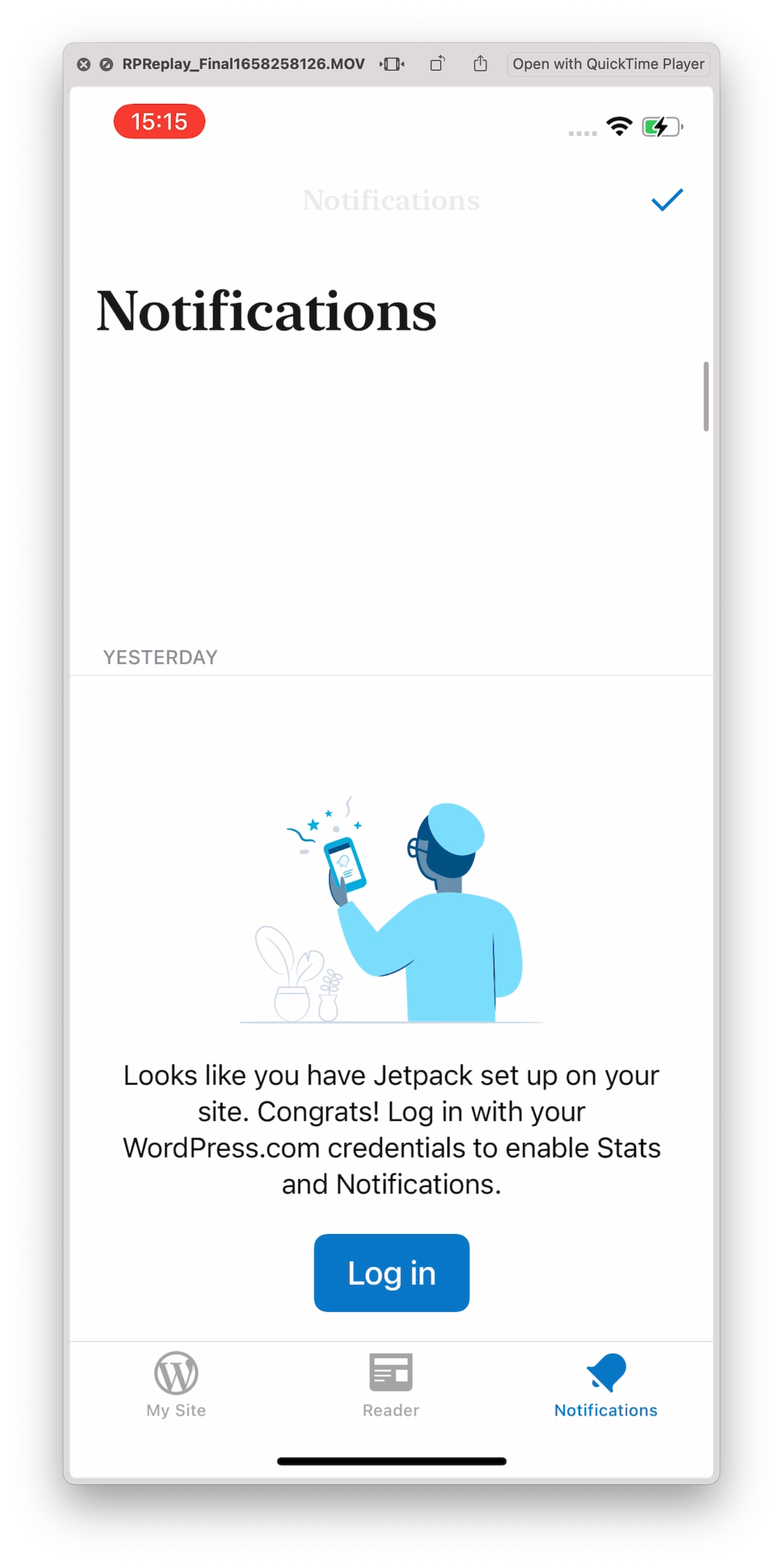
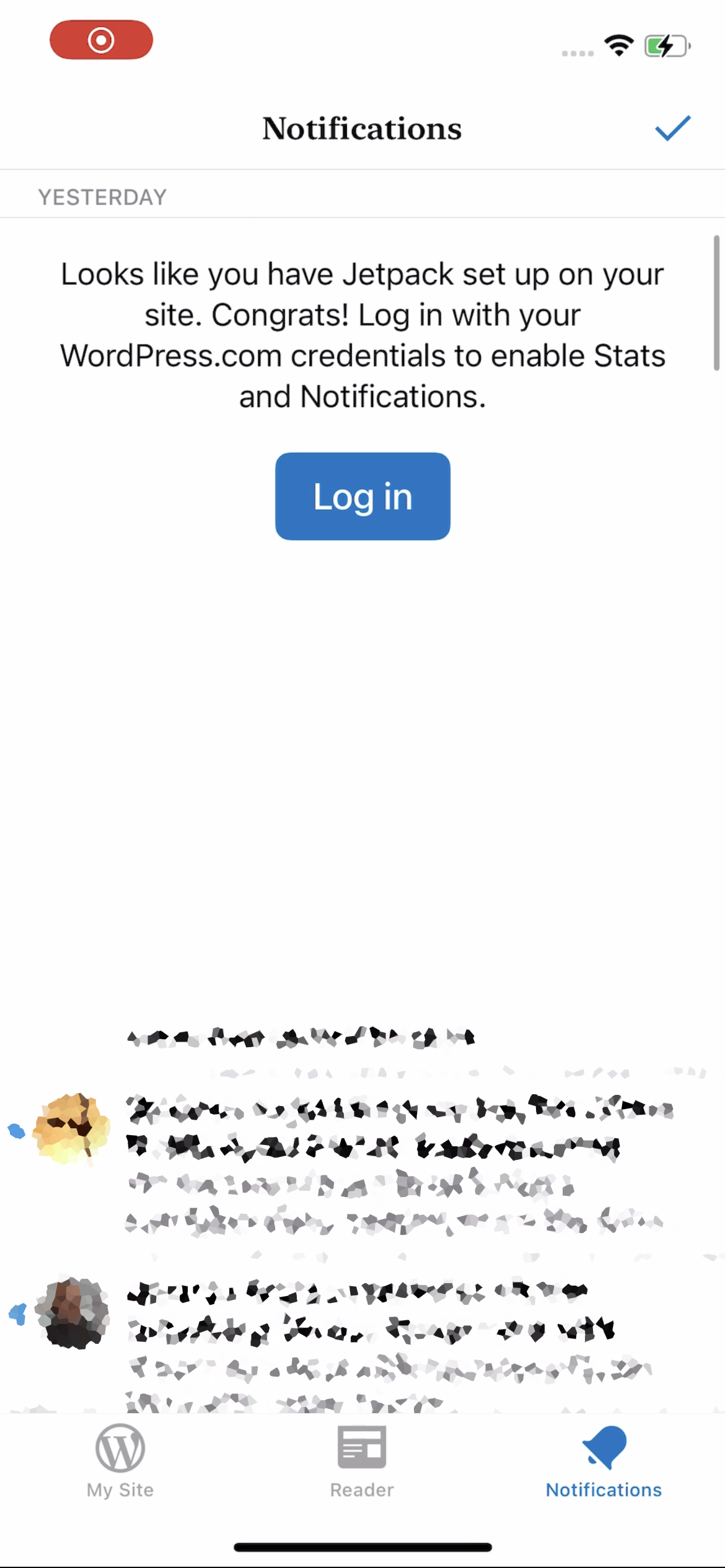
Cached notifications aren't flushed and break the notifications view
Steps to reproduce the behavior
- Connect the app to a self-hosted site with Jetpack installed and activated
- Tap the Notifications tab and observe existing notifications
- Log out of WordPress.com from the app
- The notifications screen should now show a message "Looks like you have Jetpack set up on your site. Congrats!..." with a "Log in" button. There may be a large gap above it.
- Scrolling down in the notifications screen shows notifications previously received when logged in, and some may be visually cut off
| Large gap | Old notifications |
|---|---|
 |
 |
