

 wordpress-mobile
Jetpack App (Basics): Match Border Color for the Notification Badge for Dark Theme

I'm investigating this issue and I was wondering if we really want to have a stroke with the same color as the background around the badge. Maybe this is not a problem, but when the item is tapped you can clearly see the stroke since the background color changes (and the stroke color remains the same).
Taking the light theme as an example, it looks like this when the Notifications item is tapped:

Besides that, I've tried for some time to have the stroke matching the background color of bottom navigation with dark theme enabled, and although in theory we're setting the background color here in practice it is not the color being shown. In this example, I'm setting the same ?attr/colorSurface to the badge's stroke, and in the result we can see that the bottom navigation background color and the stroke color are clearly different:

I went ahead and used the Layout inspector to double-check the background color, and found that actually BottomNavigationView has a MaterialShapeDrawable as background:

As a last attempt, I've put a breakpoint after WPMainActivity is inflated to see what I could do with the MaterialShapeDrawable.
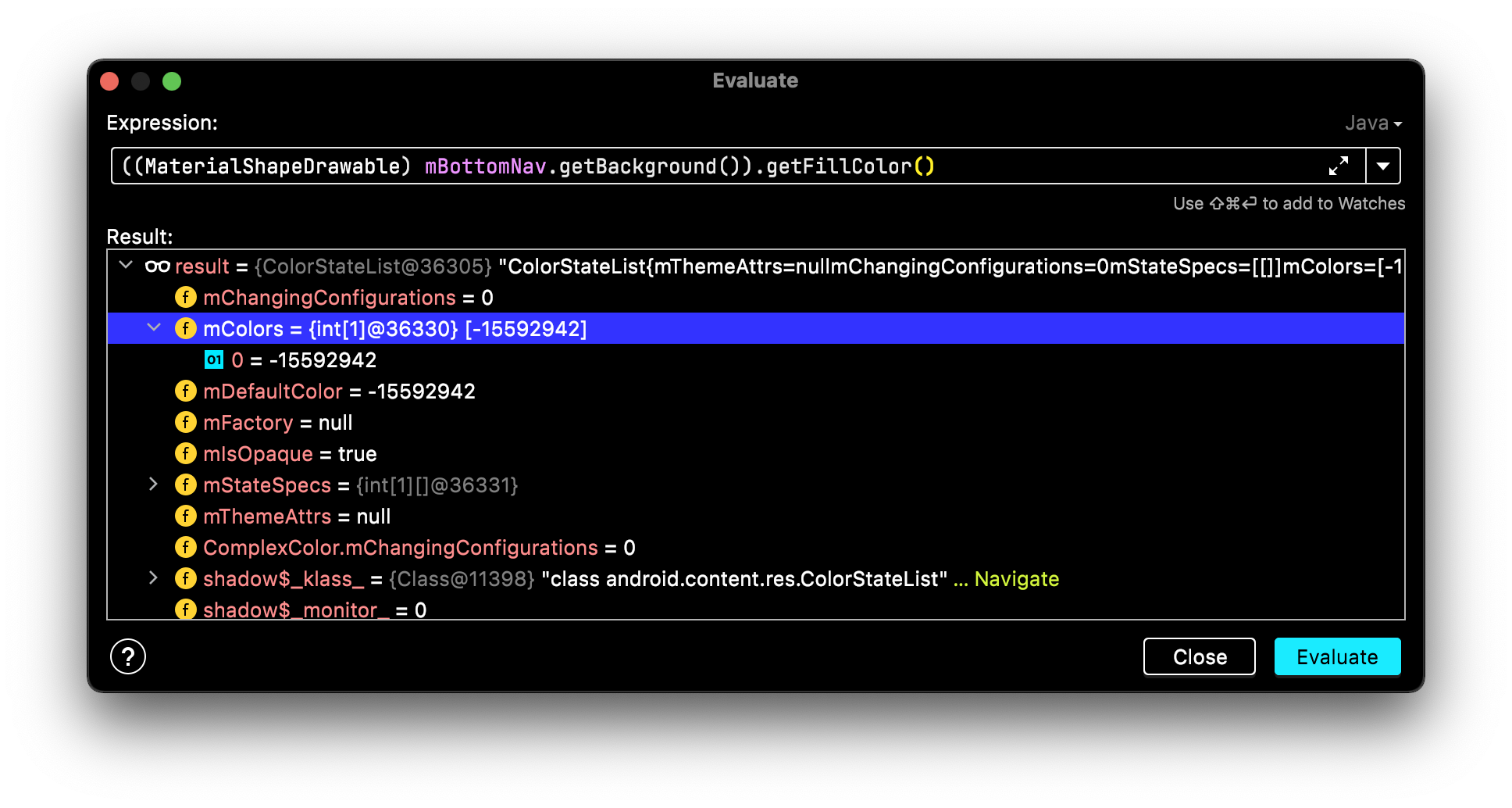
I've tried looking for the name of the resource ID returned in the getFillColor() but it throws Resources$NotFoundException:
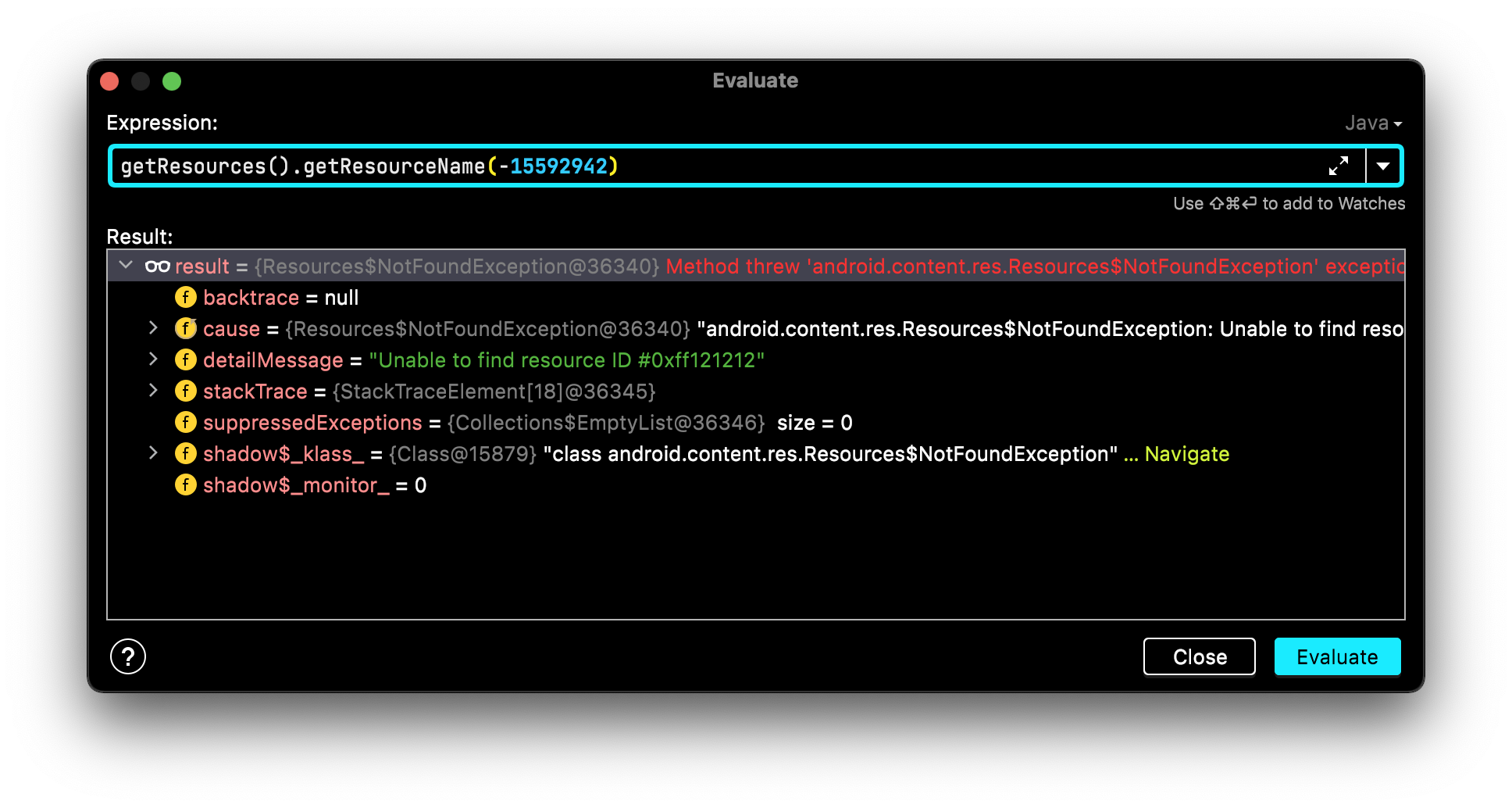
The exception above shows that it tried to get the color #0xff121212, which would be the correct hex for ?attr/colorSurface in dark theme. So it seems like internally something's happening where our resource color stops being used directly (but it's value is still correct) and something else (which I'm not sure what) is also being drawn and changing the final background color of the BottomNavigationView 🤔
Has anyone seen this before?

Hey @RenanLukas, I Investigated the colour being used as background for the bottom bar and found out that wpColorSurfaceSecondary is the correct colour being displayed on dark mode. I was investigating the colour as part of another Issue. Since these issues can be solved in one go, I have raised this PR a fix for it.
I'm investigating this issue and I was wondering if we really want to have a stroke with the same color as the background around the badge. Maybe this is not a problem, but when the item is tapped you can clearly see the stroke since the background color changes (and the stroke color remains the same).
Although I agree with this opinion, since it's only during the tapping duration I think we can neglect it for now. WDYT?.

Hey @AjeshRPai
since it's only during the tapping duration I think we can neglect it for now. WDYT?.
I agree. Thanks for taking care of it 🙇♂️