

 wonday
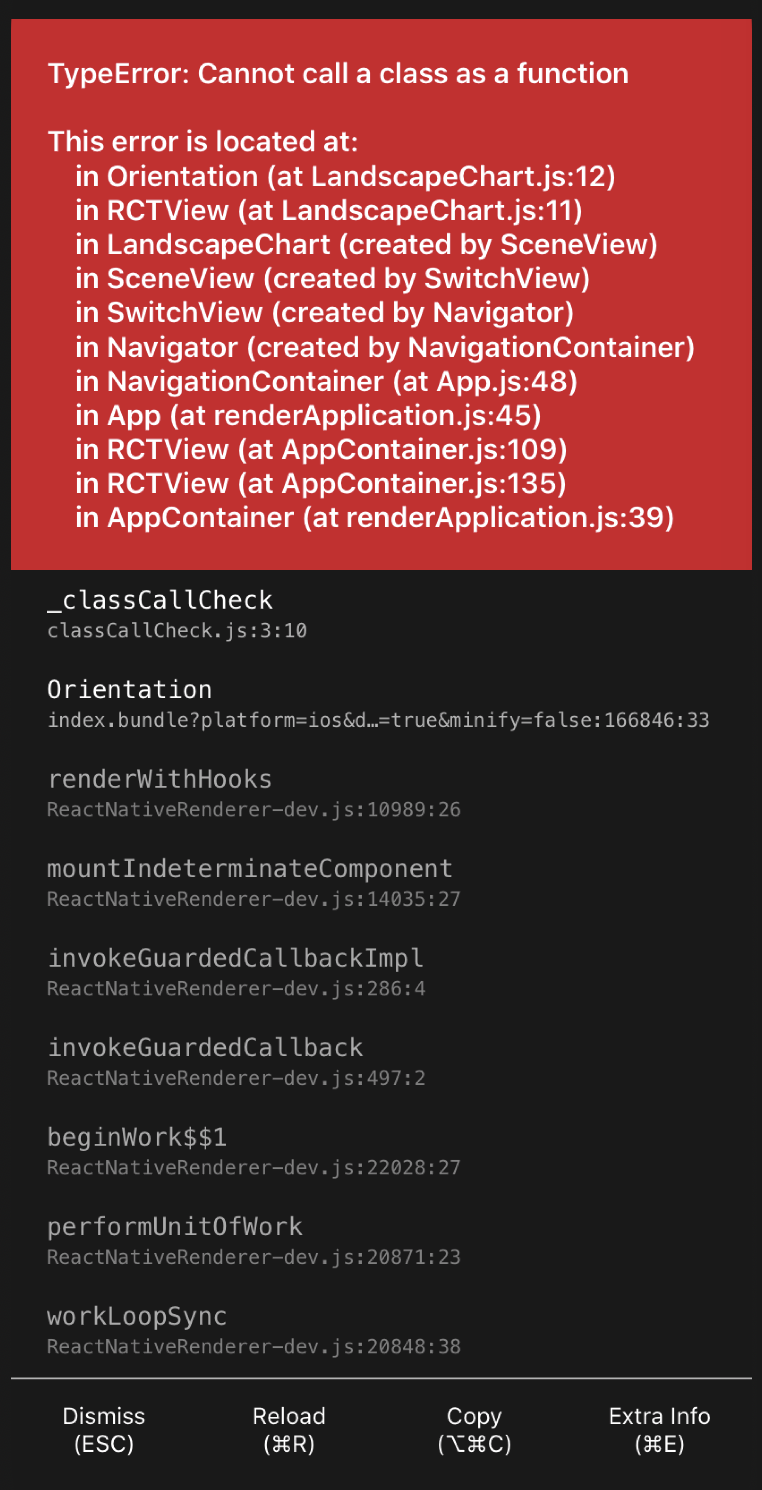
ScreenOrientation throws "Cannot call class as a function"
Hi,
I am trying to show a chart on landscape mode and when presented, the I see an error when trying to use ScreenOrientation. I am using the code from the README file to make sure I am not adding any extra error.
import React, { useState } from "react"; import { View, Text, Button } from 'react-native'; import ScreenOrientation, { PORTRAIT, LANDSCAPE } from 'react-native-orientation-locker';
export default function LandscapeChart() {
const [showVideo, setShowVideo] = useState(true);
return ( <View style={{ flex: 1, justifyContent: 'center', alignItems: 'center' }}> <ScreenOrientation orientation={PORTRAIT} onChange={orientation => console.log('onChange', orientation)} onDeviceChange={orientation => console.log('onDeviceChange', orientation)} /> <Button title="Toggle Video" onPress={() => setShowVideo(!showVideo)} /> {showVideo && ( <View> <ScreenOrientation orientation={LANDSCAPE} /> <View style={{ width: 320, height: 180, backgroundColor: '#ccc' }}> <Text>Landscape video goes here</Text> </View> </View> )} </View> ); };

@minimalistech Looks like your import is not correct. Also check your version of react-native-orientation-locker. ScreenOrientation - is not at npm yet. I think, you need to use master branch, or copy https://github.com/wonday/react-native-orientation-locker/blob/master/ScreenOrientation.js to your project. I copied file for now.
