phaser-raycaster

phaser-raycaster copied to clipboard
 wiserim
How to give a circular FOV effect around the character with raycaster?
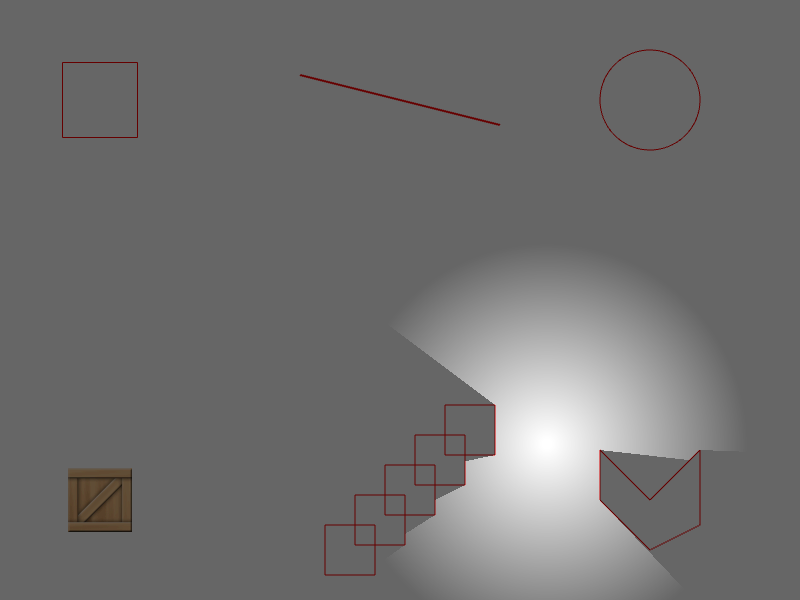
I want to make circular FOV in the form of the following picture.


I have tried many things such as reducing the length of the rayRange while looking at all your ray cast related codepen, but it is not easy for me to make the code into the form I want.
Can I ask for help if possible?
https://codepen.io/scm1400/pen/qBoGxQX
ray = raycaster.createRay({
            origin: {
              x: 400,
              y: 300
            },
            detectionRange: 150,
            ignoreNotIntersectedRays: false,
            rayRange:150,
            // round: true,
            // autoSlice: true,  //automatically slice casting result into triangles
            collisionRange: 150, //ray's field of view range
        });

Hello, You can make FOV with use of masks.
Example 1
https://codepen.io/wiserim/pen/pojNmRK
//create graphics object for mask
maskGraphics = scene.add.graphics({ fillStyle: { color: 0xffffff, alpha: 0 }});
//create mask
mask = new Phaser.Display.Masks.GeometryMask(scene, maskGraphics);
//invert mask
mask.setInvertAlpha();

//create shadow
fow = scene.add.graphics({ fillStyle: { color: 0x000000, alpha: 0.6 } }).setDepth(29);
fow.fillRect(0, 0, 800, 600);
//set shadow's mask
fow.setMask(mask);

//cast ray in all directions
intersections = ray.castCircle();

//redraw mask
maskGraphics.clear();
maskGraphics.fillPoints(intersections);
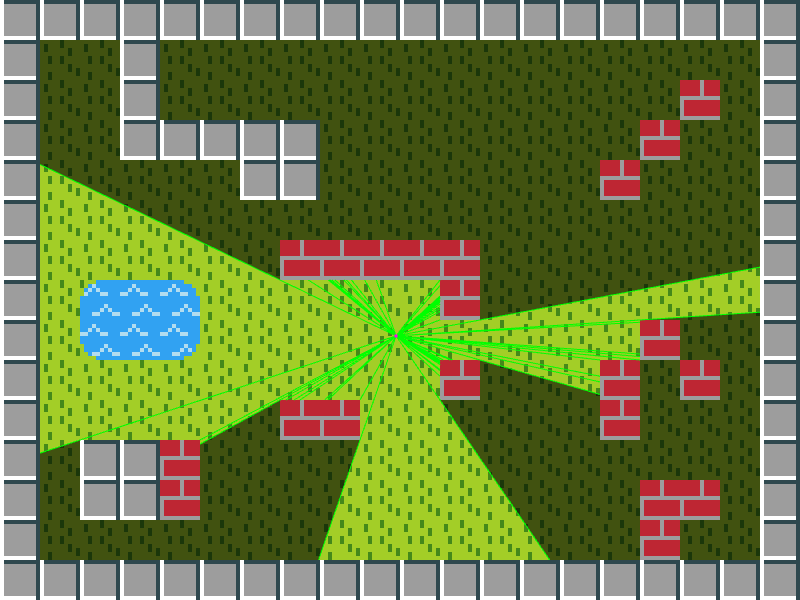
Example 2
https://codepen.io/wiserim/pen/oNqKaEx
//create light image
light = this.make.image({
    x: 400,
    y: 300,
    key: 'lightTexture',
    add: false
});

//create graphics object for render texture object
graphics = this.add.graphics({ fillStyle: { color: 0xffffff }}).setVisible(false);
//create render texture for inverted FOV polygon
renderTexture = this.add.renderTexture(0, 0, 800, 600);
renderTexture.setVisible(false)
//create render texture for mask
maskRenderTexture = this.add.renderTexture(0, 0, 800, 600);
maskRenderTexture.setVisible(false)

//create mask
mask = new Phaser.Display.Masks.BitmapMask(this, maskRenderTexture);
//invert mask
mask.invertAlpha = true;

//create shadow
shadow = this.add.graphics({ fillStyle: { color: 0x000000, alpha: 0.6 } });
shadow.fillRect(0, 0, 800, 600);
//set shadow's mask
shadow.setMask(mask);

//cast ray in all directions
intersections = ray.castCircle();

//redraw inverted FOV polygon
graphics.clear();
graphics.fillRect(0,0,800,600);
renderTexture.draw(graphics, 0, 0);

graphics.clear();
if(intersections.length) {
  graphics.fillPoints(intersections);
}
renderTexture.erase(graphics, 0, 0);

//redraw mask
maskRenderTexture.clear();
maskRenderTexture.draw(light, pointer.x, pointer.y);
maskRenderTexture.erase(renderTexture, 0, 0);