
vpn
 vpn copied to clipboard
 wicksome
🤖 Automate VPN connection with openconnect.
VPN.sh
Automate VPN connection.
Dependency
- Python 2.x
- openconnect v7.0.8: vpn client
Install
-
Clone vpn repository:
$ git clone <repo-url> -
Run install script:
$./install.sh -
Setting
.vpnrcfile:$ cd $HOME && vi .vpnrc#!/bin/bash VPN_STR_USER="yeongjun.kim" VPN_STR_SERVER="url of vpn server" VPN_CMD_PASSWORD="echo 'pw12345'" VPN_STR_IMAP="imap.gmail.com" VPN_STR_MAIL_ID="mail id" VPN_CMD_MAIL_PASSWORD="pass email/gmail" # using pass VPN_STR_KEYWORD_OF_MAIL_TITLE_FOR_SEARCH="OTP number" VPN_REGEX_FOR_GETTING_PASSWORD_TO_MAIL_CONTENT="OTP number: \[([0-9]{6})\]"
Recommand. Using pass
I recommand you that use
passmodule for manage passwords.
- gpg
- pass: the standard unix password manager
install & setting
Installation and initialization
$ brew install gpg
$ brew install pass
$ gpg --gen-key
$ pass init "password stroe"
$ pass insert vpn/login-password # Add password for vpn
$ pass insert email/gmail        # Add password of mail for OTP
Then, modify part that set the password in .vpnrc
VPN_CMD_PASSWORD="pass vpn/login-password"
VPN_CMD_MAIL_PASSWORD="pass email/gmail"
Usage
Recommand. alias vpn
Add alias to your shell config(bashrc, zshrc, ...)
alias vpn="~/your-vpn-path/vpn"
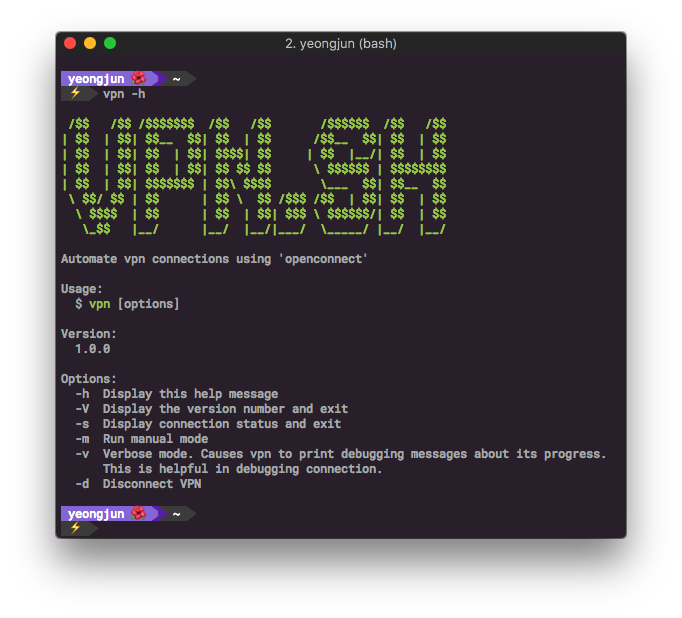
VPN Help: -h
$ vpn -h
VPN Connection: [default], -m, -v
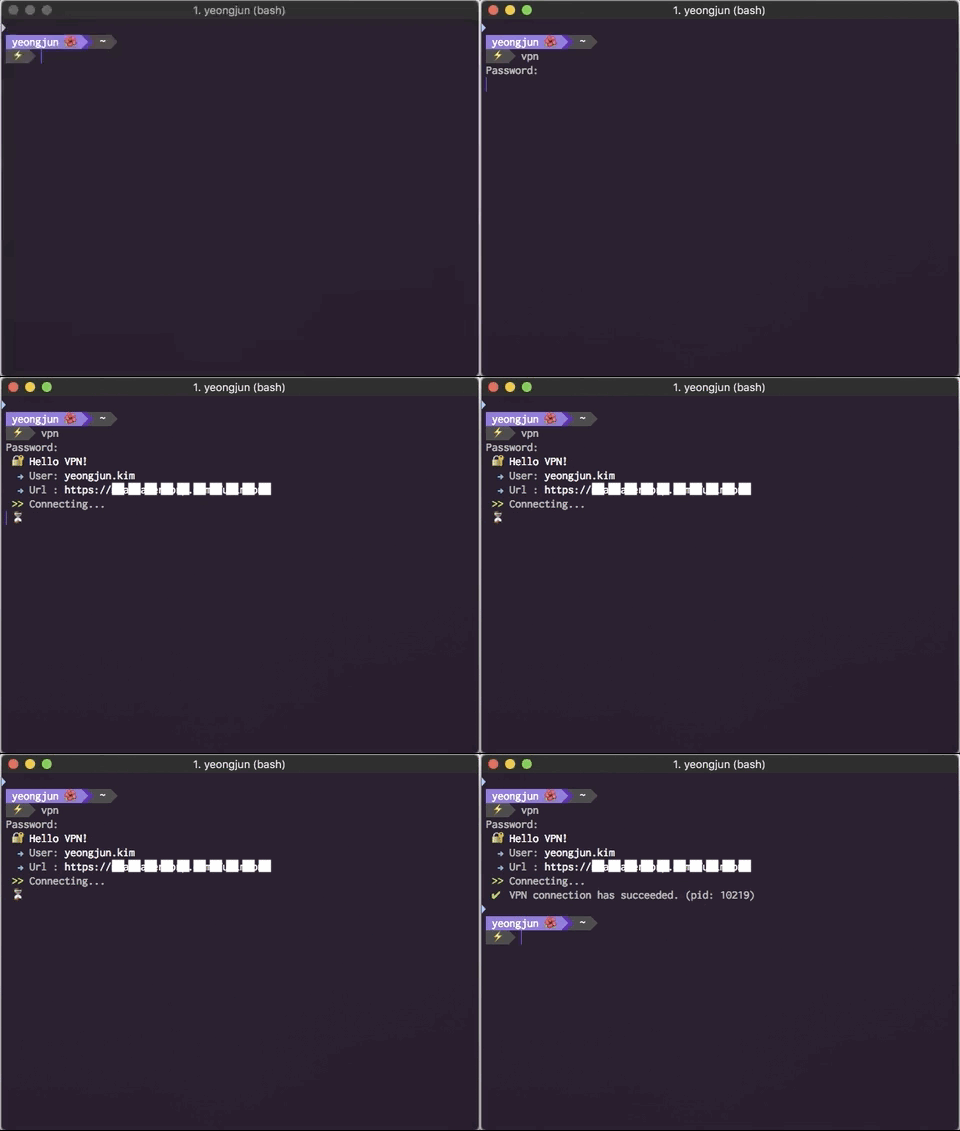
$ vpn
 🔐  Hello VPN!
  → User: yeongjun.kim
  → Url : https://test-server-url.com
 >> Connecting...
 ✔︎  VPN connection has succeeded. (pid: 31379)

# Manual mode
$ vpn -m

# Manual mode and Verbose Mode
$ vpn -mv
VPN Disconnection: -d
$ vpn -d
Password:
 🔐  Hello VPN!
 >> Disconnecting...
 >> Done.
VPN status: -s
# if connected VPN
$ vpn -s
 ✔︎  VPN is connected (pid: 99901)
 --------------------------------------
 >> openconnect
      --background
      --juniper
      --user=yeongjun.kim
      --useragent=ua
      https://test-server-url.com

# if disconnected VPN
$ vpn -s
 ✘  VPN is connected
VPN version: -V
$ vpn -V
 >> vpn.sh version v1.0.0
 wicksome