

 webcompat
favicon quality on hdpi screens
URL: https://www.webcompat.com
Browser / Version: Edge 88.0.705 Operating System: Windows 10 Tested Another Browser: Yes Other
Problem type: Something else Description: Favicon for Webcompat.com is low-definition and not pleasing on high-dpi screens Steps to Reproduce:
Browser Configuration
- None
From webcompat.com with ❤️

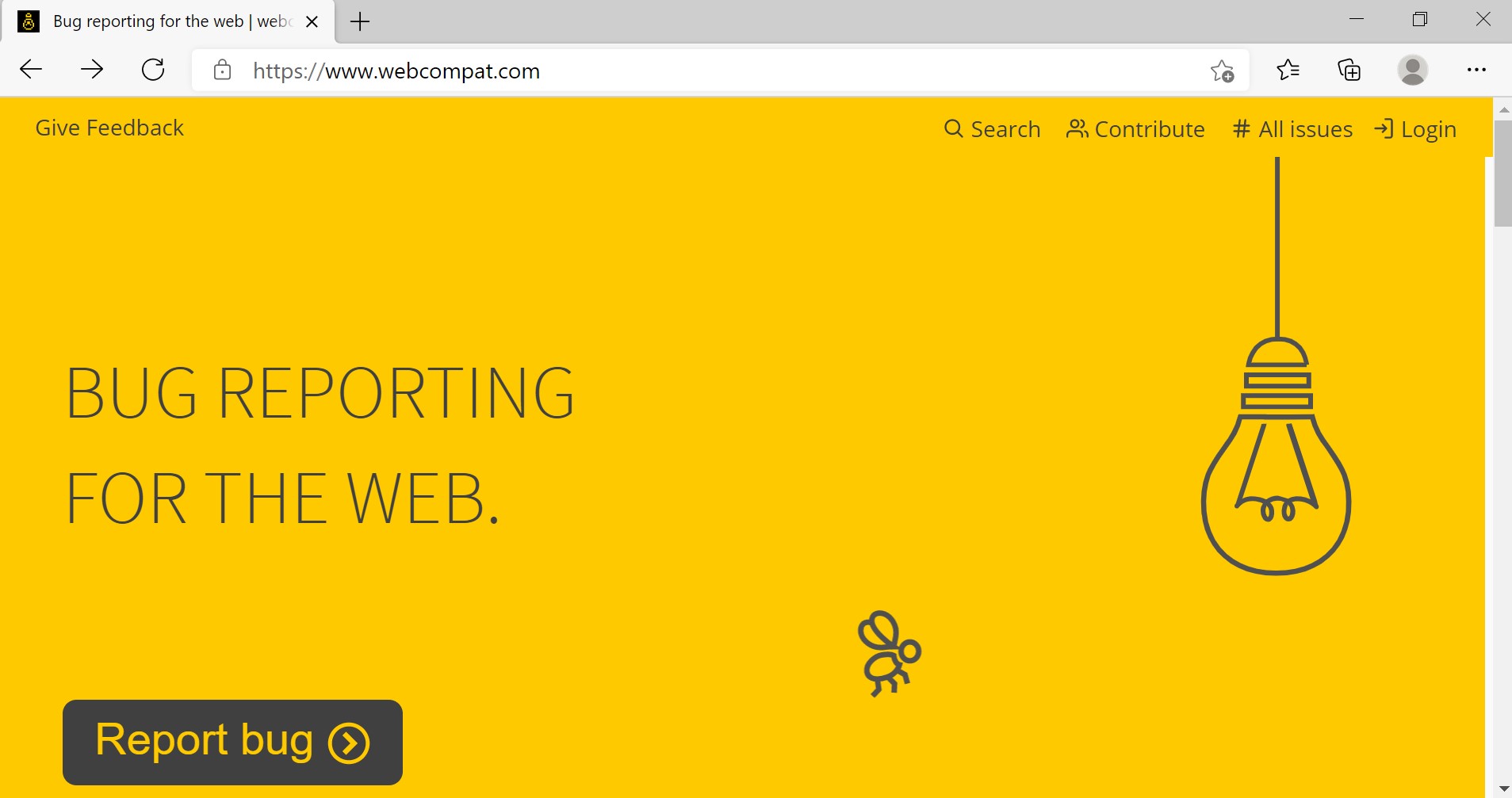
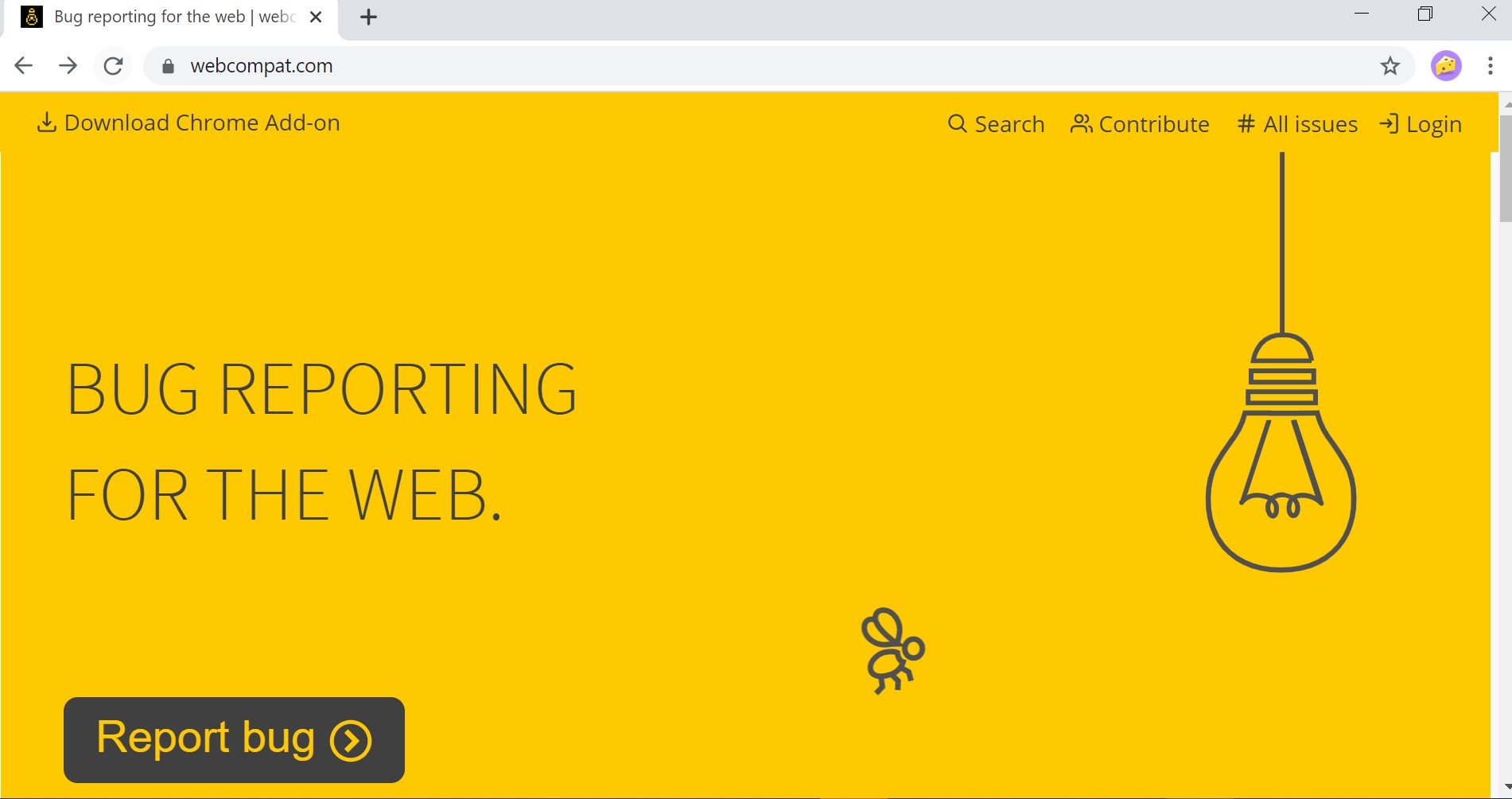
We appreciate your report. I was not able to reproduce the issue. Setting the DPI to maximum, the layout and icons are the same across all browsers.
This is the result using Edge:
And this is the result using Chrome:
Tested with:
Browser / Version: Edge 88.0.705.50 (64-bit)/ Chrome Version 87.0.4280.141 (Official Build) (64-bit) Operating System: Windows 10 PRO x64 Display: DELL P2419H
Suggestion: Try clearing cache/data/cookies, disable Ad-blocker (if available), or use a clean profile, and check again?

I can't see any differences between browser on my side either.
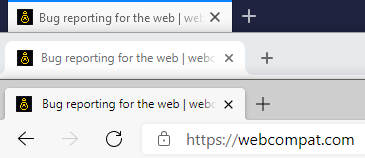
Tested with: Browser / Version: Firefox Nightly 87.0a1 (2021-01-25) Operating System: Windows 10 Pro
@karlcow can you see the difference on your side?

@jebeld17 Are you reporting because you think the favicon is low def on any browsers? If yes we should transfer this issue to webcompat.com. I don't think this is a webcompat issue in between browsers.

@karlcow
maybe because we added only two format of our favicons
  <link rel="shortcut icon" href="/favicon.ico">
  <link rel="icon" type="image/png" href="/favicon/favicon-32x32.png" sizes="32x32">

We should probably have at least one better hi-res image.
Previously about favicons
- #2771 And this happened here… https://github.com/webcompat/webcompat.com/commit/661f9530b74eaebc26d47822fd2416ce14636280#diff-f9ce6ef866af0404c7fbdee848bcc0da1cc7e0e0c44abe4bad36b35c0f9b072c
too much optimizations. We probably need a better res icon here.