

 webcompat
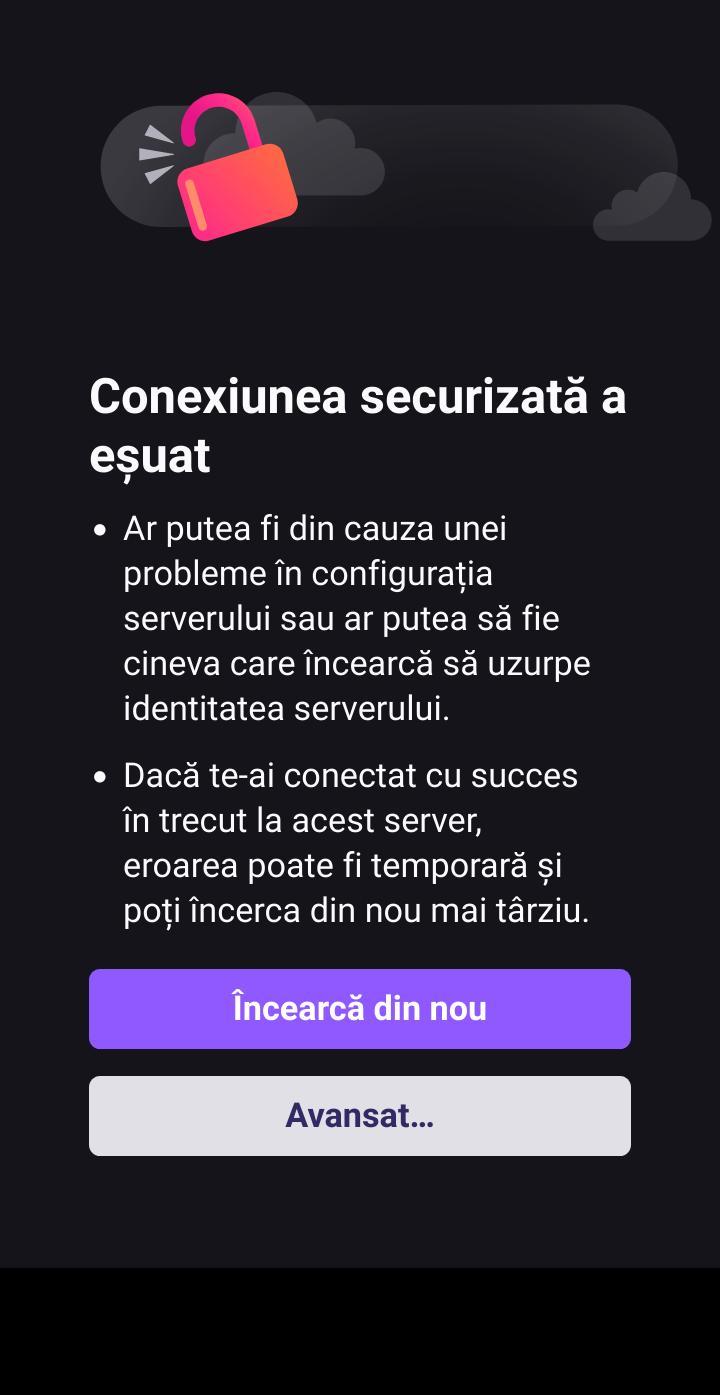
meteoromania.ro - "Secure connection failed" when accessing the site
URL: https://meteoromania.ro/
Browser / Version: Firefox Mobile 107.0 Operating System: Android 11 Tested Another Browser: Yes Chrome
Problem type: Site is not usable Description: Page not loading correctly Steps to Reproduce: This website does not have https security, I tested it with Chrome and it works , there are problems with the certificate. It doesn't work on Firefox stqb Firefox beta and nightly.
View the screenshot
Browser Configuration
- gfx.webrender.all: false
- gfx.webrender.blob-images: true
- gfx.webrender.enabled: false
- image.mem.shared: true
- buildID: 20220922095647
- channel: nightly
- hasTouchScreen: true
- mixed active content blocked: false
- mixed passive content blocked: false
- tracking content blocked: false
From webcompat.com with ❤️

Thanks for the report, but I'm not able to reproduce the issue. For me the site loads correctly.
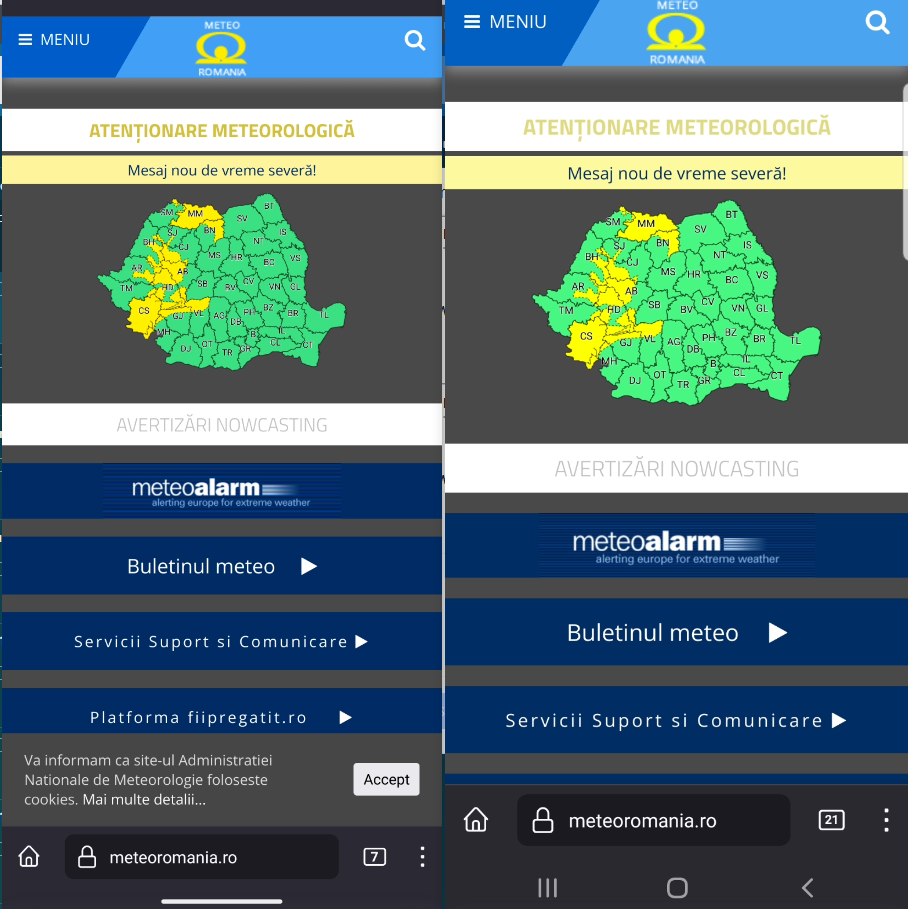
Tested with: Browser / Version: Firefox Nightly 107.0a1 (🦎 107.0a1-20220925093059) Operating System: Google Pixel 5 (Android 13) - 1080 x 2340 pixels, 19.5:9 ratio (~432 ppi density), Samsung Galaxy S8 (Android 9) - 1440 x 2960 pixels, 18.5:9 ratio (~570 ppi density)
Reporter, could you try clearing cache/data/cookies, disable Ad-blocker (if available), or use a clean profile, and check again? Also if there are any changes made to the default settings of the browser (e.g. in about:config) please revert to the default settings.
[qa_39/2022]

Thanks for the report, but I'm not able to reproduce the issue. For me the site loads correctly.
Tested with: Browser / Version: Firefox Nightly 107.0a1 (🦎 107.0a1-20220925093059) Operating System: Google Pixel 5 (Android 13) - 1080 x 2340 pixels, 19.5:9 ratio (~432 ppi density), Samsung Galaxy S8 (Android 9) - 1440 x 2960 pixels, 18.5:9 ratio (~570 ppi density)
Reporter, could you try clearing cache/data/cookies, disable Ad-blocker (if available), or use a clean profile, and check again? Also if there are any changes made to the default settings of the browser (e.g. in about:config) please revert to the default settings.
[qa_39/2022]
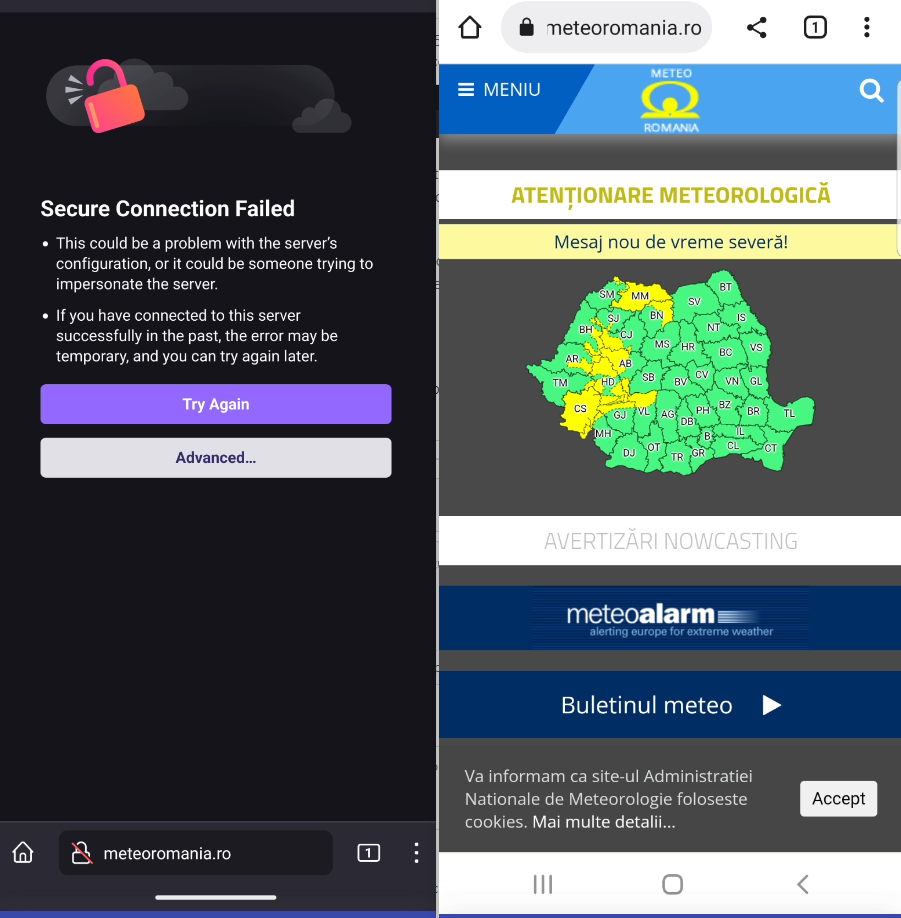
Delete and reinstall Firefox Nightly on your phone, re-enter this address and it will show as not secure. Also test on the chrome browser.

Thanks @claudiu64. It seems that the issue occurs on a clean Firefox profile/reinstalled Firefox or by deleting app data.
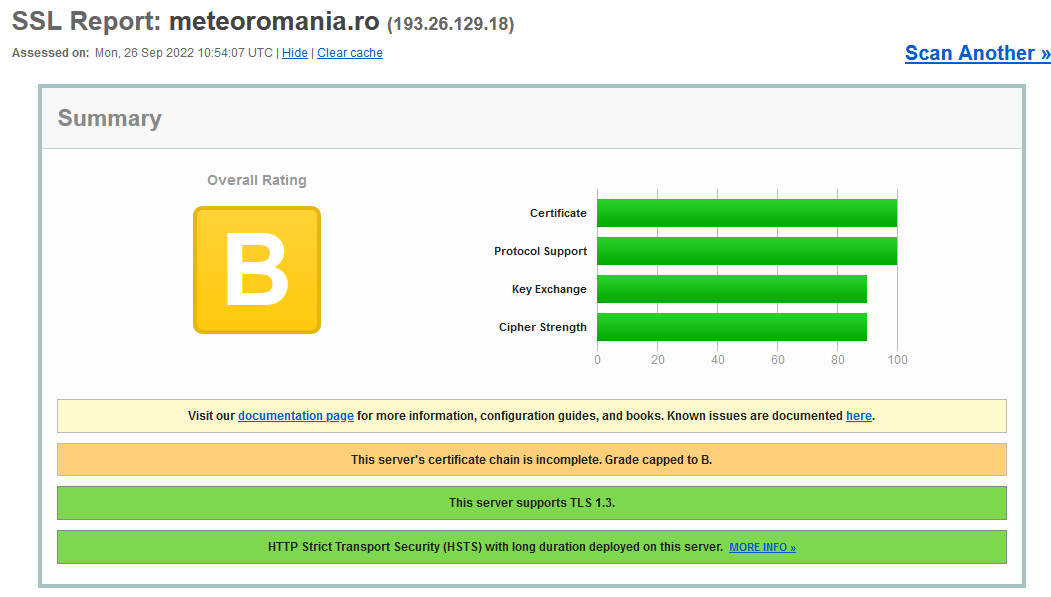
According to SSL labs:
The issue does not occur on Chrome even with a clean profile.
Reopening and moving to Needsdiagnosis for further investigation.
[inv_39/2022]
Thanks @claudiu64. It seems that the issue occurs on a clean Firefox profile/reinstalled Firefox or by deleting app data.
According to SSL labs:
The issue does not occur on Chrome even with a clean profile.
Reopening and moving to Needsdiagnosis for further investigation.
[inv_39/2022]
Thanks ! I hope that the problems will be carefully checked and the problems related to the security warnings on the websites will be solved. I really like Firefox! 😇
It seems that the issue occurs on a clean Firefox profile/reinstalled Firefox or by deleting app data.
yeah, looks this is happening only after reinstall and then after browsing on other sites for some time and coming back to the page and refreshing it, the page loads as expected (on Firefox Android Nightly 108).
Looks like the site has an incomplete certificate chain https://www.sslshopper.com/ssl-checker.html?hostname=https%3A%2F%2Fmeteoromania.ro%2F
Hi @mozkeeler , wonder if this is an expected behaviour? (The "Secure connection failed error" is shown after installing Firefox, but the site eventually loads, though it takes some time).
Also https://bugzilla.mozilla.org/show_bug.cgi?id=1520297 has landed in 107 to preload intermediate certificates.

Yes, this is expected. The server is misconfigured - it isn't sending the intermediate certificates Firefox needs in order to verify the server certificate. Intermediate preloading means that once the collection has downloaded, Firefox will be able to connect successfully. Making a clean profile or deleting app data clears that collection, causing the error to return.

Thanks Dana, that's good to know.
I suppose the best action here would be contacting the site to see if they can install intermediate certificates.