

 wavebox
Slack rendering issue
- Wavebox Version: Latest Beta 10.0.195.3 and previous also
- Operating System & Version: MacOSX Catalina and Mojave
- Account type (if applicable): Slack
for some reason, Slack rendering wrong and I have to press CMD + R to refresh slack till I got rendered correctly slack

Its happens randomly on both my Macs on MacBook with Catalina and MacPro with Mojave on all my slack teams :/

Not something we've seen here. Does it happen every time you launch Slack or just sometimes?
Do you have any extensions installed, in case one of those is causing a problem?
Have you tried clearing your browser data for that Cookie Profile? Just in case it's a cached data issue.
Next time it happens, can you check the dev tools for Slack, to see if there are any errors listed?

Not something we've seen here. Does it happen every time you launch Slack or just sometimes?
Randomly, but sometimes even change slack team, but very often, sometimes I have to swap to SlackApp :( for reason in WaveBox it's not working...
Do you have any extensions installed, in case one of those is causing a problem?
Well yes, my English not the best, so I use Grammarly
Have you tried clearing your browser data for that Cookie Profile? Just in case it's a cached data issue.
No, but it's happened for 10 profiles on 2 separate computers, on MacBook Pro with Catalina and MacPro 5.1 Mojave
Next time it happens, can you check the dev tools for Slack, to see if there are any errors listed?
Easy, but looks like no errors, I have some warnings, but I have the same warnings even Slack works fine!
Funny the threads opened in sidebar always rendered correctly
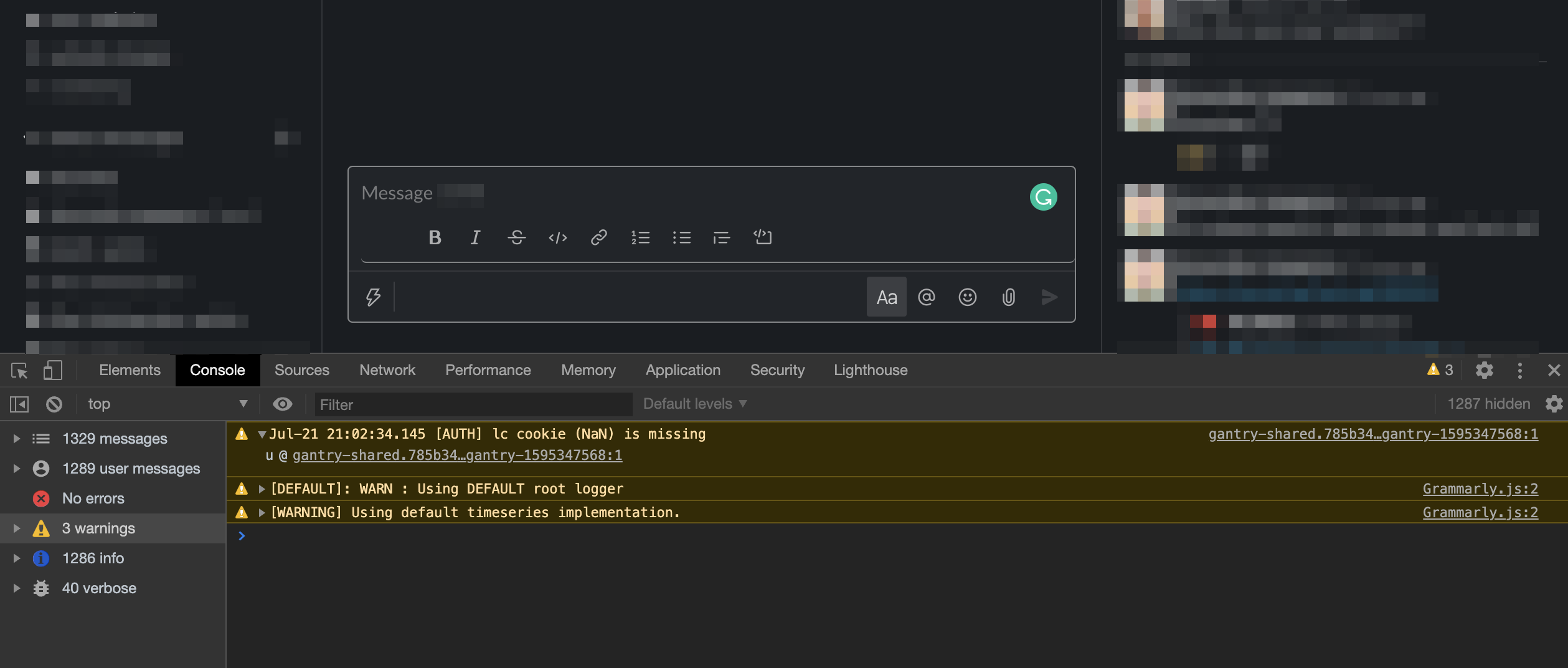
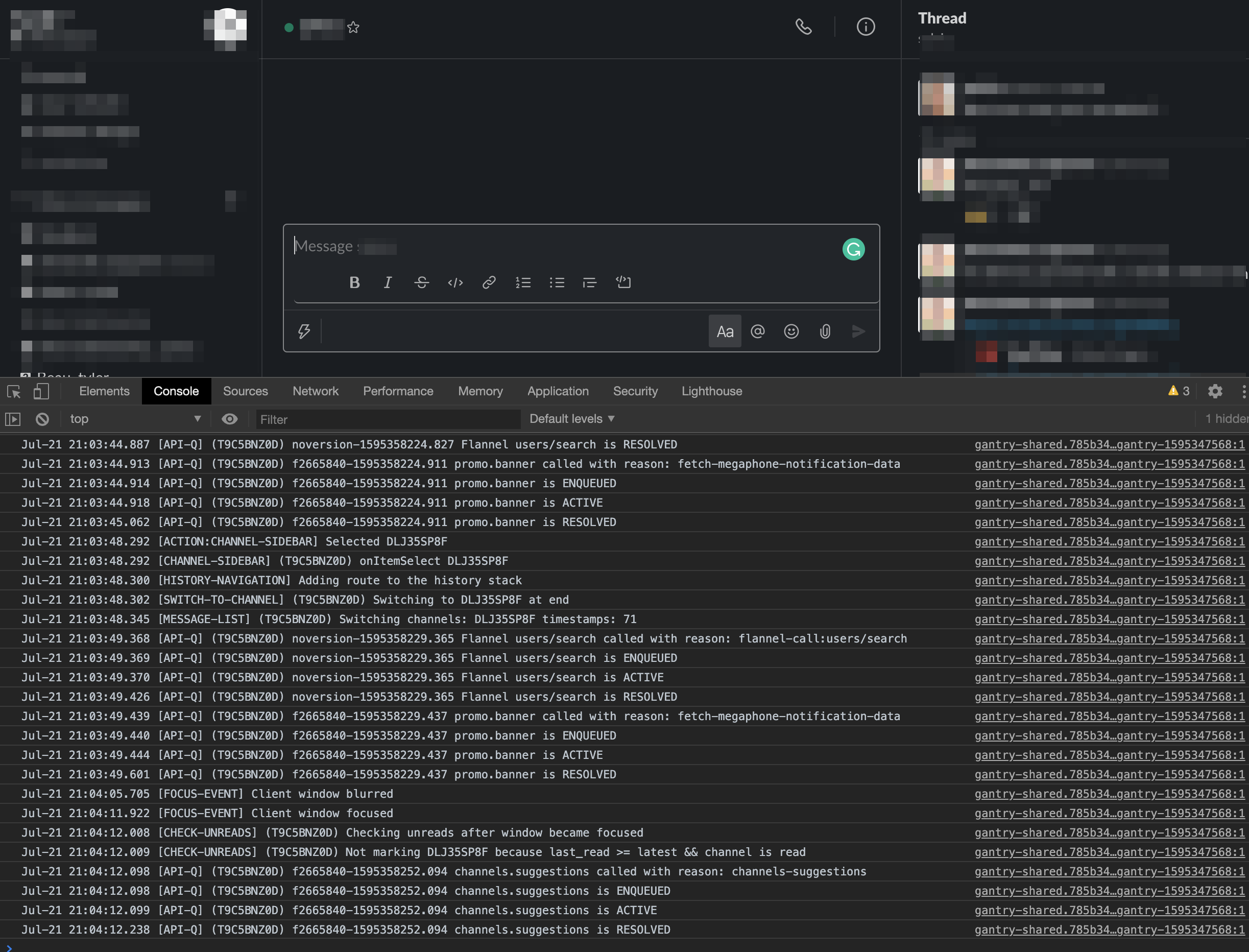
Thanks! I use Grammarly and haven't seen it, so I doubt it's that. There doesn't look like anything too suspicious in the dev tools either.
I wonder if it's a rendering glitch rather than a resources problem. If you disable hardware acceleration under Settings > Advanced, can you see if that makes a difference? If not I'll have a word with the team here see if they have any more suggestions
@Thomas101 nope, it does not help, but I found a consistent pattern, render issue happens after slack goes to sleep(save my RAM I think) so after tab with Slack team wakeup, I have this issue, happens also when I switch between Slack teams(sleeping tabs) under different profiles :/
If you cycle the tab in and out of sleep (i.e, right click on the app and pick "sleep"). Then wake it up again does it do it then?
@Thomas101 YES! if turn tab to sleep and wakeup it again the slack had render issue :)
Okay brill. It would be helpful to try and get a similar setup here to see if we can reproduce. Can you go to Settings > Advanced > Generate Diagnostics and when that's complete click send to Wavebox. Then drop support [at] wavebox.io a message so I can pick up on it from there.
Also are there any public Slacks that I would be able to join and give a go, just in case it's a down to a specific Slack (I think this is unlikely, but might help!)
@Thomas101 I sent reports from my both macs and regarding slack teams, it's happened for all teams I have on wavebox, even public teams like WordPress https://make.wordpress.org/chat/
