

 wasabeef
Bug: can't import
I see this:
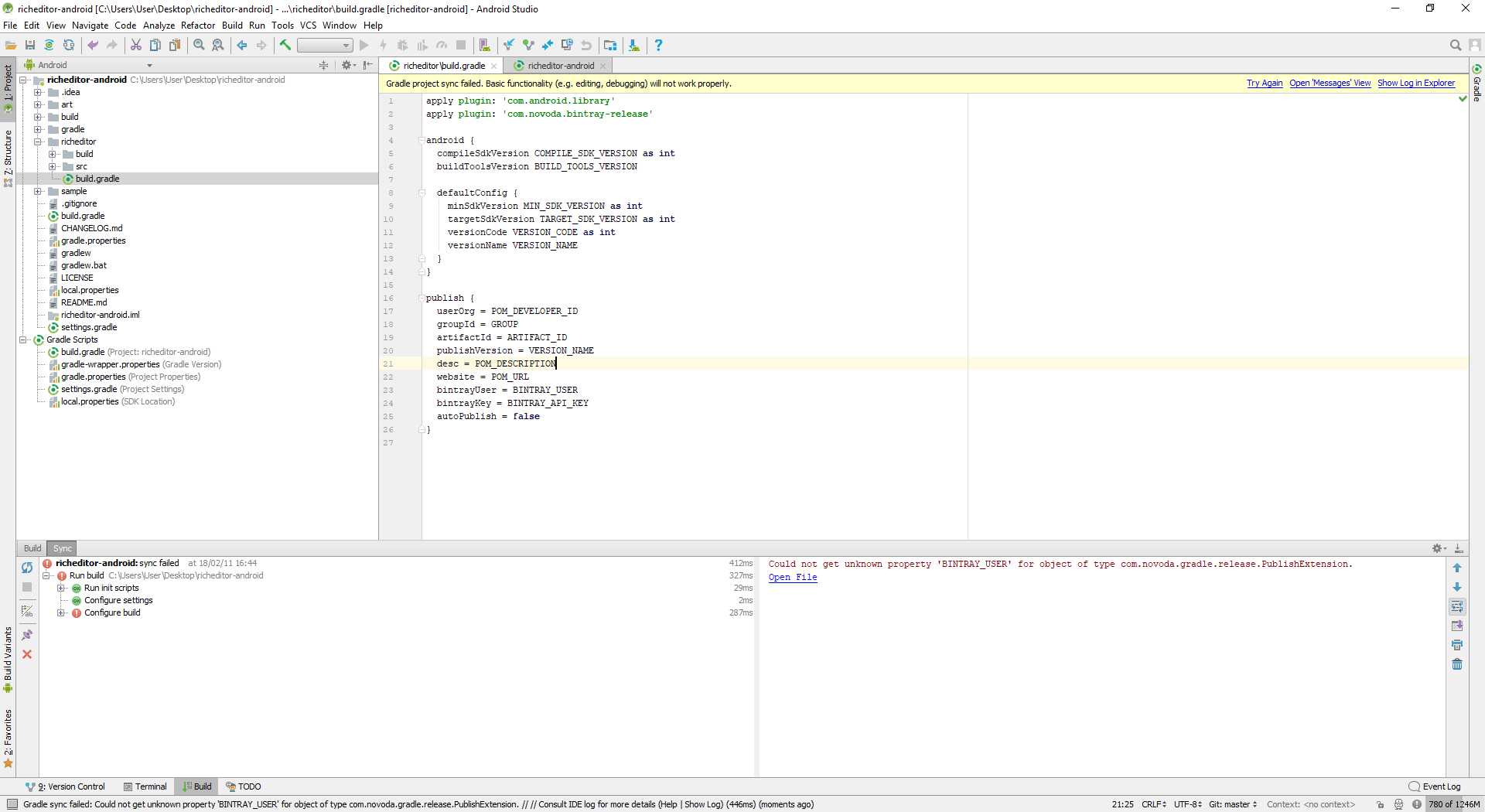
I tried to remove the part of the "publish", but still got an error:
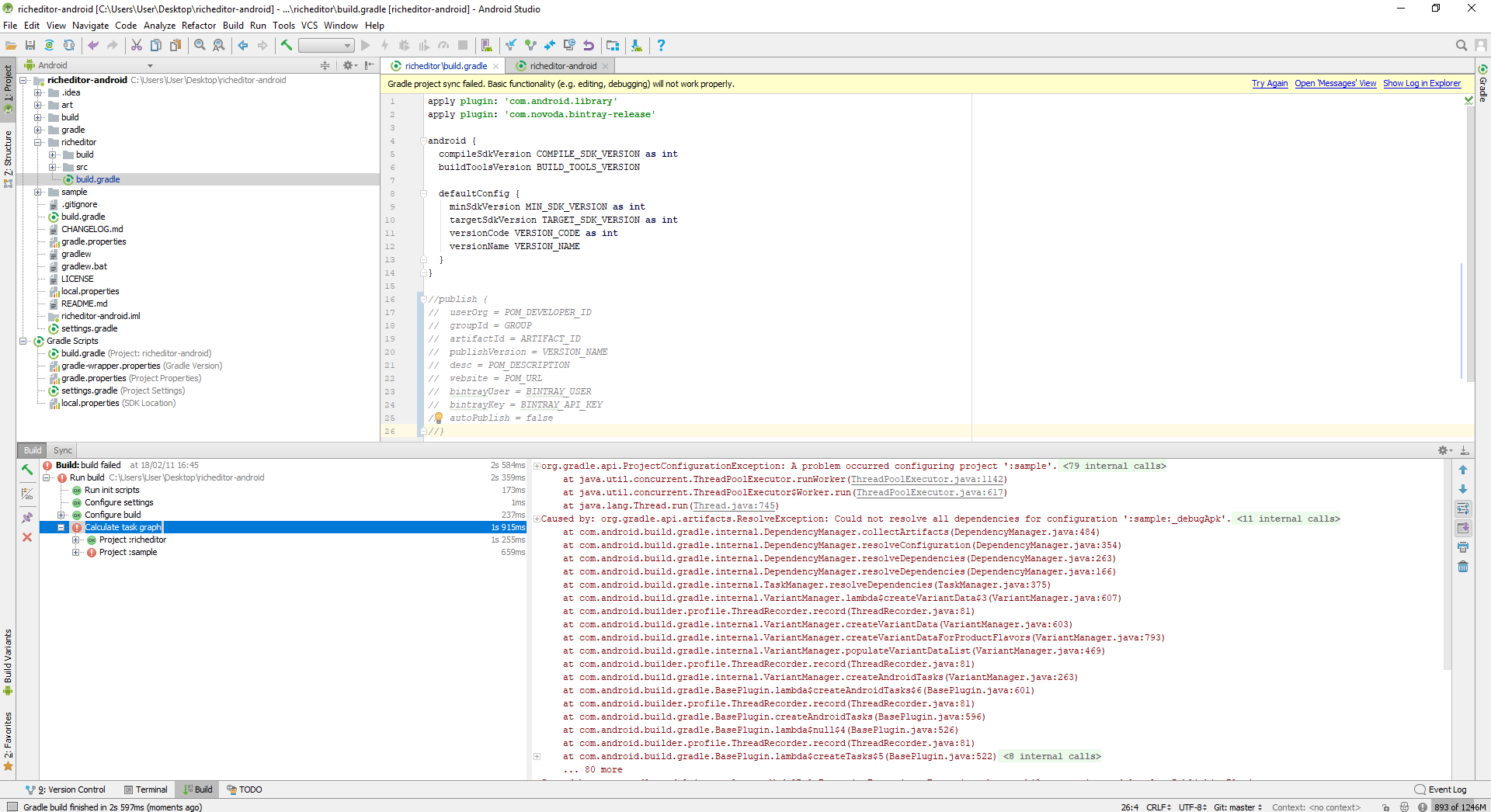
How come?

I can't even download the sample from the Play Store: https://play.google.com/store/apps/details?id=jp.wasabeef.sample

publish {
  userOrg = POM_DEVELOPER_ID
  groupId = GROUP
  artifactId = ARTIFACT_ID
  publishVersion = VERSION_NAME
  desc = POM_DESCRIPTION
  website = POM_URL
//  bintrayUser = BINTRAY_USER
//  bintrayKey = BINTRAY_API_KEY
  autoPublish = false
}
you should delete bintrayUser & bintrayKey

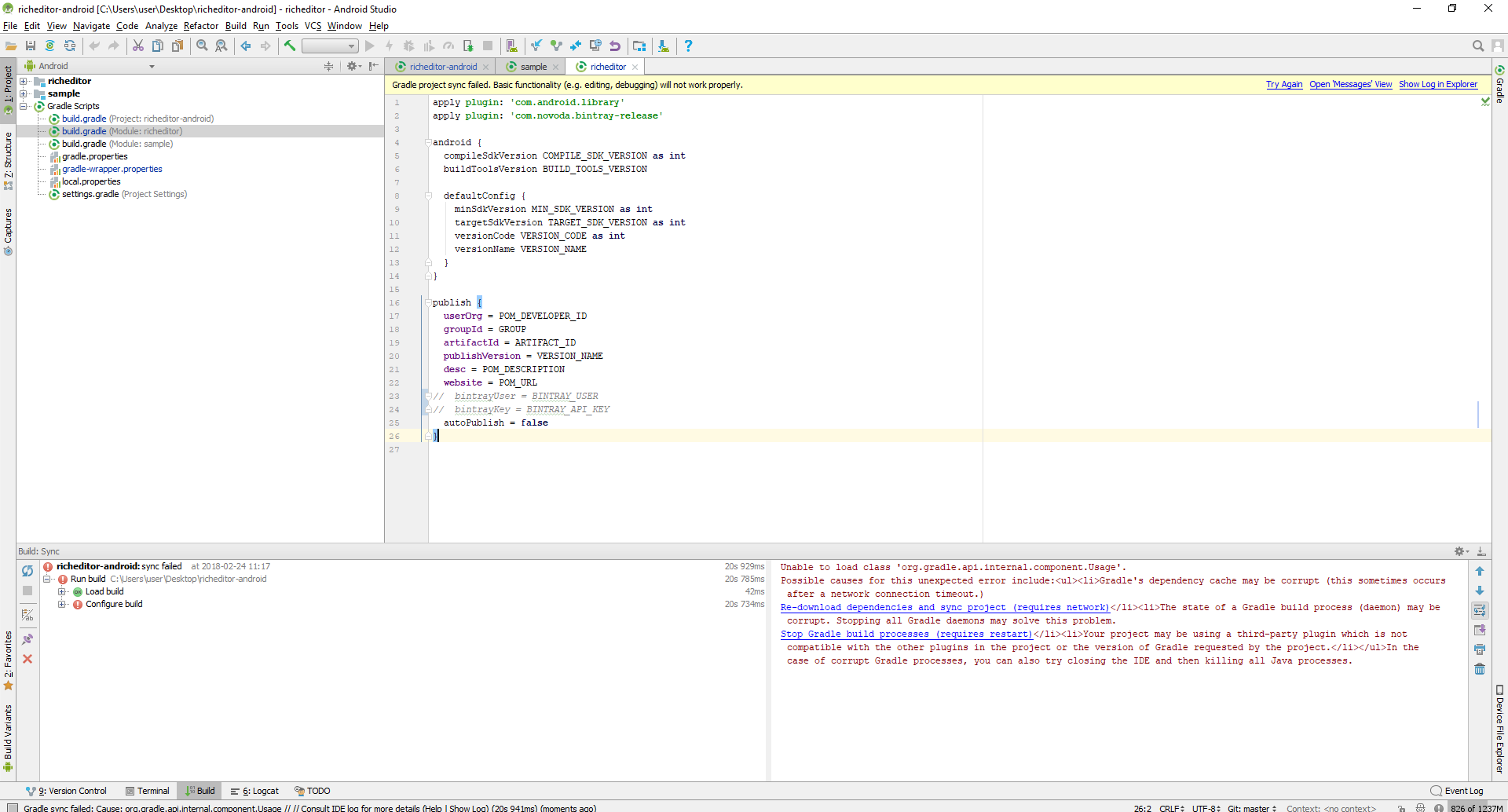
@AndroidDeveloperLB the errors seem like download library error,check you network .
I think your gradle version is too high , some plugin don't compatibility.
in build.gradle
...
 dependencies {
        classpath 'com.android.tools.build:gradle:3.2.0-alpha04'
//        classpath 'com.novoda:bintray-release:0.3.4'
    }
in /richeditor/build.gradle
apply plugin: 'com.android.library'
//apply plugin: 'com.novoda.bintray-release'
...
//publish {
//  userOrg = POM_DEVELOPER_ID
//  groupId = GROUP
//  artifactId = ARTIFACT_ID
//  publishVersion = VERSION_NAME
//  desc = POM_DESCRIPTION
//  website = POM_URL
//  bintrayUser = BINTRAY_USER
//  bintrayKey = BINTRAY_API_KEY
//  autoPublish = false
//}
or you can use this project config.
@nuoxiang The gradle version is fine. It will occur on the stable version too:
classpath 'com.android.tools.build:gradle:3.0.1'
Please update the project to work at least with the stable version of gradle, without the need of us changing anything in the code to make it work.
Only after commenting what you wrote, including the buildToolsVersion part (it's written twice for some reason) , it builds fine:
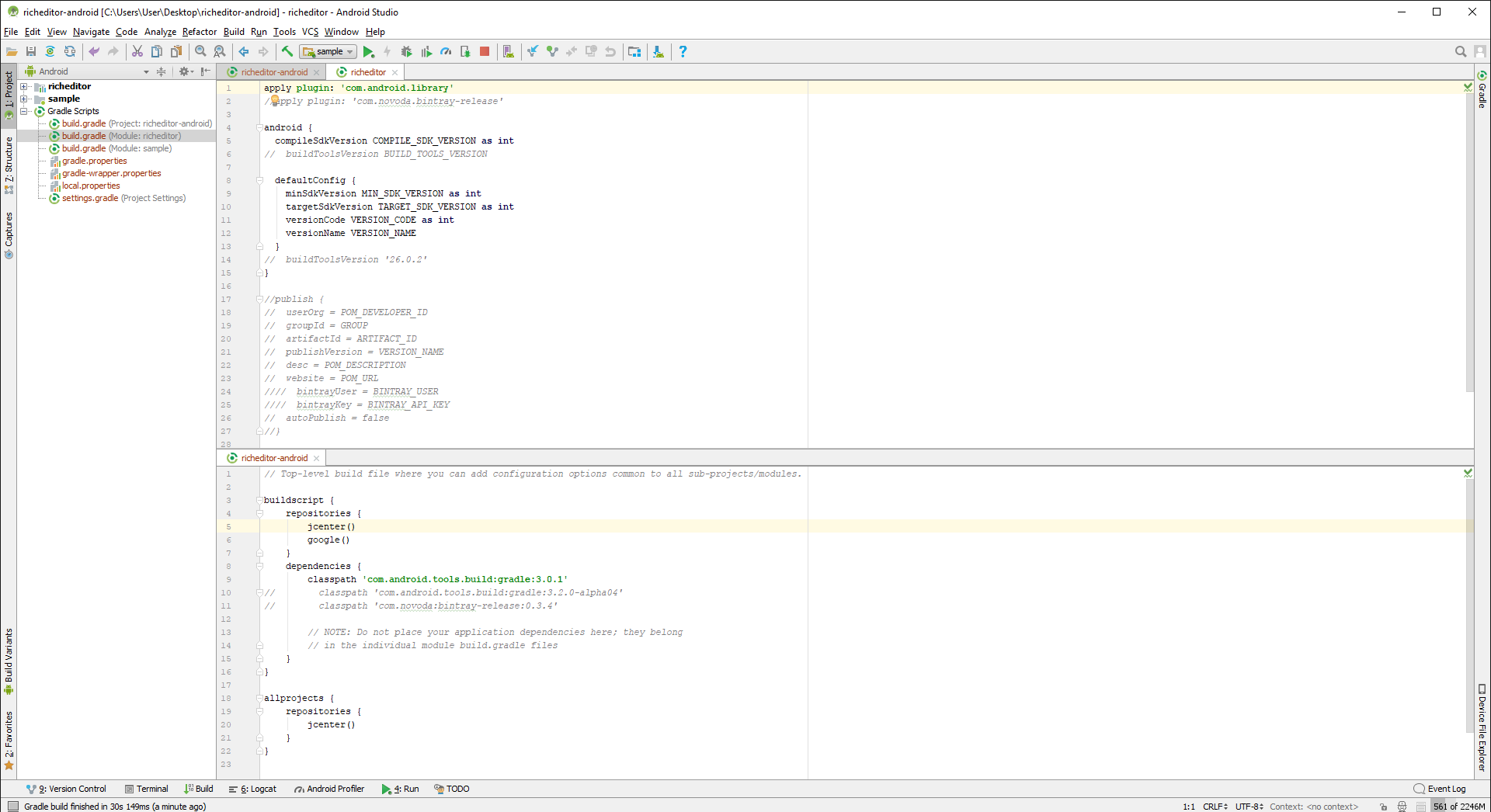
com.novoda.bintray-release plugin maybe have compatibility,the plugin only use publish library.
@nuoxiang That may be, but still it ruins the entire build for anyone who wish to try this sample.
@AndroidDeveloperLB I got the same trouble, and have solved according to your method . thanks.

@CnPeng I hate the cases that I need to modify the project to make it build fine. Versions of components is one thing, but messing around with random text in the gradle files...
