

 wallabag
Docker menu icons cant show
Hi
wallabag interface menu icons can't show. instead it shows overlapped text
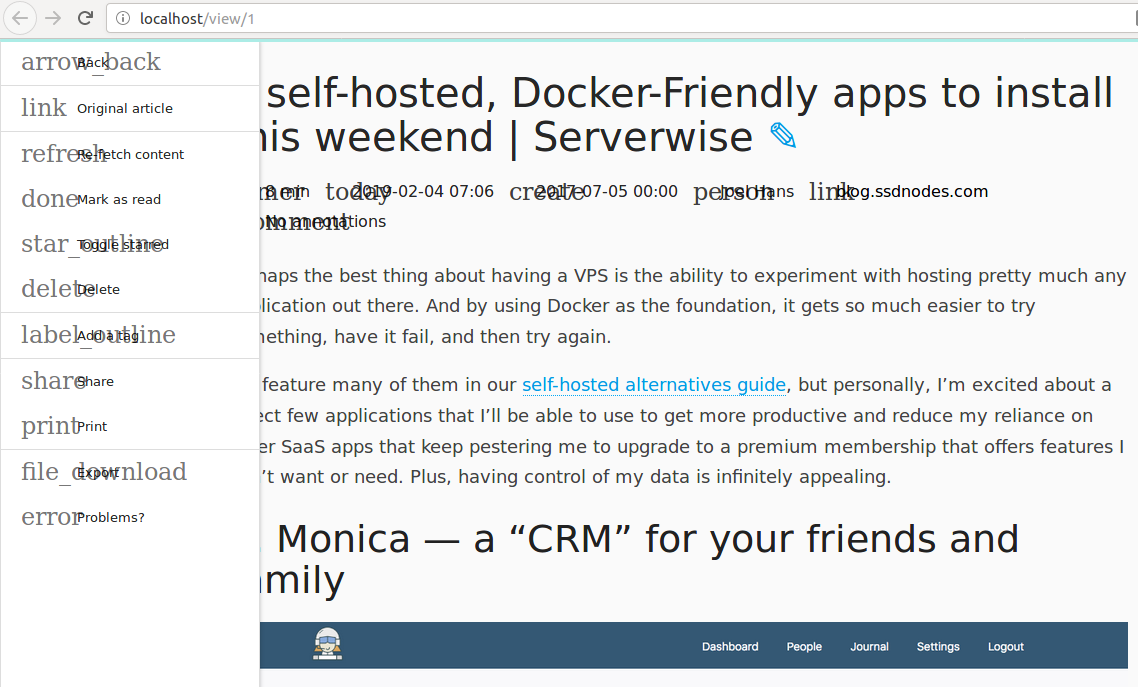

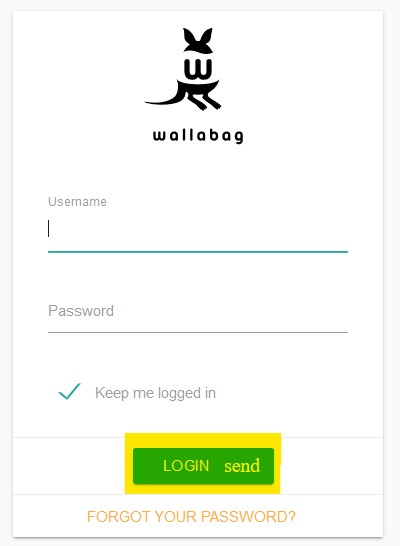
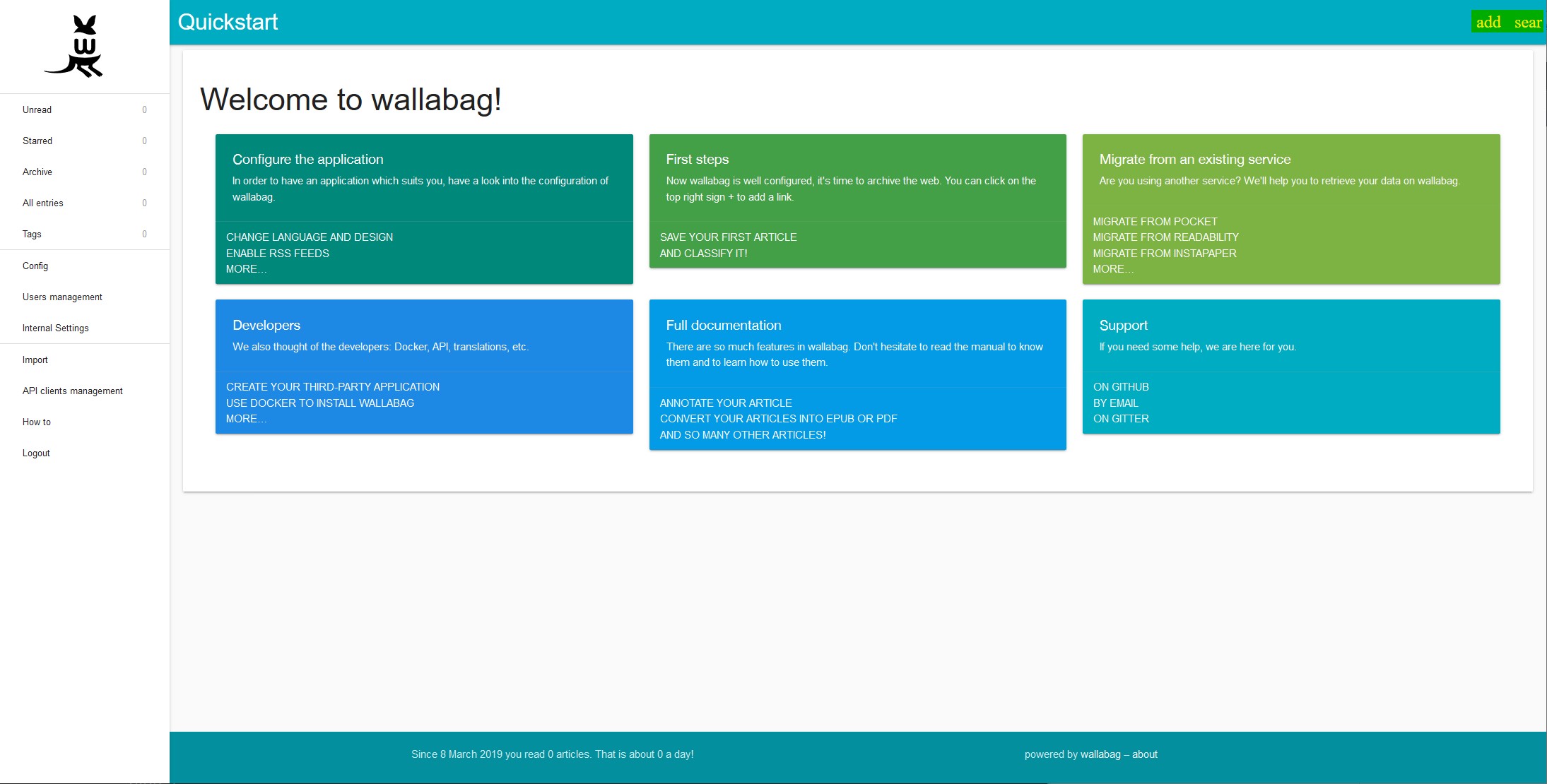
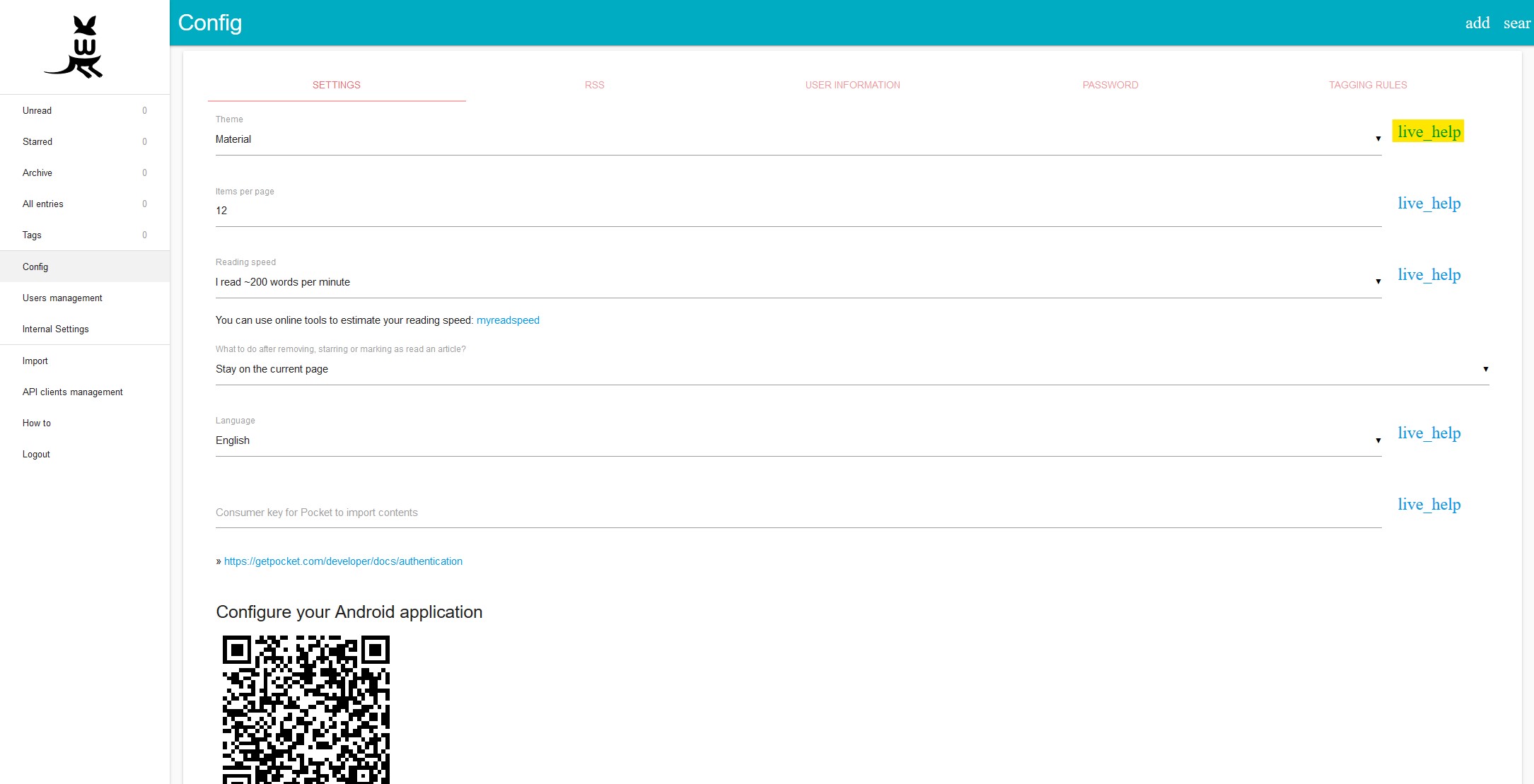


I did in my compose file, but I realized afterwards that I was seeing different behavior depending on whether I was accessing the web server through the domain name or through the container's IP address. The issue didn't present itself when I accessed it through its configured domain name, so the fault is mine. That might be the issue @pts18665 is having as well.
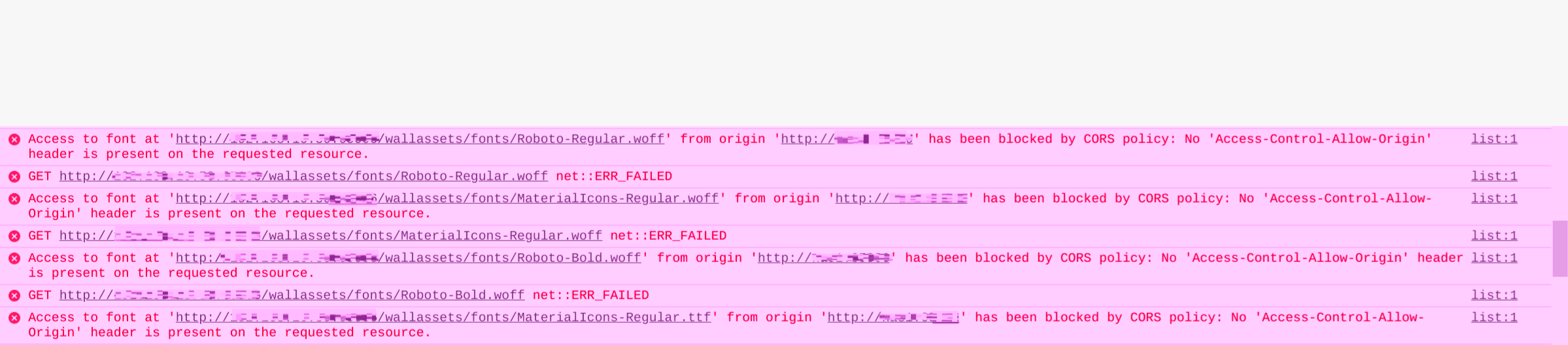
This is kind of interesting. It looks like the font used for the icons gets blocked by the "Cross-origin" policy. That's why it only works on the domain you specify in SYMFONY__ENV__DOMAIN_NAME.
I wouldn't call it a longterm fix, but you can use a bit of CSS in something like Stylus:
@font-face {
    font-family: Material Icons;
    font-style: normal;
    font-weight: 400;
    src: url(https://fonts.gstatic.com/s/materialicons/v47/flUhRq6tzZclQEJ-Vdg-IuiaDsNc.woff2) format('woff2');
}
To load the font via Google. Just be sure to take advantage of the "Applies to" feature of Stylus so you can limit it to your domains.
Would it be possible to include the font with Wallabag itself if it's integral to the design? More and more browsers are blocking cross-origin / third party content by default.

Same icon missing problem here. In browser console shows the CORS error: 'Access-Control-Allow-Origin' missing.
Addition of
add_header 'Access-Control-Allow-Origin' 'https://example.com'
in Nginx solved my problem.

See also https://github.com/wallabag/wallabag/issues/4993#issuecomment-1368520380
