

 wallabag
Docker invalid image?
Hi, When I execute:
$ docker run -p 8080:80 wallabag/wallabag
I have this screen
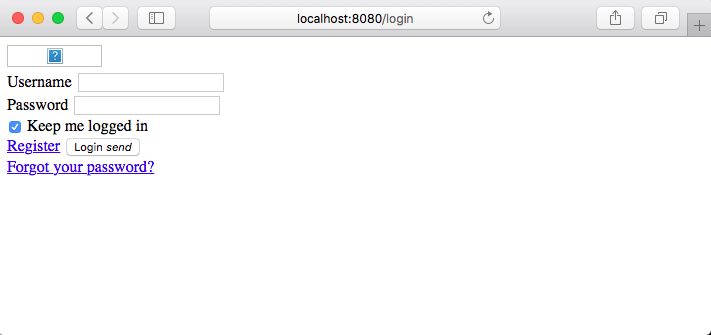

You need to set the SYMFONY__ENV__DOMAIN_NAME variable so that the CSS/JS assets are loaded properly.

Indeed I got a local test instance running as expected with:
docker run --rm -e "SYMFONY__ENV__DOMAIN_NAME=http://localhost:1080" -p 1080:80 wallabag/wallabag
If customizing SYMFONY__ENV__DOMAIN_NAME is mandatory, I don't understand, why there is a non-working default. :thinking:

Hello. Thank you TofPlay for your question and Dennistang for the answer.
Yes, SYMFONY__ENV__DOMAIN_NAME appears nor in docker-compose (official Docker image website), nor in Dockerfile. Of course, the customize depends on eachone configuration, but, you right m0, it should be great to read a little comment in config files about the SYMFONY__ENV__DOMAIN_NAME.
Shoud it posible to add it ?
Thanks and best regards all.


Hi! I solve the problem loading the css using that variable. But, the icon dosn't show up, as you can see down.
I'm testing befor deploy. this is the command that I run:
sudo docker run --rm -e "SYMFONY__ENV__DOMAIN_NAME=http://walla.my.domain:8080" -p 8080:80 wallabag/wallabag
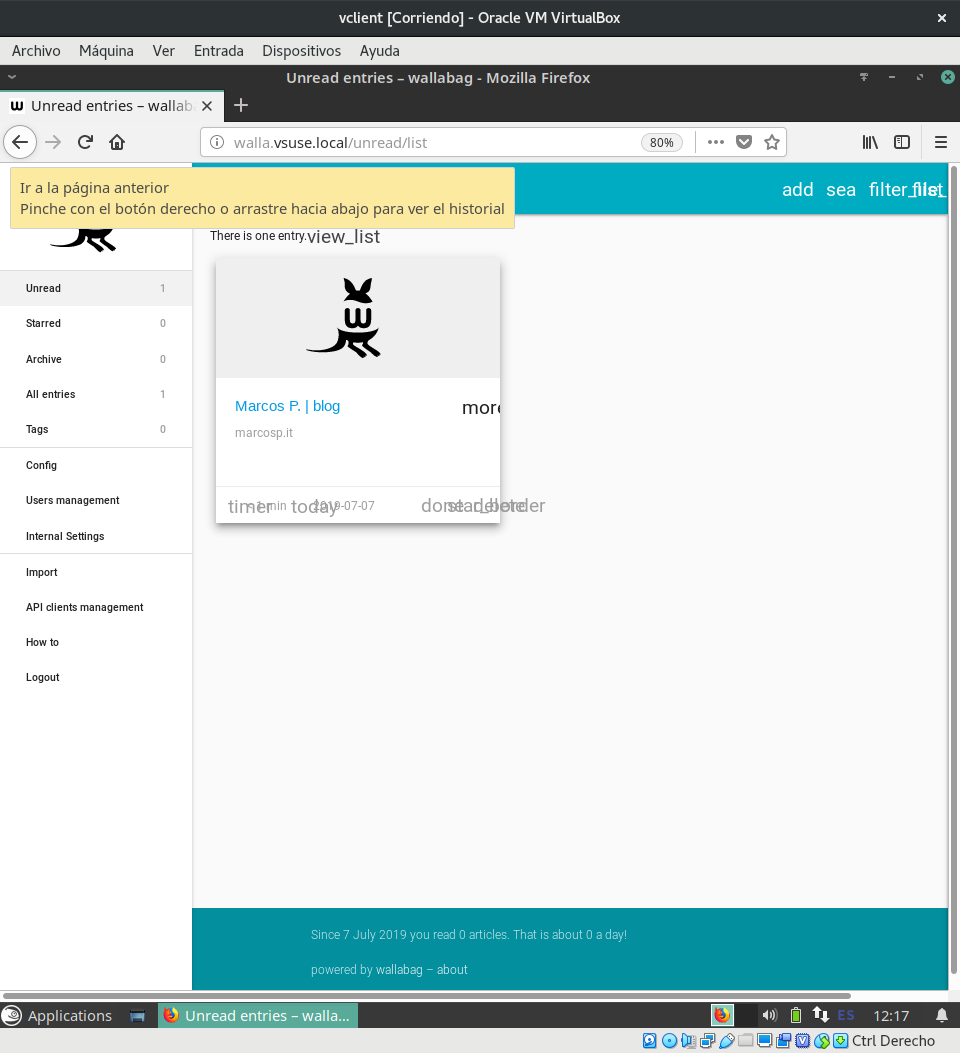
This need another variable to set?

This CSS works for me on my own instance:
https://github.com/wallabag/docker/issues/146#issuecomment-513530225
