vsch
vsch
Move caret to next space character
does the plugin support such feature? to move caret to next space character what does "move caret to next customized" mean, I couldn't understand, can I make some customized rule for caret moving? It would be cool feature, my problem is that by default ctlr+leftArrow | rightArrow stop to the characters like ".(,>" and I want it to stop only at space " " character

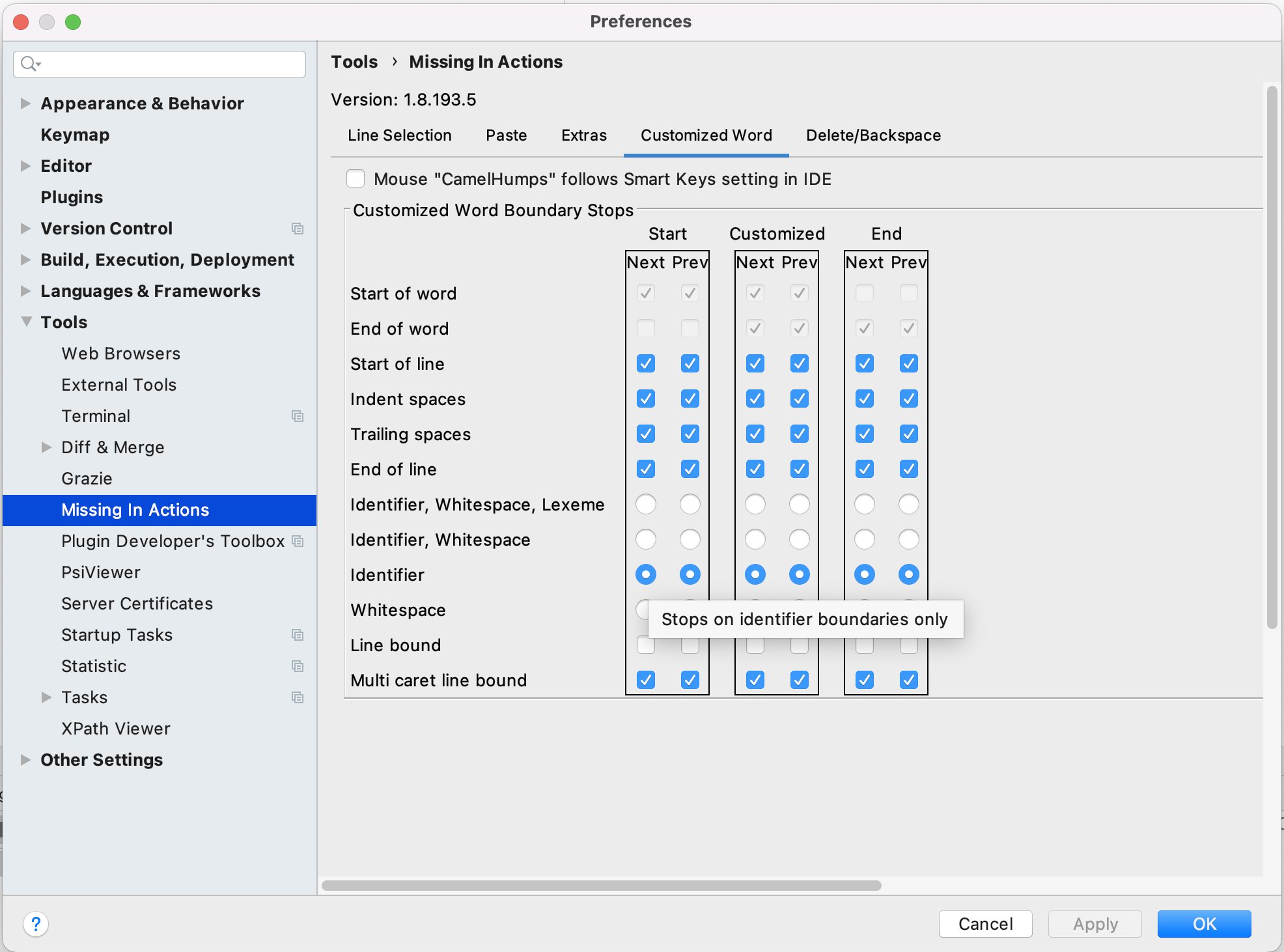
"move caret to next customized" means you can customize all the possible locations the caret will stop at, look in settings under "Customized Word" and you will see three columns, representing Move Caret to Next/Prev Start of Customized/End of Customized/Customized
If you rest the cursor on an option box the tooltip will give a hint to what it does.