
VKExpandableButton
 VKExpandableButton copied to clipboard
 vladislav-k
Easy to use expandable button in Swift
VKExpandableButton
Description
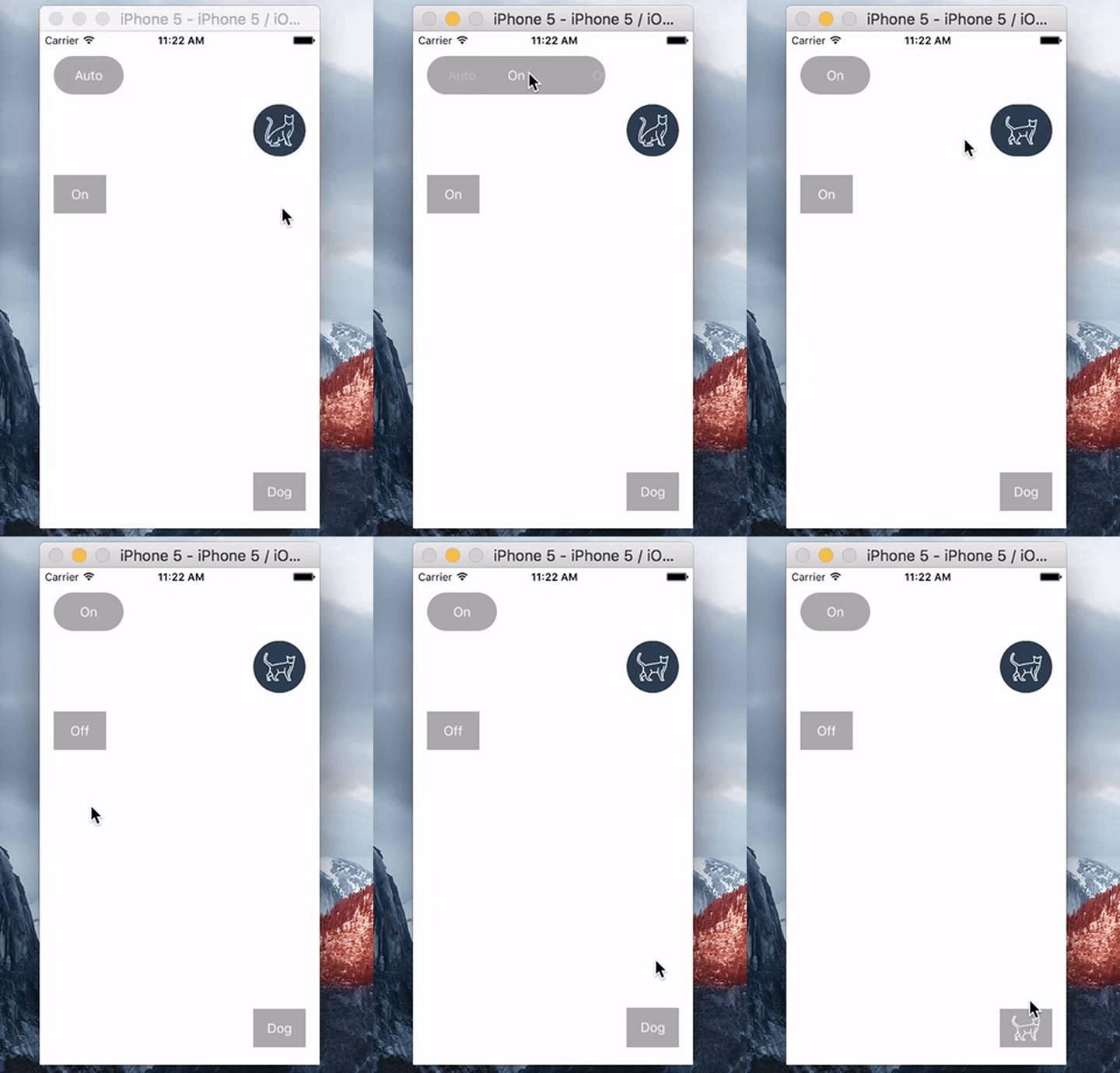
VKExpandableButton is a simple and easy-to-use expandable button written in Swift. You can put any String or UIImage inside it's content and customize it as you wish.
Installation
For now you can install VKExpandableButton manually only.
-
Add
VKExpandableButton.swiftclass into your Swift project (or via Bridging header into Obj-C project). -
Add
UIViewin your storyboard and subclass it asVKExpandableButtonor Create it manually from code.
Example project
Example project shows how you can four VKExpandableButton with different content. To test it, clone the repo and run it from the Example directory.
Usage
Directions
VKExpandableButton supports four different directions:
• Top
• Right
• Bottom
• Left
Example
As mentioned before VKExpandableButton is easy to use. Here is a quick code example:
// Add manually VKExpandableButton with text content via code
// Direction: RIGHT (from left to right)
self.buttonRight                = VKExpandableButton(frame: CGRectMake(16, 28, 80, 44))
self.buttonRight.direction      = .Right
self.buttonRight.options        = ["Auto", "On", "Off"]
self.buttonRight.currentValue   = self.buttonRight.options[0]

self.buttonRight.optionSelectionBlock = {
	index in
	print("[Right] Did select option at index: \(index)")
}

self.view.addSubview(self.buttonRight)
Customization
This class is very flexible for customization. You can set text/selection/backgroud colors, text fonts, image insets etc. See more info in VKExpandableButton.swift file. Also you can combine both String and UIImage content in a single button.
Author
Vladislav Kovalyov, http://woopss.com/
License
VKExpandableButton is available under the MIT License. See the LICENSE file for more info.
 vladislav-k