

 verbb
verbb
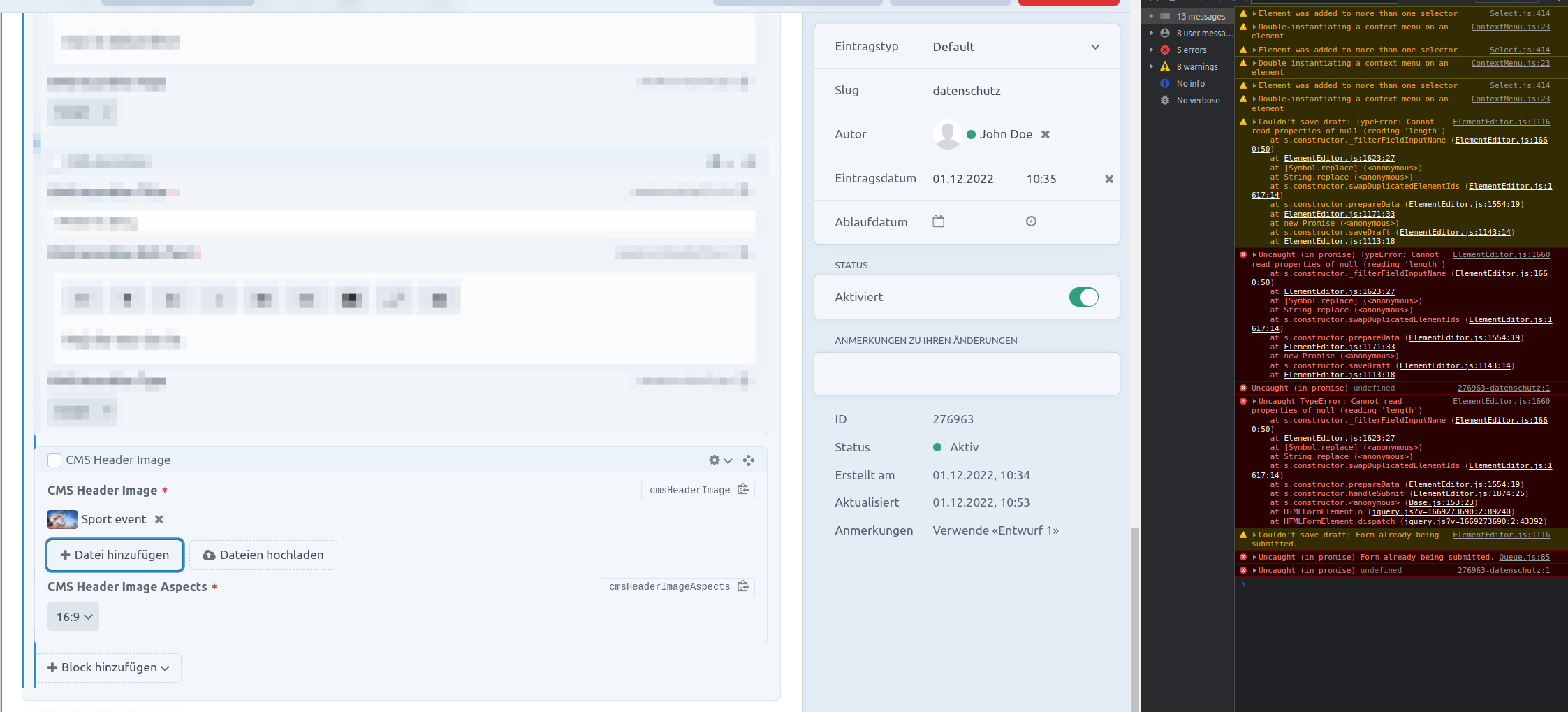
Saving not possible due to console error
Describe the bug
When adding a new element it happens that during the automatic creation of the draft there appears an error in the console. Trying to save then throws another error.
Refreshing the page and having it in Draft (with entered data lost for the new item) now works with saving.
You can see the log output in this screenshot:
Steps to reproduce
- Have a SuperTable Field that has one Field as a Matrix Type
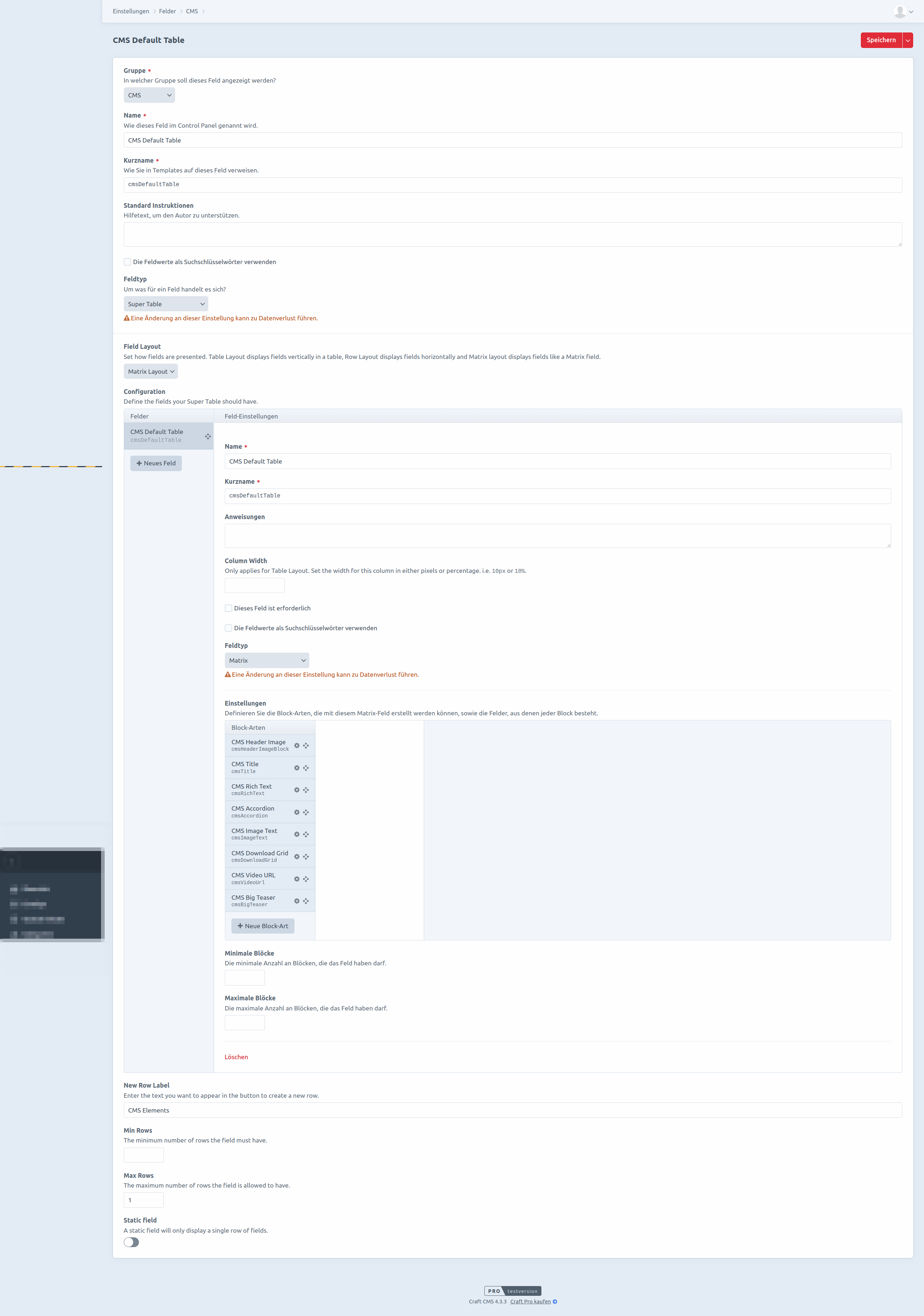
- Add a new entry and add elements
Craft CMS version
Craft Pro 4.3.3
Plugin version
3.0.5
Multi-site?
No
Additional context
Other Plugins:
- Craft Commerce: 4.2.2
- GeoMate: 2.1.0
- Imager X: 4.1.8
- Logs. 4.0.0
- Navigation: 2.0.11
- Porter: 1.0.3
- Read Only:; 1.0.5
- Redactor: 3.0.2
- Sentry SDK: 2.0.1
- Vite: 4.0.3

I'm experiencing the same issue. (At first I thought this may be related to running the queue using a daemon in the background, but i'm not sure tbh.) If there is any additional info that could be helpful, please let me know.
edit: in my case the error also affects regular matrix blocks, so it seems an issue unrelated to supertable. @segidev are you sure the queue is properly running?
