

 veracrypt
Parameter Incorrect - 6th attempt - assistance would be greatly appreciated!
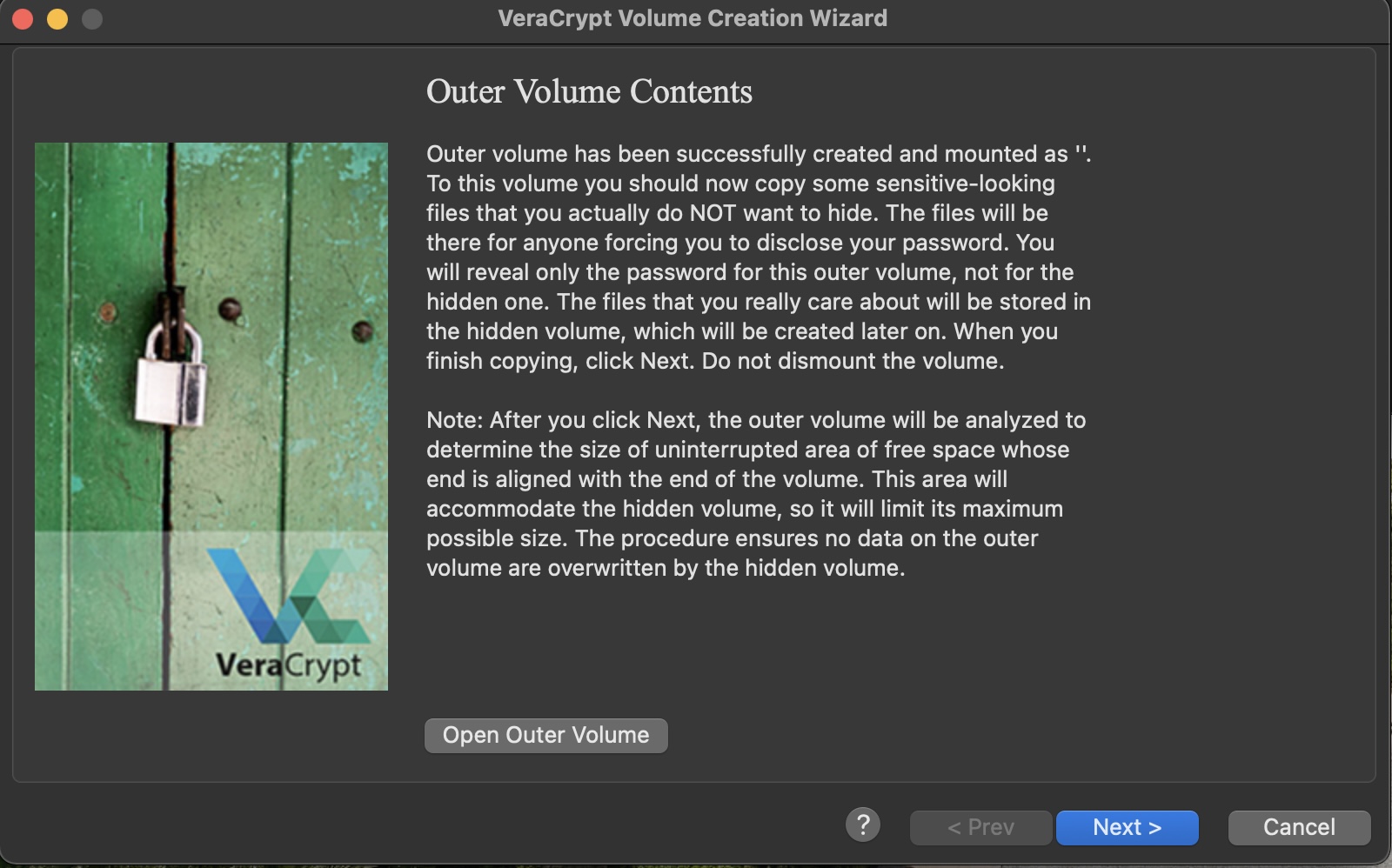
Hey there so I have tried this out of 4 separate brand new drives. By that I mean I have tried to create a hidden volume within an encrypted outer volume. I get to the exact same spot every time I try to complete this task. Once the outer volume is done creating, I copy a few files as suggested. I DO NOT dismount the volume.
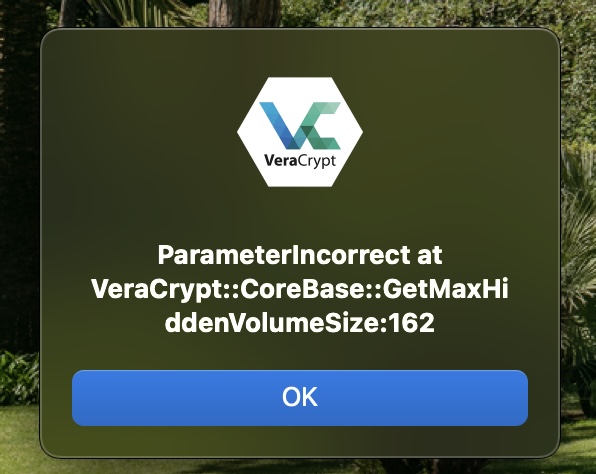
I think click next in order to create the hidden volume and go through the next set of steps. Like clockwork, this is the error message I get every single time. "ParameterIncorrect at VeraCrypt::CoreBase::GetMaxHiddenVolumeSize:162"
I have attached screenshots for visual reference.
I am running a MacBook Air (M1, 2020) with 16GB RAM, 16 Core (8 GPU, 8 on M1) and using the latest OS Big Sur 11.2.3 and have all other dependencies and requirements up-to-date.
The VerCrypt version I am running is VeraCrypt 1.24-Update8
I'm at a loss currently and have no idea what troubleshooting ideas I can try. The drive is a brand new 4TB G Drive USB-C and I've checked it out as well to make sure there are no physical issues or corrupted parts.
Any and all help would be greatly appreciated!
Any other info that would help, just ask, and Ill fire it up here.

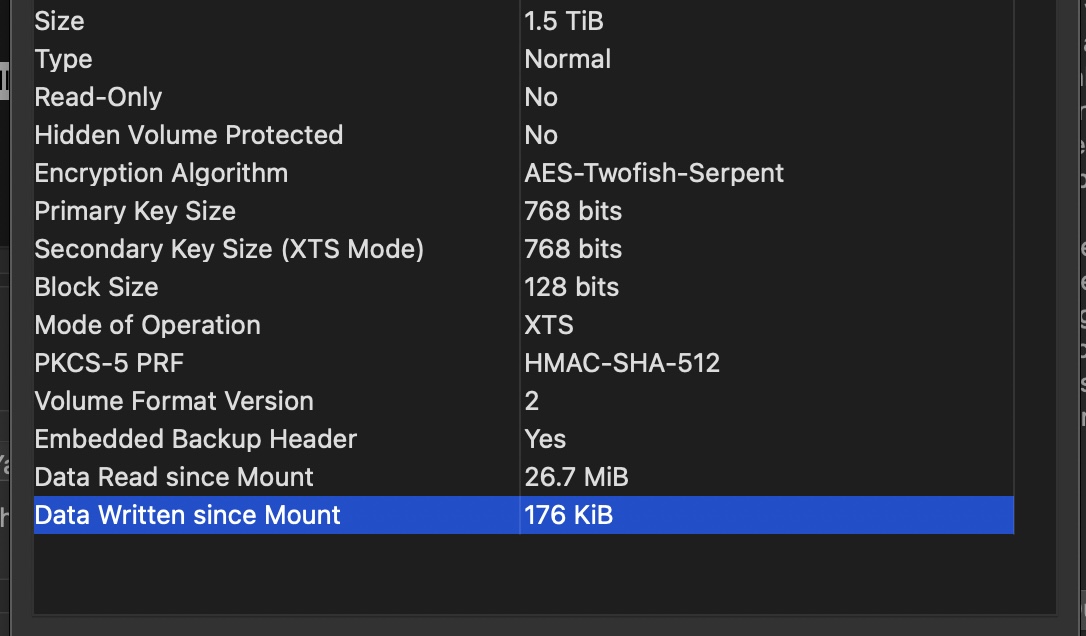

Just ran into this issue, was creating a hidden volume to test run, params are below:
- Create Outer Hidden Volume with APFS format, sized at 16 MB
- Enter password and generate entropy, etc
- Format
- Proceed to create inner volume
- Error occurred


The issue is caused by the choice of APFS for outer volume filesystem: we don't know how to compute the bitmap of used cluster taken by APFS filesystem in order to determine the maximum available size for the hidden volume.
In order to avoid the issue, please select exFAT (or FAT) for the outer volume filesystem.


I think changing the ifdef here: https://github.com/veracrypt/VeraCrypt/blob/c0ff7a7c521b1d658316d9a177383ab0c403007a/src/Main/Forms/VolumeCreationWizard.cpp#L1098
to #if defined (TC_UNIX) || defined (TC_MACOS) could fix the problem.
The exception is being thrown by https://github.com/veracrypt/VeraCrypt/blob/c0ff7a7c521b1d658316d9a177383ab0c403007a/src/Main/Forms/VolumeCreationWizard.cpp#L1131
Unfortunately I think the outerVolumeAvailableSpaceValid variable is not set because the ifdef doesn't get executed.
I've tested the code inside the ifdef and it appears to compile and run on macOS. I haven't been successful in compiling VeraCrypt itself tho, so I can't say it fixes the runtime error.

That's fine and dandy, but who in their right mind would format a 1TB SSD as FAT32? That seems like a dead give away that there's a false bottom in that chest.
If anything, this bug prevents you from formatting the outer volume as anything but FAT.
edit: I'd like to clarify that I'm trying to use exFAT for the outer volume, but I still see this error. It only works with FAT32 for the outer volume.
I'm getting the same error. Starting with 1TB SSD and 2020 M1 MBP. Vera is on 1.25.9, MBP is 13.1. Partition it into two 500gb partitions, both exFat. Load Vera, select hidden volume, select one of the partitions to encrypt using AES/SHA512. Creates outer volume no prob, bob.
After, when moving to the hidden volume creation, it fails with the exact same error.

I'm getting the same error. Starting with 1TB SSD and 2020 M1 MBP. Vera is on 1.25.9, MBP is 13.1. Partition it into two 500gb partitions, both exFat. Load Vera, select hidden volume, select one of the partitions to encrypt using AES-256. Creates outer volume no prob, bob.
After, when moving to the hidden volume creation, it fails with the exact same error.
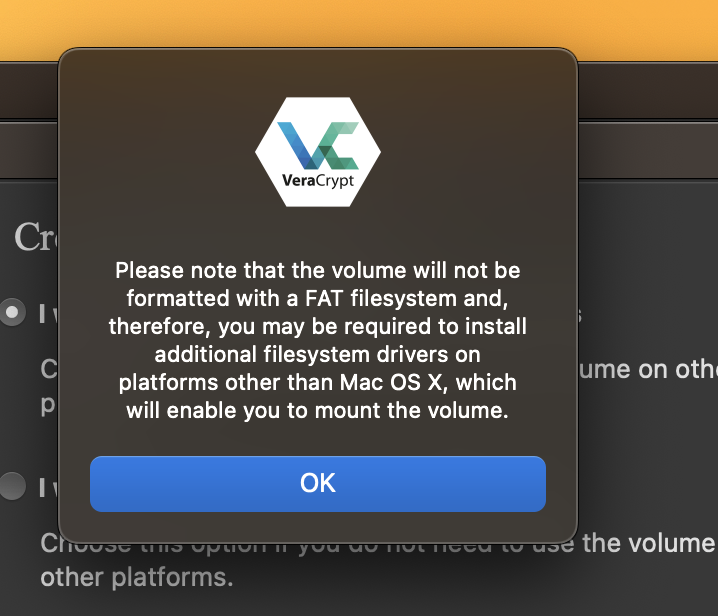
I do get these popups, indicating I am not using a FAT filesystem, but I have selected exFat. Related? Unsure.
having the same problem with Ventura on Apple silicon. Can't believe this thread is already so old and still no patch or solution for this. Last version already dates from more than a year back. Has development halted on Veracyrpt?

Do I have to come to the conclusion that hidden volumes are completely unusable on MacOS? This issue has been unsolved for almost 3 years.

Updating Java on macOS helped me solve this issue in my circumstances. Worth double-checking for anyone experiencing this.
Experiencing same issue. Following thread.
I'd just met this problem during I create a hidden volume for a 235GB APFS outer volume in a 512GB SSD Driver. It says:
ParameterIncorrect at VeraCrypt::CoreBase::GetMaxHiddenVolumeSize:156
My environment(Work&Test):
-About My Work Laptop-
macOS: macOS Monterey 12.6.5,
CPU: Intel,
-About Tools Version-
macFUSE: 4.2.5,
VeraCrypt: 1.26.7,
java: openjdk version "1.8.0_292",
-About Outer SSD USB Drive-
Driver brand: lexar E300,
SSD brand: Lexar ARES(R7400MB/s),
SSD format: APFS,
SSD size: 512GB,
-About Outer Encrypted Volume-
format: APFS,
size: 238GB.
-About Another external portable SSD-
Driver brand: SSK SD600,
SSD format: ExFAT,
SSD size: 500GB.

I'm getting the same error. Starting with 1TB SSD and 2020 M1 MBP. Vera is on 1.25.9, MBP is 13.1. Partition it into two 500gb partitions, both exFat. Load Vera, select hidden volume, select one of the partitions to encrypt using AES-256. Creates outer volume no prob, bob. After, when moving to the hidden volume creation, it fails with the exact same error.
I do get these popups, indicating I am not using a FAT filesystem, but I have selected exFat. Related? Unsure.
please just click "OK", exFAT is ok for Outer volume, and then that can able to create hidden volume. Please just try it!
Please give me some minutes to explain the upstairs testing Excel photo:
-the items at the adaptation between Veracrypt and my work/test MacBook-
Well: means you never say "fucxing it, display to users friendly, Well done!";
Well(-1): means the interface while outer volume format does not display the speed and the left time;
bad: means the display box of PIM(while input the PIM number) and keyfile named(while random generator keyfiles)
has trouble and do not support using "Cmd/Ctrl" + "C" this version of Veracrypt;
-About Trouble-
#722: that bug issue #722 ;
#772:162: this bug issue #772;
#772:156: means(differ then this bug issue):
ParameterIncorrect at VeraCrypt::CoreBase::GetMaxHiddenVolumeSize:156
In conclude, in order to fix this issue #772, you need to set the format of Outer volume into ExFAT for MacOS,
then this choice could continue to create hidden volume, I've just tried it.
Also, just as @idrassi says, ExFAT Outer format fixed #772.
@idrassi, thanks a lot!
I think at one point updating macFUSE also helped solve some Parameter Incorrect issues. Also worth a try ;)