

 utmapp
Cannot install macOS 13
Description
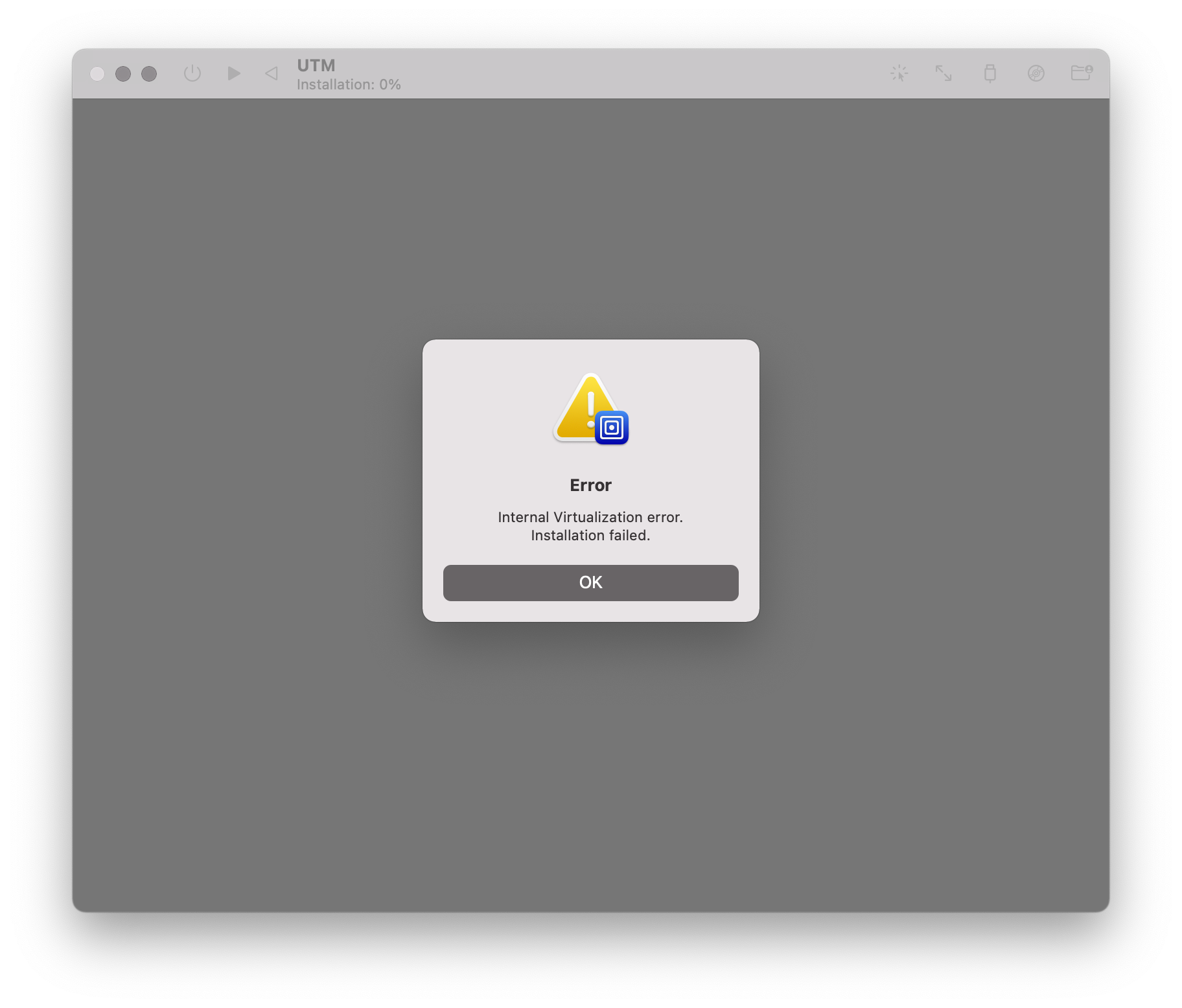
I tried installing macOS 13 beta 1 with the .ipsw image downloaded from the Apple Developer portal (SHA256 = d19186fd27e54525589e4a53f9ad631a7d1360897e003033df88612999cfe249). Installation fails after a couple of minutes of loading.
Configuration
- UTM Version: 3.2.4
- Host OS: macOS 12.2.1
- Apple Silicon (M1)
VM Config
I’m using the pre-configured macOS 12+ template which produces the following config.plist file:
<?xml version="1.0" encoding="UTF-8"?>
<!DOCTYPE plist PUBLIC "-//Apple//DTD PLIST 1.0//EN" "http://www.apple.com/DTDs/PropertyList-1.0.dtd">
<plist version="1.0">
<dict>
	<key>architecture</key>
	<string>aarch64</string>
	<key>bootLoader</key>
	<dict>
		<key>operatingSystem</key>
		<string>macOS</string>
	</dict>
	<key>consoleCursorBlink</key>
	<true/>
	<key>cpuCount</key>
	<integer>0</integer>
	<key>diskImages</key>
	<array>
		<dict>
			<key>imagePath</key>
			<string>disk0.img</string>
			<key>isExternal</key>
			<false/>
			<key>isReadOnly</key>
			<false/>
			<key>sizeMib</key>
			<integer>65536</integer>
		</dict>
	</array>
	<key>displays</key>
	<array>
		<dict>
			<key>heightInPixels</key>
			<integer>1200</integer>
			<key>pixelsPerInch</key>
			<integer>80</integer>
			<key>widthInPixels</key>
			<integer>1920</integer>
		</dict>
	</array>
	<key>icon</key>
	<string>mac</string>
	<key>iconCustom</key>
	<false/>
	<key>isAppleVirtualization</key>
	<true/>
	<key>isAudioEnabled</key>
	<true/>
	<key>isBalloonEnabled</key>
	<true/>
	<key>isConsoleDisplay</key>
	<false/>
	<key>isEntropyEnabled</key>
	<true/>
	<key>isKeyboardEnabled</key>
	<true/>
	<key>isPointingEnabled</key>
	<true/>
	<key>isSerialEnabled</key>
	<false/>
	<key>macPlatform</key>
	<dict>
		<key>auxiliaryStoragePath</key>
		<string>AuxiliaryStorage</string>
		<key>hardwareModel</key>
		<data>
		YnBsaXN0MDDTAQIDBAUGXxAZRGF0YVJlcHJlc2VudGF0aW9uVmVyc2lvbl8Q
		D1BsYXRmb3JtVmVyc2lvbl8QEk1pbmltdW1TdXBwb3J0ZWRPUxQAAAAAAAAA
		AAAAAAAAAAABEAKjBwgIEAwQAAgPKz1SY2VpawAAAAAAAAEBAAAAAAAAAAkA
		AAAAAAAAAAAAAAAAAABt
		</data>
		<key>machineIdentifier</key>
		<data>
		YnBsaXN0MDDRAQJURUNJRBNd1Q8zJpiHVQgLEAAAAAAAAAEBAAAAAAAAAAMA
		AAAAAAAAAAAAAAAAAAAZ
		</data>
	</dict>
	<key>memorySize</key>
	<integer>8589934592</integer>
	<key>name</key>
	<string>macOS Ventura</string>
	<key>networkDevices</key>
	<array>
		<dict>
			<key>macAddress</key>
			<string>4e:44:bd:7c:b3:81</string>
			<key>networkMode</key>
			<string>Shared</string>
		</dict>
	</array>
	<key>version</key>
	<integer>3</integer>
</dict>
</plist>
Screenshots
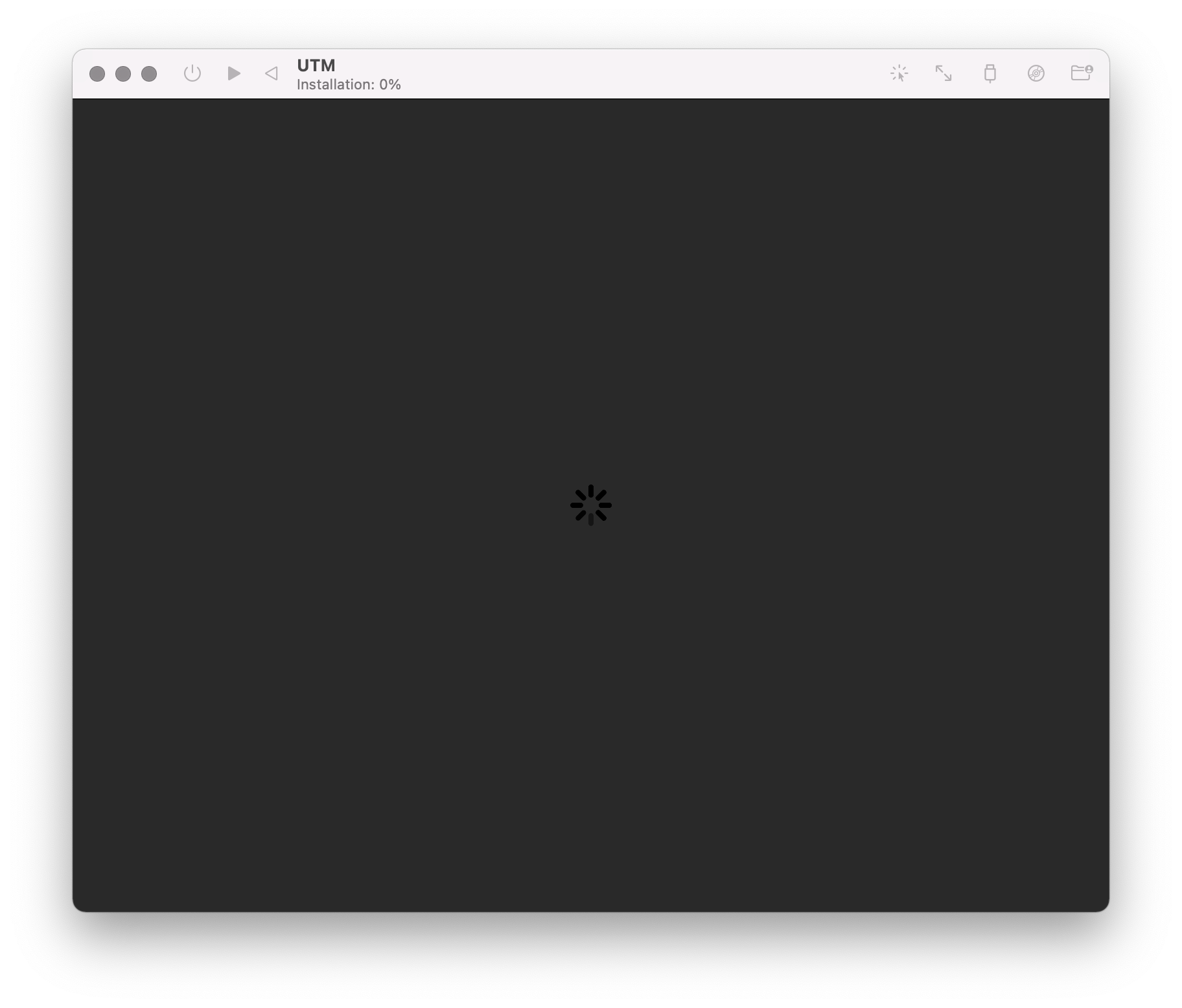
The boot process starts normally
After a couple of minutes, the error message appears
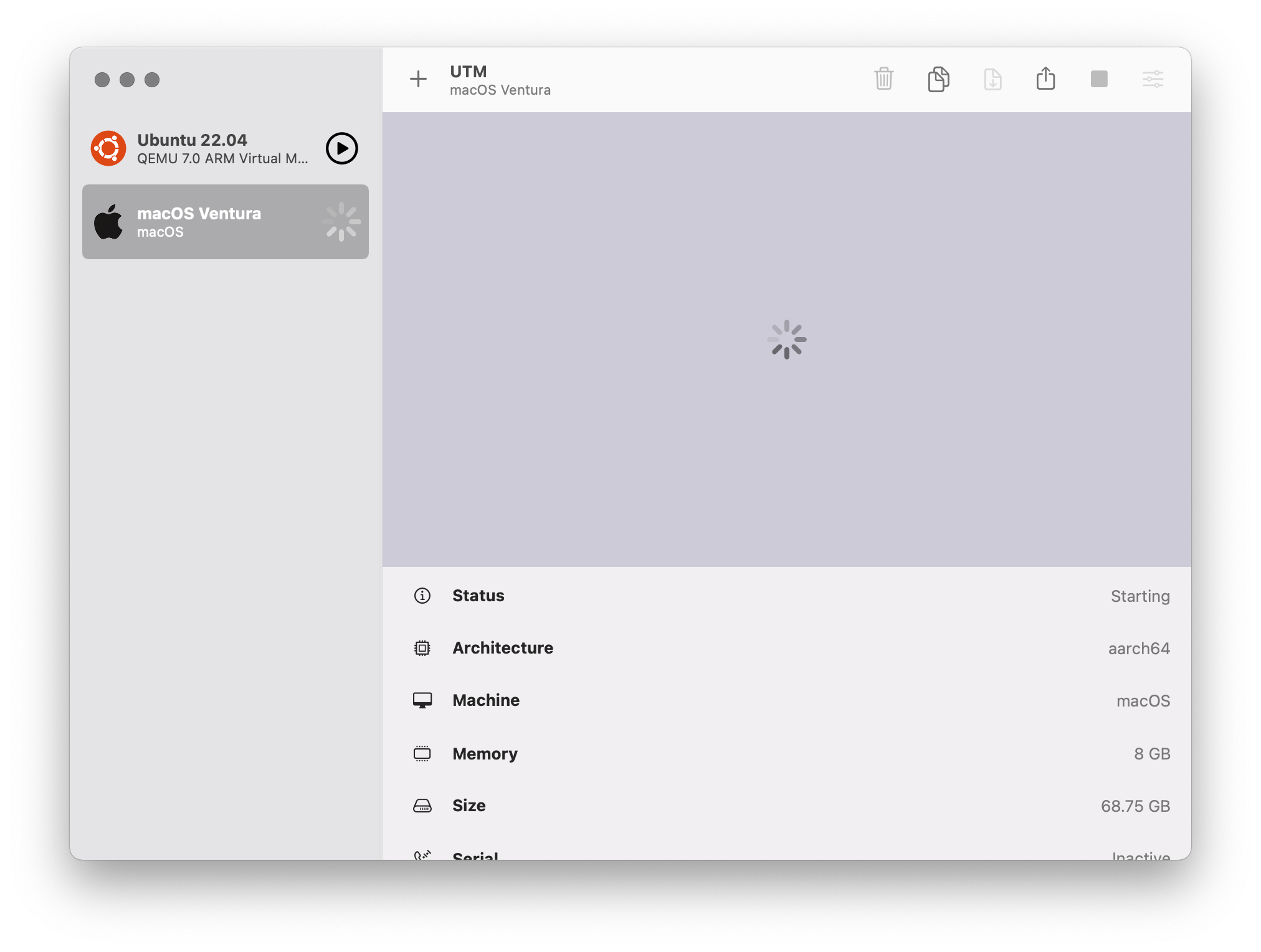
After the VM is closed, the spinning indicator remains

I am running into this as well, including after reboot of my Mac. Already running macOS 12.4!
Host: MacBook Pro M1, macOS 12.4.
Attempted to install UniversalMac_13.0_22A5266r_Restore.ipsw.
I have two system logs here that show the output between pressing OK to install macOS in the VM, and the error appearing, filtered for messages containing "virtual".
utm-13.0b1ipsw-syslog-1-filtered-virtual.log
utm-13.0b1ipsw-syslog-2-filtered-virtual.log
I gave the VM a 128GB disk and my Mac has 143 GB free. So it shouldn't be a storage issue.

Ditto. I've had the same experience. Trying to run a Ventura Beta 2 on a macOS 12.4 (21F79) host.
Trying to use UniversalMac_13.0_22A5286j_Restore.ipsw.
Can't find any logs - where are they stored ?
BTW, the "User Guide" bears no resemblance to the Virtualisation process in UTM. Means, I'm guessing what to do and how to do it.

@section83 The logs for Apple VMs are not handled by UTM. They are available in the Apple Console application.
The logs for Apple VMs are not handled by UTM. They are available.....
Thanks. I've searched the usual "Library/Logs" folders. I then scanned the system.log file for anything relevant. There was much less than you have found. (attached)